Technology News Online | Info on New Launches in Laptops & Electronics, Full Specs and Features
Author: Mahfooz CC
Mahfooz CC is a UX designer and computer engineer who writes about consumer technology launching in India. He started Tech Stories India to cover new product launches with clear specs, real prices, and no marketing fluff. He tracks laptops, Android smartphones, monitors, and electronics across Amazon India daily.
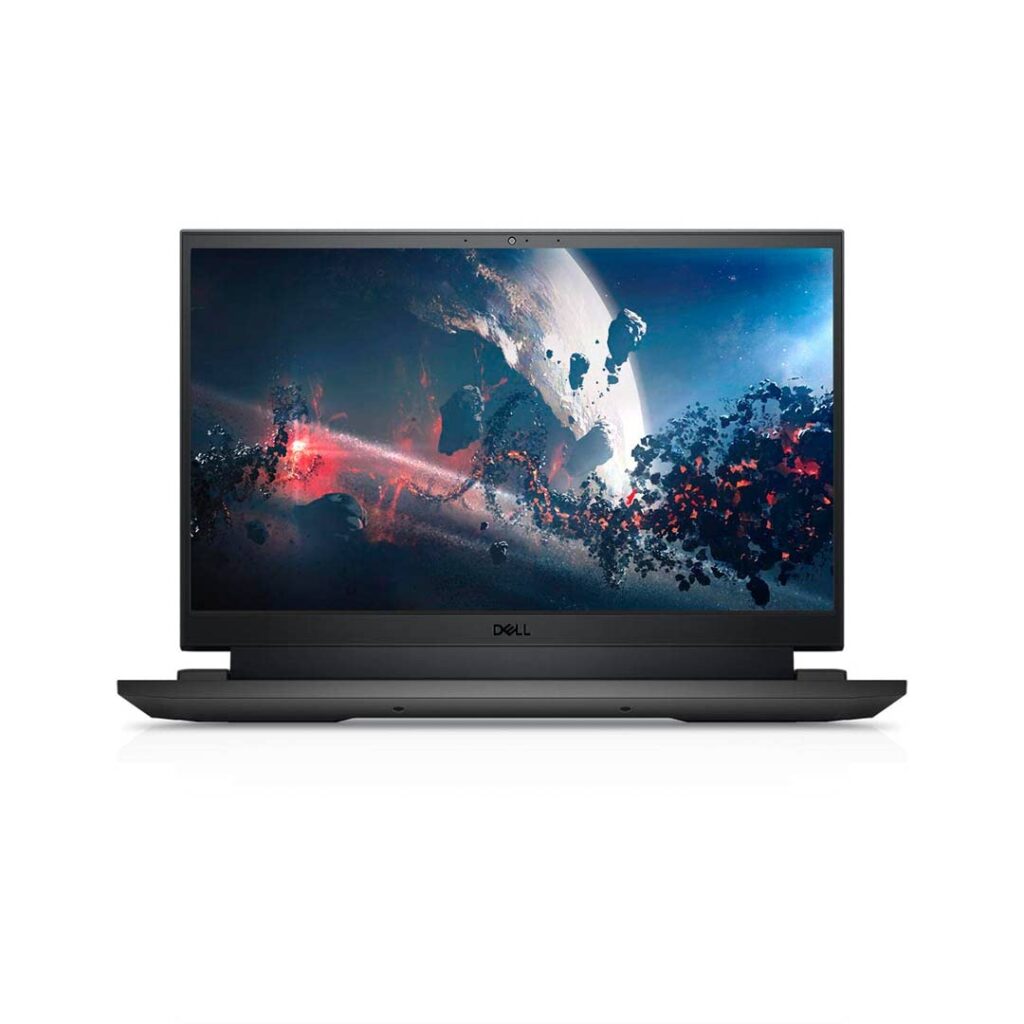
Dell India has launched Inspiron 3515 D560704WIN9S 15-inch Laptop powered by AMD Ryzen 5 quad-core processor and Windows 11 Home pre-installed online. The current lowest price for this model in India is ₹49,965. The MRP list price is ₹66,101. This laptop is now listed in stock online on Amazon.in. Check here for the current lowest price, offers, and buyer reviews.
Dell 15 Inspiron 3515 D560704WIN9S is powered by AMD Ryzen 5 3450U quad-core processor which has a base clock speed of 2.1Ghz and supports a boost clock up to 3.5Ghz. This is a 12nm chipset and supports 8 threads. For graphics, it uses integrated AMD Radeon Graphics.
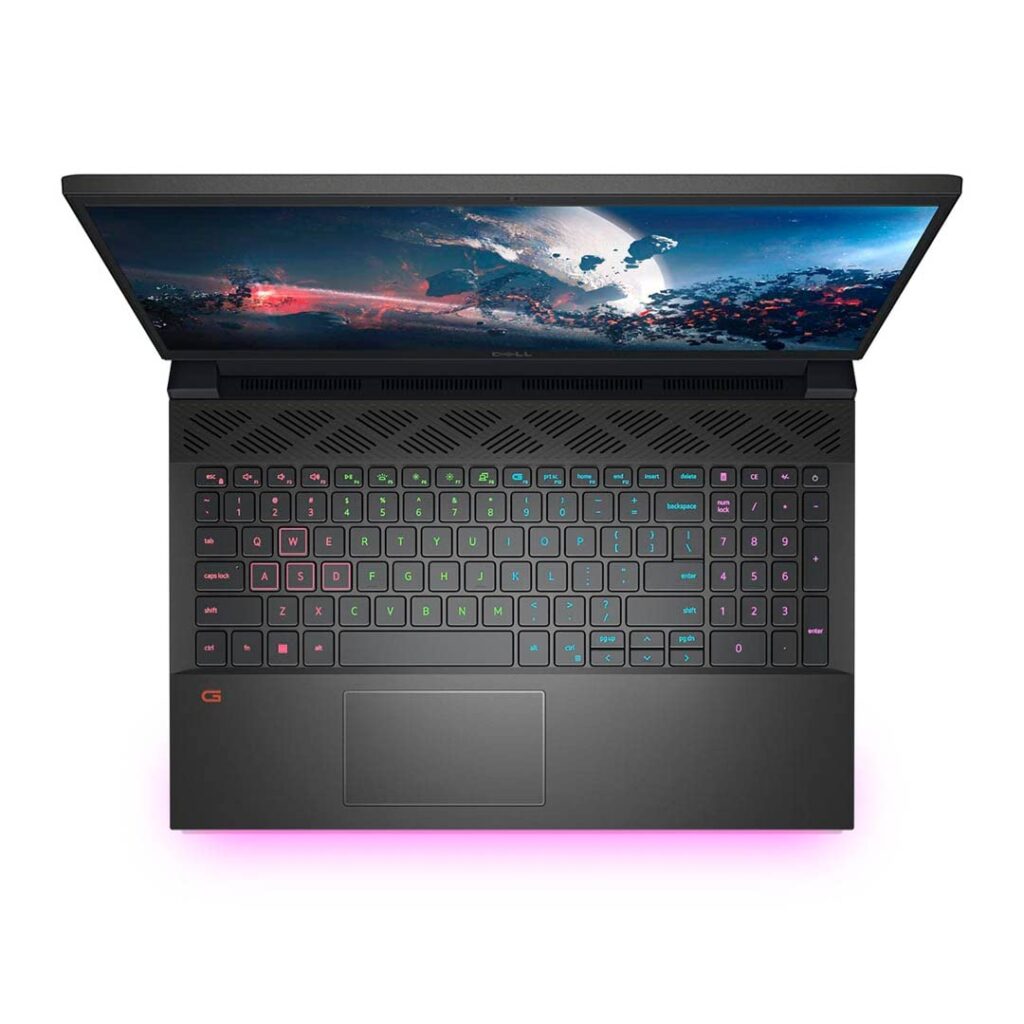
Dell ships this laptop with 8GB of ram and has 512GB SSD storage. The display on this is a 15.6 inch Full HD screen with an anti-glare IPS panel. It has a backlit keyboard and has a 720P HD webcam. Check out the full specs below.
It’s already September 2022. How fast time flies. This is the month of Big Sales online in India. Amazon.in is gearing up with their Great Indian Festival 2022 Sale while Flipkart is all ready to empty your wallets with the Big Billion Days 2022 Sale. These sale starts on Sep 23 onwards and will last a number of days. We are expecting many new launches as part of the sale.
Check out some of the best launches in Electronics, Laptops, Mobiles, and Accessories online on Amazon India during the month of August 2022 and September 2022 below.
Sep 2022 Update – New Arrivals on Amazon.in
Yamaha TW-E5B True Wireless Earbuds Black color ( MRP: ₹14,200 )
Yamaha TW-ES5A True Wireless Sports Earbuds Black ( ₹15,700 )
New Launches in Cameras ( Aug – Sep 2022 )
GoPro and DJI have launched new Action Cameras – GoPro Hero 11 Blackand DJI Osmo Action 3. Since GoPro has a strong presence in India, the Hero 11 Black is already available to pre-order in India online from Amazon.in. DJI Osmo Action 3 is expected to launch in India in the coming weeks as well. With this 3rd Gen model, DJI is going back to their first gen design instead of the modular action camera – DJI Osmo 2 – they launched last year which was plagued with heating issues and didn’t sell well as an action camera.
12th Gen Intel-powered laptops and AMD Ryzen 6000 Series powered Laptops are now slowly starting to take over the Laptop market in India online. Amazon.in has a lot of new models popping up from different manufacturers. HP has launched a few Pavilion models with 12th Gen Core i5 processor on board. Asus has launched a lot of new Vivobook Pro models with OLED displays as well. Lenovo, MSI, LG, and Acer all have new models launched recently online in India. Xiaomi has announced Notebook Pro 120G models with 12th Gen Intel Core i5 processor and Nvidia GeForce MX Graphics.
Check some of the best new launches in laptops below.
New Launches in Electronics, Gadgets and Accessories ( Aug – Sep 2022 )
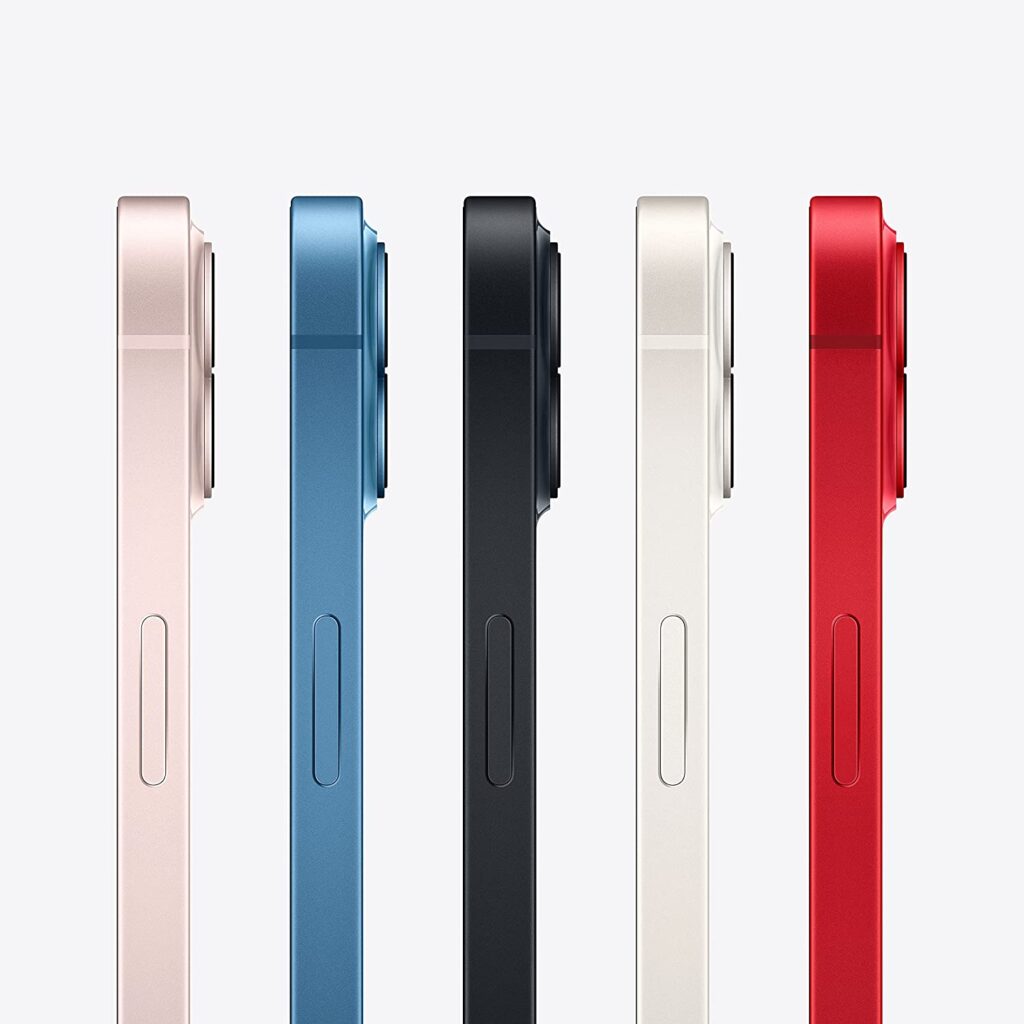
Apple has launched iPhone 14 Series in India online. iPhone 14, 14 Plus, 14 Pro, and 14 Pro Max are all available to pre-order online on Amazon.in, Flipkart, Apple Store, etc. Along with these new 2022 iPhones, Apple has also launched new Apple Watches. Apple Watch Series 8, Apple Watch SE 2022, and Apple Watch Ultra are now available to pre-order.
Amazon has launched All-new Kindle Paperwhite 2022 models with 16GB storage and a USB Type-C port in India. The price for this starts at ₹14,999 ( Rs 1000 more than the 8GB model )
Apple AirPods Pro (2nd Generation) is one other popular gadget Apple launched in India. The price starts at ₹26,900 and is available to pre-order now. It will ship to customers on Sep 23th – release date.
SanDisk Ultra Dual Drive Go Type C Flash Drive, Peach, 512GB and 256GB Models are now available on Amazon.in. The price is ₹4,149 and ₹2,379 respectively.
WD_BLACK SN850X NVMe SSD Gaming Storage 1TB and 2TB models are now available to purchase in India from Amazon.in. This new SSDs offer speeds up to 7,300 MB/s ensuring top-level performance and ridiculously short load times.
ASUS ROG Rapture GT-AX6000 Dual-Band WiFi 6 (802.11ax) Gaming Router (Black) with Dual 2.5G Ports, WAN Aggregation, VPN Fusion, Triple-Level Game Acceleration, Free Network Security and AiMesh Support is now available to purchase in India. It costs ₹38,699. Asus has also launched ROG Herculx Graphics Card Holder (Tool-Free Design, Included Spirit Level, Solid zinc Alloy, 72-128mm, Aura Sync) in India. The MRP list price is ₹4,900.
Looking for a Mechanical Mouse ? Logitech has launched G502 X Lightspeed Plus Wireless RGB Gaming Mouse in India. It is available in White and Black color options. It uses LIGHTFORCE Hybrid switches and has features like LIGHTSYNC RGB, Hero 25K Gaming Sensor etc. It is compatible with Windows and MacOS systems. The MRP Price in India is ₹15,495.
Lenovo often ranks top of the charts when it comes to the most popular selling laptops online in India. According to the current Best Sellers list on Amazon.in ( June 2022 ), there are many Lenovo laptops powered by 11th Gen Intel Core i3, Core i5 processors, and a few powered by AMD Ryzen processors selling very well in India. You also see many older models, which have 10th Gen Intel processors in the Top 10 Best Sellers list.
Many budget Lenovo laptop models launched in 2021 and early 2022 came with dual-core processors like the 11th Gen Intel Core i3-1115G4 chipset while the mid-range Lenovo laptops come with the 11th Gen Intel Core i5 – 11300H or Core i5-1135G7 quad-core processors. We also expect Lenovo to launch a lot of 2022 new models which will be powered by upcoming 12th Gen Intel processors in the coming months ( Core i3-12100T, Core i3-12100, Core i3-12200T, Core i3-12300, Core i5-12400T, Core i5-12400, Core i5-12500T, Core i5-12500 etc ).
Almost all Lenovo Laptops launching in 2022 ship with Windows 11 Home pre-installed. Most models have MS Office Home and Student 2019 or 2021 pre-installed as well. Lenovo is gearing up to launch 12th Gen Intel-powered laptops in India which will be available during the later part of the year 2022. This page will be updated with new models once they become available to purchase in India.
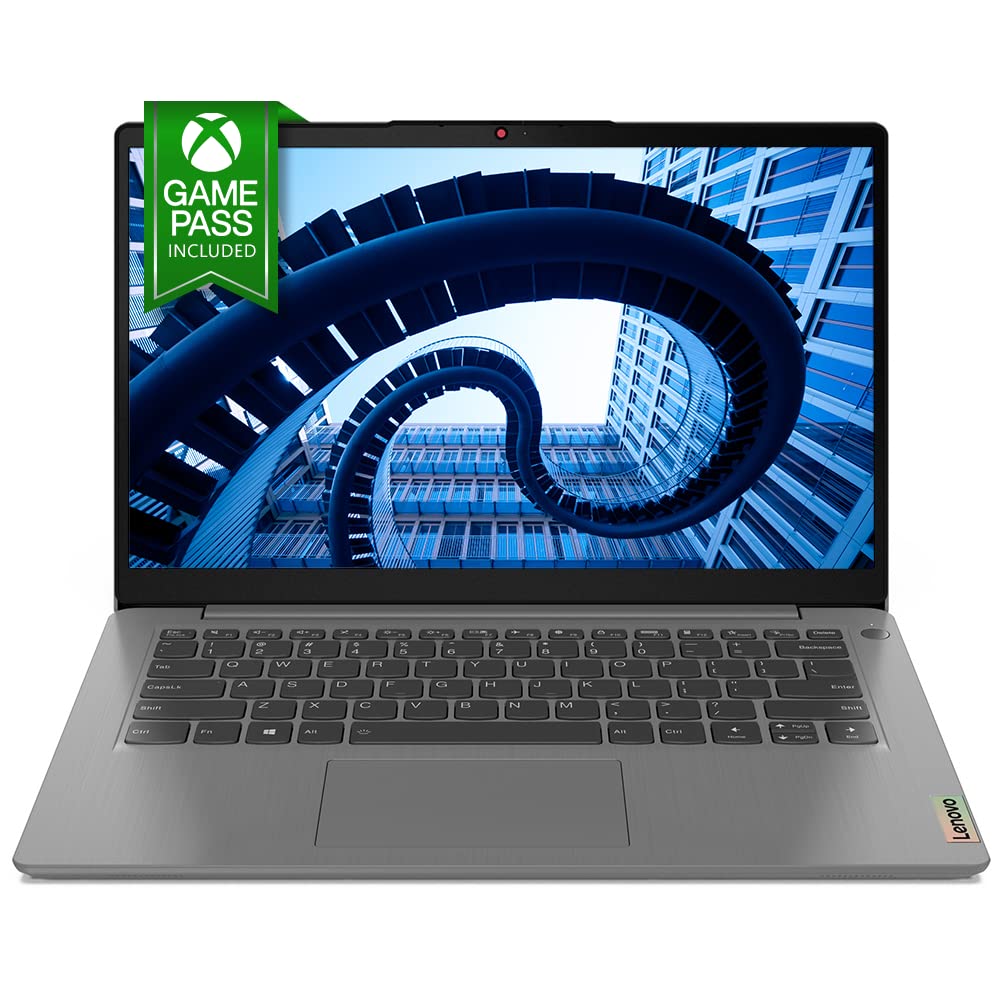
Lenovo IdeaPad Slim 3 81WB018EIN is currently the best-selling Lenovo laptop online on Amazon.in. It currently sells for ₹34,990 and is powered by 10th Gen Intel Core i3-10110U dual-core processor. It comes with 8GB of ram and has 256GB of SSD storage.
Legion 5 82B500BHIN is currently the best-selling, budget, entry-level Lenovo gaming laptop online. It costs ₹65,990 and is powered by AMD Ryzen 5 4600H Hexa-core processor and has Nvidia GTX 1650 graphics.
The cheapest RTX 3050 Lenovo Laptop currently available is Lenovo Ideapad Gaming 3 82K10168IN. It sells for ₹66,490 and is powered by 11th Gen Intel Core i5-11300H processor. Ideapad Gaming 3 82K201RRIN is another entry-level RTX 3050 Lenovo laptop, which is powered by AMD Ryzen 5 5600H Hexa-core processor. The current lowest price for this model is ₹67,490 ( Deal of the Day Offer ).
Check out the below list for the current best-selling Lenovo laptops in India online. You can check Amazon.in page here to see the full list with the current lowest price offers.
Top 10 Best Selling Lenovo Laptops online in India ( June 2022 – Amazon.in )
Lenovo Ideapad Gaming 3 82K100MVIN is currently one of the best-selling Nvidia GTX 1650 powered laptops in India online. The current lowest price for this model online is₹57,990 ( Jan 2022 ). The MRP list price is ₹93,690.Check here for the current lowest price, offers, and buyer reviews.
Lenovo Ideapad Gaming 3 82K100MVIN is powered by 11th Gen Intel Core i5 11300H quad-core processor which has a base clock speed of 3.1Ghz and supports a turbo boost clock speed of 4.4Ghz. It comes with 8GB of ram and has 512GB SSD storage. Lenovo has powered this model with a 45Wh battery and provides a 135W Slim Tip (3-pin) power adapter in the box.
The display on this model is a 15.6 inch Full HD screen with an IPS panel supporting a max refresh rate of 120hz. It ships with Windows 10 Home and can be updated to Windows 11 Home. This model supports WiFi 6 networks and has Bluetooth 5.0 to connect accessories. Check out the full specs and features below.
Nvidia Geforce GTX 16 Series are entry-level graphics cards currently powering many budget gaming laptops and desktops launched in 2021. We are gonna see a lot more similar models launching in 2022 as well. Nvidia also plans to bring many new models with the just-announced RTX 2050 GPU as well in 2022.
Nvidia GTX 1650 / GTX 1650 TI is the cheapest model in this series and powers many entry-level gaming laptops by Lenovo, Dell, Asus, Acer, MSI etc.
GeForce GTX 1650 (G5) vs GeForce GTX 1650 (G6) Nvidia has launched two variants of GeForce GTX 1650 graphics GPU. The earlier launch G5 variant has a memory speed of 8 Gbps and supports GDDR5 while the newer GTX 1650 G6 has a 12 Gbps memory speed of supports GDDR6. Both models have 4GB of memory.
Check out the best-selling Nvidia GTX 1650 powered laptops currently sold in India below ( Dec 2021 update ).
Best Selling Nvidia GTX 1650 / GTX 1650 Ti Laptops in India ( Dec 2021 ~ Source: Amazon.in )
Amazon has launched 2021 All-new Kindle Paperwhite 11th Gen E-reader in India online. The 8GB model has a launch selling price of₹13,999. The Kindle Paperwhite Signature Edition (32 GB) is also now available to purchase in India, at a launch price of ₹17,999( Sep 2021 ). You can pre-order these new 2021 Kindle Paperwhite models on Amazon.in from here. ( affiliate link ). These models will ship to customers on November 4, 2021.
Dec 2022 Update All-new Kindle ( 11th Generation, 2022 release ) – The lightest and most compact Kindle, now with a 6” 300 ppi high-resolution display, and 2x the storage – is now available to purchase in India online from Amazon.in. The price in India starts at ₹8,999. Check out the current pricing and availability here ( affiliate link ).
Oct 2022 update Amazon US has announced All-new Kindle (11th Generation) and Kindle Scribe Ereader Tablets. As of this writing, there are not currently available to purchase in India.
September 2022 Update Amazon India has now launched All-new Kindle Paperwhite (16 GB) model with a USB Type-C port. The launch selling price is ₹14,999. ( affiliate link ).
Check out other Kindle E-readers Deals of the Day Offers on Amazon.in here.
2021 All-new Kindle Paperwhite (8 GB) model comes with a 6.8-inch display with thinner borders and adjustable warm light. You can get up to 10 weeks of battery life on a full charge. It features a glare-free display that is 10% brighter at the max settings compared to the older models. You can take this E-reader to the beach or to the bath without much worry as it is IPX8 rated.
Kindle Paperwhite Signature Edition comes with more storage and supports Wireless charging. It also comes with auto-adjusting front light for a better reading experience.
Launch Offer: Get 80% off on eBooks up to Rs. 500 Kindle Credits. More info here.
From the manufacturer Kindle Paperwhite is thin, lightweight, and travels easily so you can enjoy your favorite books at any time. With our signature 300 ppi glare-free Paperwhite display-now 10% brighter at its max setting-you can read in any light. And now, a single battery charge via USB-C lasts up to 10 weeks. Battery life may vary depending on use.
I recently bought an Acer Swift 3X SF314-510G renewed laptop from Amazon.in as a backup laptop to test out Windows 11 Insider Edition. Since I use Ubuntu 21.04 (Hirsute Hippo) with GNOME 3.38.4 on my regular laptop, I was curious to see how it will work on this new hardware.
Acer Swift 3X SF314-510G is not just another Intel-powered laptop. This model is unique as it comes with Intel Iris Xe Max GPU ( Intel DG1 ). As of this writing, the Ubuntu official kernel doesn’t have support for this GPU. However, since the 11th Gen Intel Core i5-1135G7 also comes with integrated Iris Xe graphics, the latest Ubuntu bootable USB installation drive booted into it without any issues. Everything was working except the Intel Iris Xe Max GPU because of a lack of drivers.
Installing Ubuntu 21.04 Linux on Acer Swift 3X SF314-510G
Since I was able to boot the live USB without any issues, I thought i will install it after updating Windows 10 to Windows 11. I enrolled in the Windows Insider program and installed the new Windows 11 without any issues. The UI looks much better and polished than the older Windows versions. If you are a Windows user, I would highly recommend you give it a try. From my limited usage, I didn’t see the Blue Screen of Death, which is now black I heard.
After using Windows 11 for a while, I decided to Dual boot Ubuntu 21.04 on my new Acer Swift SF314-510G. Installation went without any issues. Since the new Ubuntu versions support Secure Boot, you don’t have to disable it in the Bios and use legacy mode. Everything got installed and the system rebooted. However, the GRUB bootloader, which was needed for Ubuntu to boot didn’t load at startup. Naturally, I googled for solutions and got a wide range of solutions to try out.
A few users suggested i try the following commands
For me, both of these commands didn’t work. So I moved on to other solutions.
Acer has a Bios feature that lets you choose a .EFI file as trusted. In order to do that, first, you have to set a Bios Supervisor password. You can do that easily from the Security tab. Then you have to choose the Select a UEFI file as trusted for executing option. This will let you browse through the EFI partition. From there, navigate to the ubuntu folder and find the shimx64.efi. If no such file exists, look for grubx64.efi. Select it by entering. It will prompt you to enter a name. After finishing this step successfully, reboot. You will now have a new entry in the bootable items listed in the F12 boot menu. This process will give you the Grub loader to boot from on many many Acer Laptops.
However, in my case, it didn’t. So I repeated the Ubuntu installation process after resetting everything in the BIOS to default. Also i tried with and without Secure boot enabled. I again ran into the same issue. but this time, I got empty EFI Ubuntu folders. When I mounted the EFI ubuntu folder using a live system, I found the needed files there but for some reason, BIOS didn’t show it.
I tried using older Ubuntu versions – even installed older Ubuntu 18.04 LTS just to see if it will give me the GRUB. Now i ran into a new error – Executing ‘grub-install /dev/nvme0n1’failed – This is a fatal error. I switched back to the latest Ubuntu live CD, and to my surprise, i started to see this new grub-install error in that as well! Again, I google-searched for solutions, and nothing these great minds suggested worked in my case.
Since I am a full-time Ubuntu user, I actually didn’t need to have Dual Boot Windows 11 and Ubuntu on my Acer Swift 3X SF314-510G. I can easily live without it. However, I wanted to test out the new UI and Windows experience, hence the decision to Dual boot. Also, I was afraid Acer has done some bad EFI Secure Boot implementation that wouldn’t let Ubuntu or other Linux booting on their new laptops. So removing Windows, formatting the whole drive, and installing Ubuntu alone was a risk. However, I was forced to do exactly that thanks to a fix suggested by Gparted. I was using Gparted in the live session to look at the partitions, and it alerted me of some issue with a drive. I hit FIX without thinking much and.. managed to corrupt the Windows partition. ie I screwed up. The Windows bootloader recovery tried to fix it automatically and failed. I tried a few different things and all failed. So I went from trying to fix the Ubuntu GRUB loading issue to trying to fix Windows 11 loading issue.
Finally, I decided to wipe everything off and go Full Ubuntu. I did select Install third-party software for graphics and Wi-Fi hardware and additional media formats during the installation and during the first boot, I performed the “Perform MOK management” and used the “Enroll MOK” option. All went well. It worked. I was able to Boot into the new Ubuntu installation without any issues.
I don’t know the exact reason why the GRUB didn’t load properly. It could be a bug in the GRUB, it could be the Windows 11 bootloader blocking other OSes, or maybe it’s due to some bad Acer BIOS EFI issue.
What I am now trying to do is get a Kernel with support for Iris Xe Max GPU ( Intel DG1 ). According to the reports online, the Linux 5.14 kernel will land with the support for the DG1 GPU. Intel developers are pushing various patches to the kernel to support this new GPU. I tried signing and booting with a 5.14.0-051400rc2-generic but is yet to have drivers for the DG1 GPU.
Since a lot of people now work from home, Laptops have become one of the best-selling products online under the Electronics category in India on Amazon.in. 2021 Laptop models are powered by 11th Gen Intel processor and AMD Ryzen 5000 Series chipsets as well. You can also buy many older 10th Generation and AMD Ryzen 4000 Series-based laptops for cheaper prices as well.
12th Gen Intel-powered laptops as well as AMD Ryzen 6000 Series powered laptops are now slowly taking over the older generation laptops. There are many 12th Gen Intel Core i5-12500H powered laptops already available in the market. However, we are yet to see a flurry of 12th Gen Intel Core i3 powered laptops in the market. So naturally, laptops with older generation Intel Core i3 and Core i5 processors still top the Best Sellers list on Amazon.in, Flipkart etc.
August 28, 2022 update
Best Selling Laptop online on Amazon.in is the Lenovo IdeaPad Slim 1 81VT009UIN which is powered by entry-level Intel Celeron N4020 and has 4GB of ram + 256GB SSD storage. Check out the current price here.
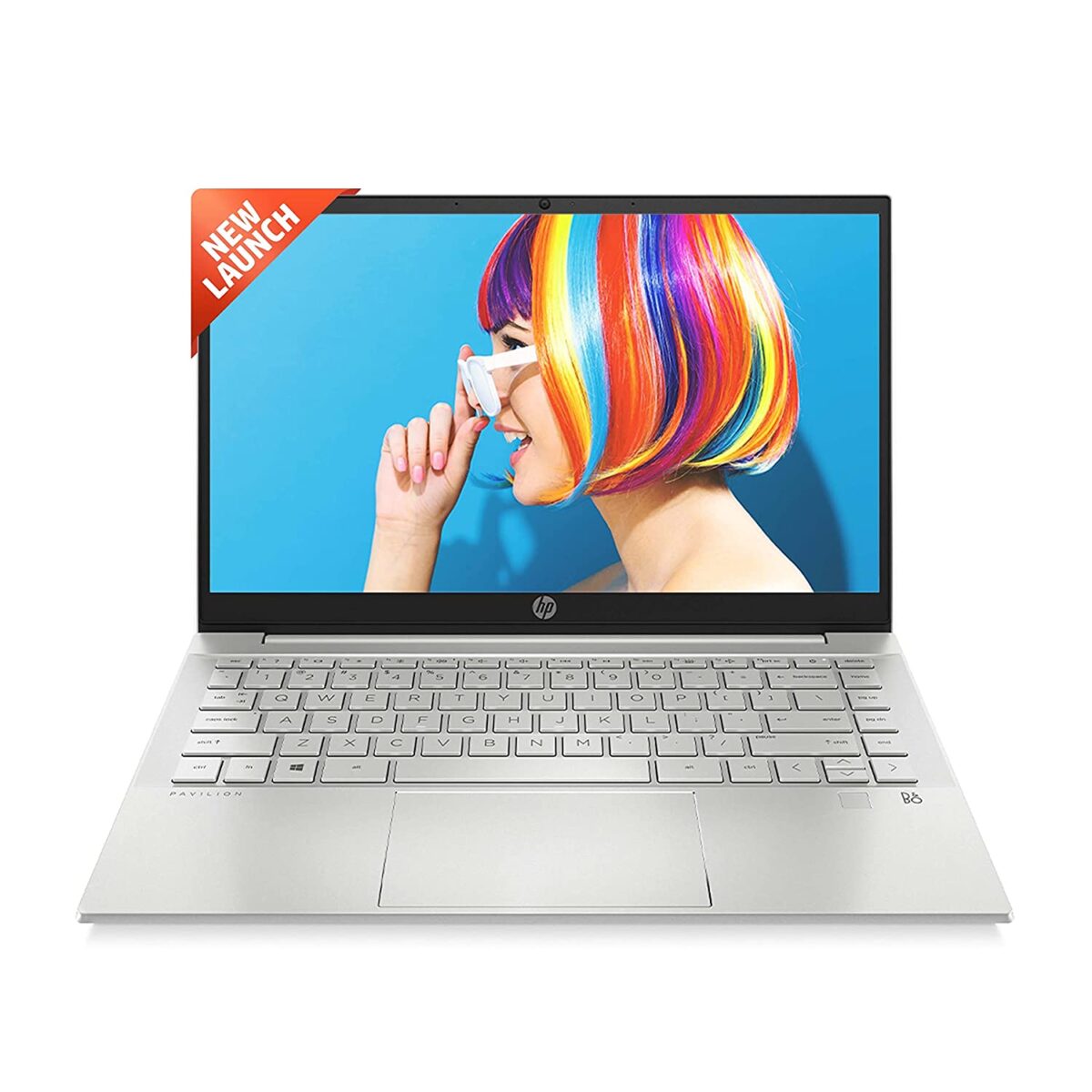
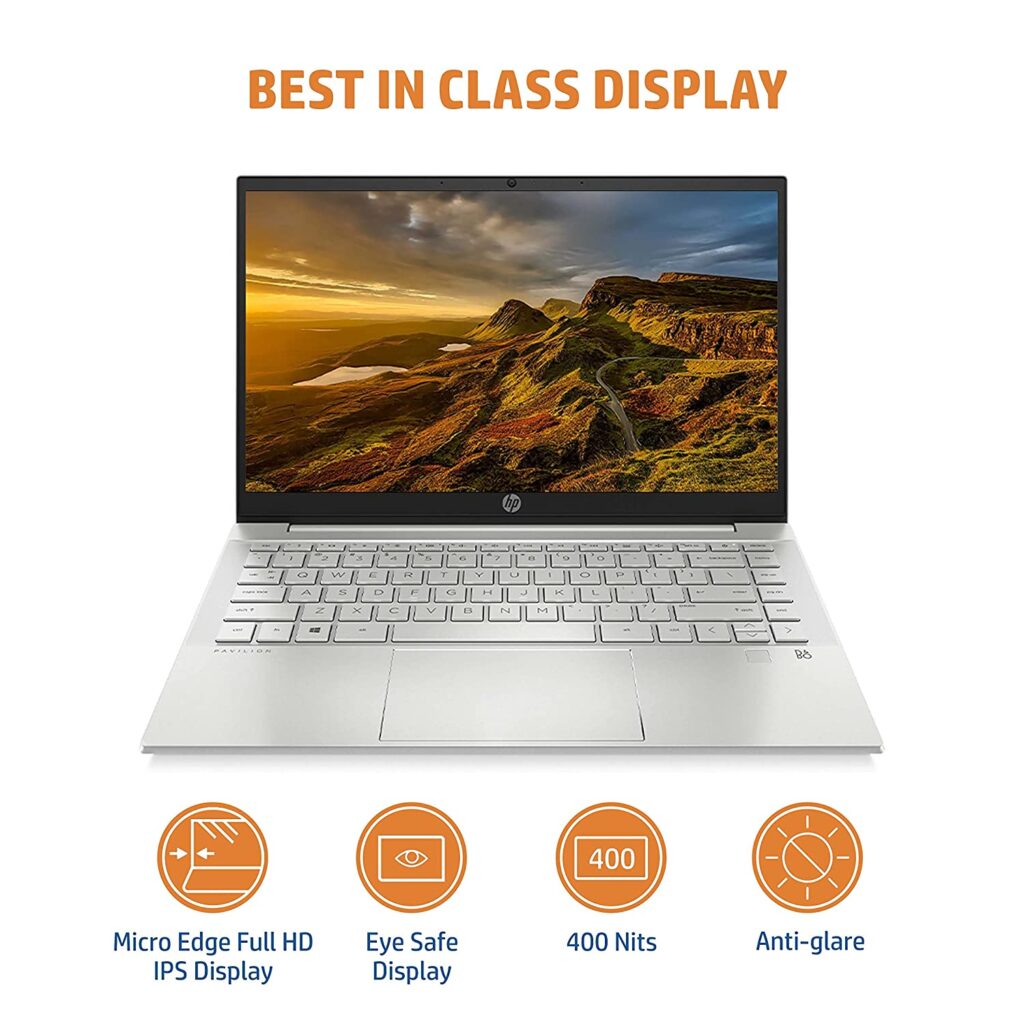
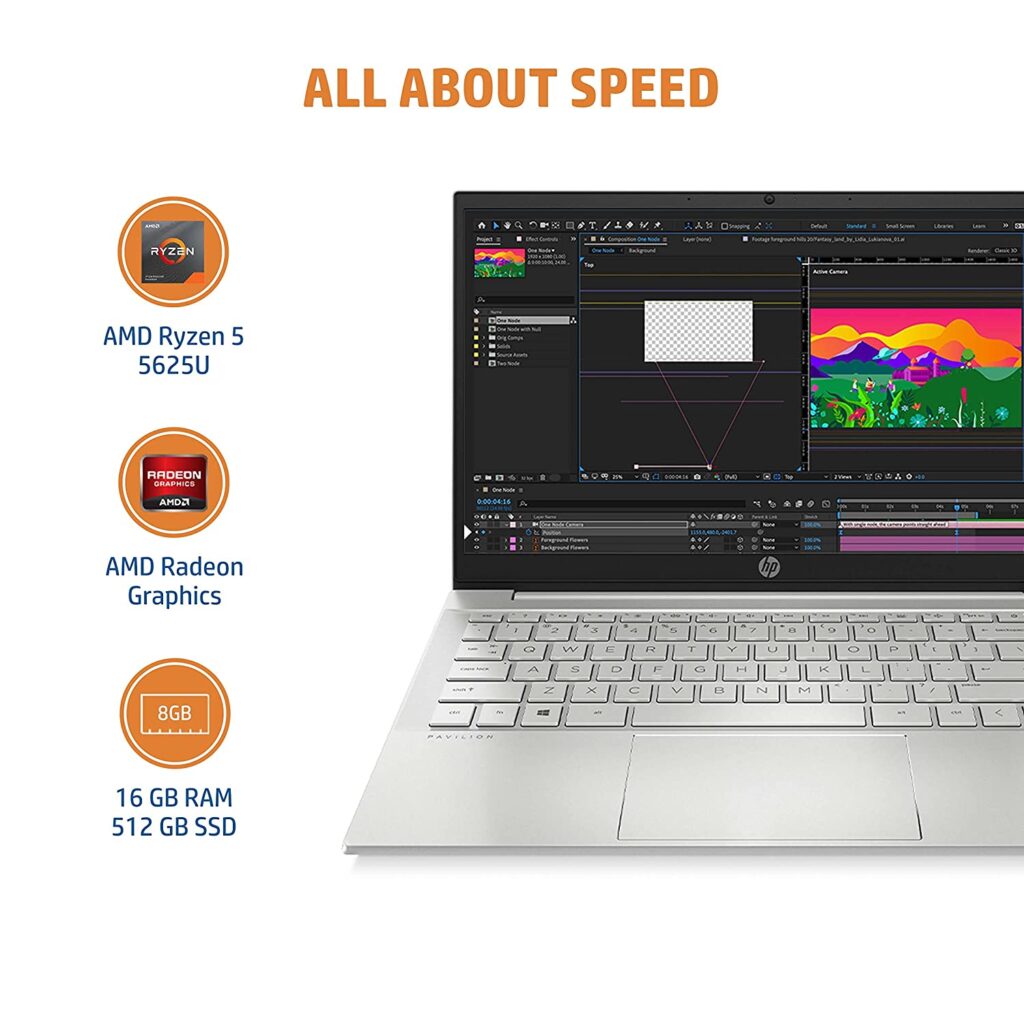
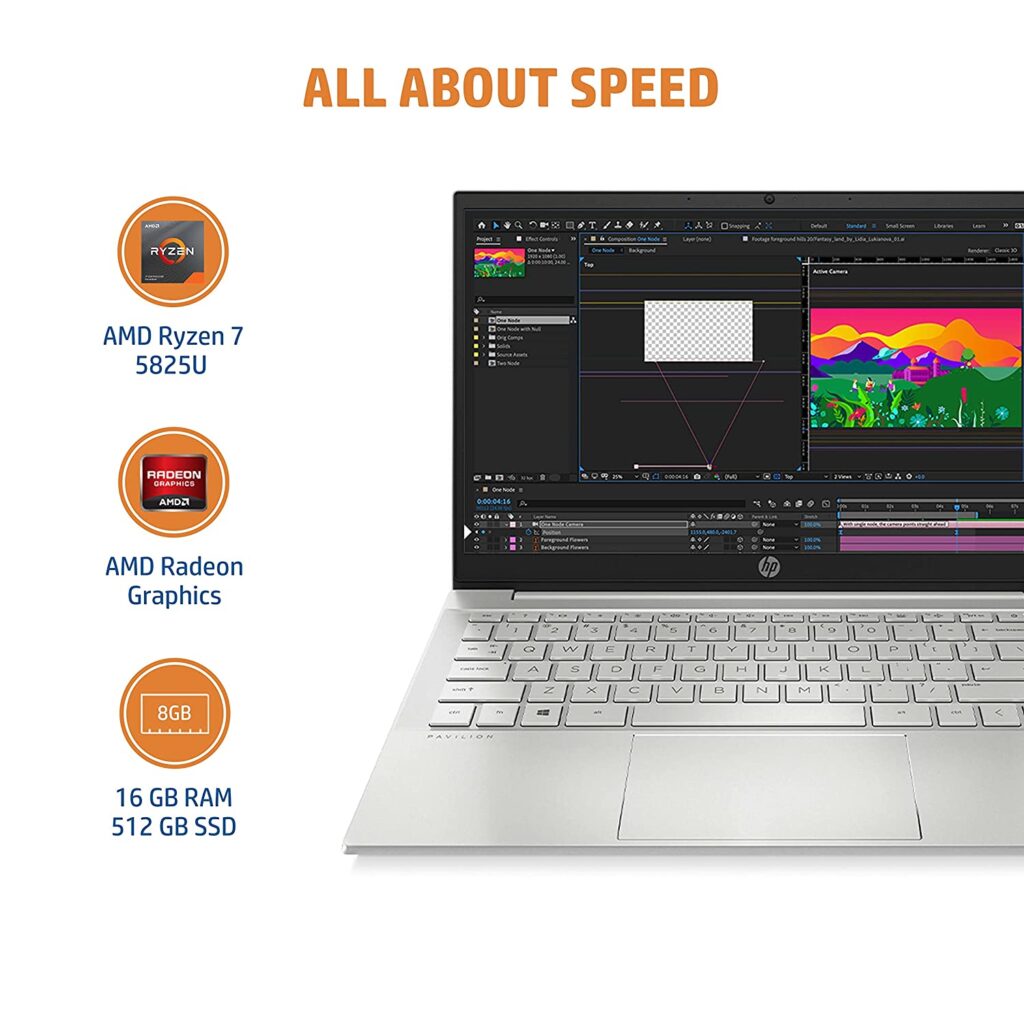
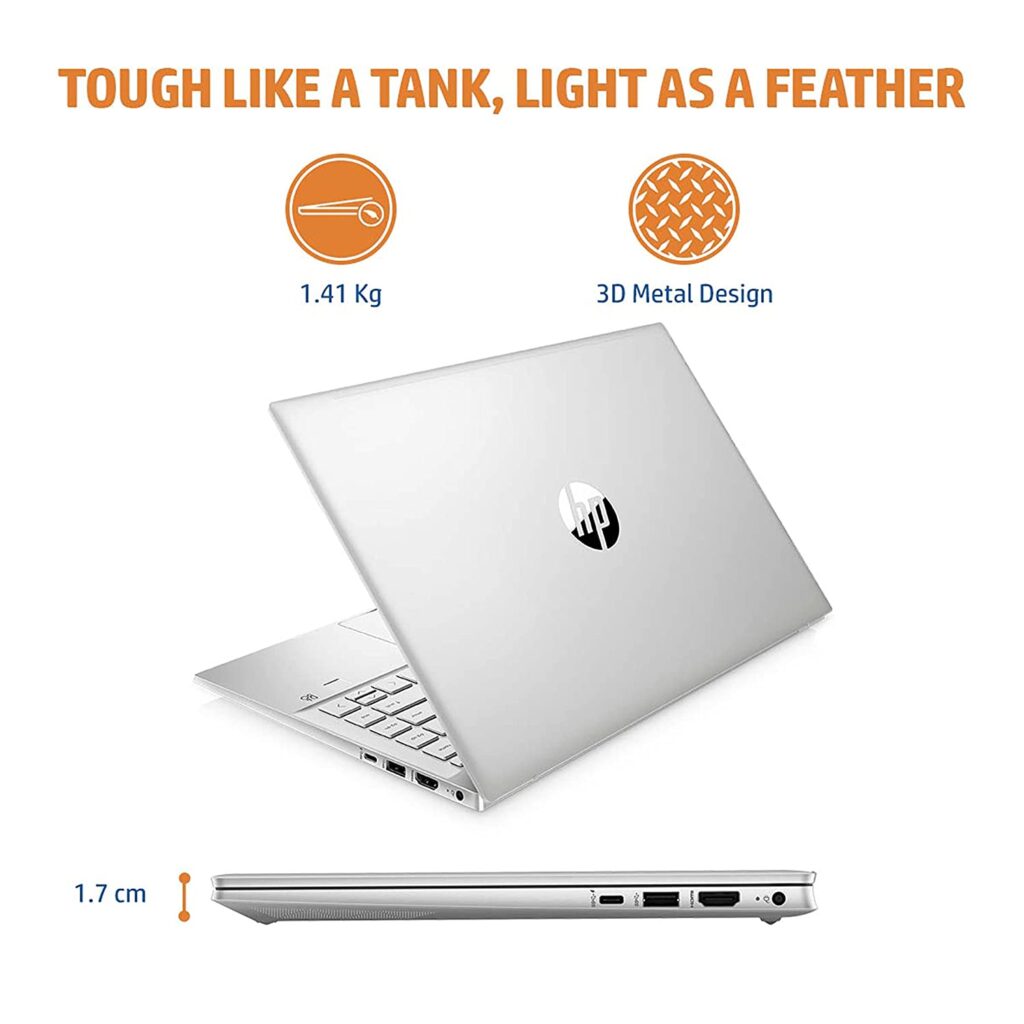
Best Selling 12th Gen Intel Laptop currently online is HP Pavilion 14 14-dv2014TU which sells for ₹69,990. It is powered by an Intel Core i5-1235U processor and has 16GB of ram + 512GB of storage. Check the current price on Amazon.in here.
Acer Aspire 5 Gaming A515-57G is another popular 12th Gen Intel laptop currently sold online. It costs ₹58,990. This is powered by 12th Gen Intel Core i5-1240P and also has an entry-level 4GB dedicated Nvidia RTX 2050 graphics card. Check the current price here.
Best Selling AMD Ryzen 5 5500U laptop as of this writing is HP 15s 15s-eq2144au. It costs ₹47,490. It comes with 8GB of ram and 512GB SSD storage. Check the current price here.
ASUS TUF Gaming A15 FA506IHRB-HN079W is currently the best-selling NVIDIA GeForce GTX 1650 powered laptop online in India. It has AMD Ryzen 5 4600H processor with 8GB ram and 512GB SSD storage. It currently sells for ₹55,990 ( check price on Amazon.in ).
ASUS VivoBook Pro 14 OLED (2021) M3401QC-KM045WS is currently the best-selling OLED laptop, and also the best-selling laptop with 4GB Nvidia GeForce RTX 3050 Graphics. It costs ₹79,990. Check current pricing here.
Top 10 Best Selling Laptops online on Amazon.in ( August 2022 update )
Prior to Ubuntu 21.04 update, we could easily reduce the brightness of an external monitor using commands like xrandr or using the brightness-controller app. However, the new Ubuntu 21.04 switched to Wayland, resulting in xrandr and brightness-controller app non-functional.
I did some research on how to reduce external brightness in Wayland and the many ‘solutions’ and suggestions online seem not to work on my laptop. The brightness of my monitor even at its lowest setting is a bit too bright for my eyes. So I had to find a way.
Just Disable Wayland and switch back to Xorg. This lazy fix is for people who jusy want an easy and quick way to get back the functionality and not tinker with a lot of commands to make it work with wayland. Just follow the below commands.
How to disable Wayland in Ubuntu 21.04
Open a Terminal ( Ctrl + Alt + T )
Enter this command sudo gedit /etc/gdm3/custom.conf
Find the line #WaylandEnable=false in the configuration file
Remove the # from the above line – it should now read WaylandEnable=false.
Save the file
Reboot your system
After the reboot, your Ubuntu 21.04 will reboot with Xorg. The Xrandr command and brightness-controller app will now work as it used to be on earlier Ubuntu versions.
If you haven’t tried xrandr or brightness controller app yet,check here to know more on how to use those to reduce external monitor brightness.
If you have never used a 4K monitor or a QHD monitor, you would be very much confused to go with which monitor from which brand. There are many 4K, QHD, and Full HD monitors out there made by brands like Benq, Lenovo, Dell, MSI, Acer, LG, Samsung, etc at varying prices. Most of the 4K Monitors are priced above Rs 30000 in India. You can also find some Benq 4K monitors as well as Lenovo and Philips 4K monitors selling in India for under Rs 30,000 online.
Do you really need a 4K monitor? If you have been straining your eyes staring into your 14-inch or 13-inch laptop, it is recommended you invest in an external monitor. This not only gives you a better viewing experience, but you also get to use a Dual monitor setup by extending the screen. This really helps if you switch between different tabs when you are working from home.
Do you need a 4K Monitor for this purpose? The quick answer is No. A good Full HD monitor like Dell P Series P2419H ( the current bestseller on Amazon.in ) is more than enough for your work needs. Oftentimes 4K is overkill for the tasks you do on a daily basis.
However, if you really want to buy a 4K monitor, and have plenty of money keep in mind of these tips when choosing a 4K Monitor.
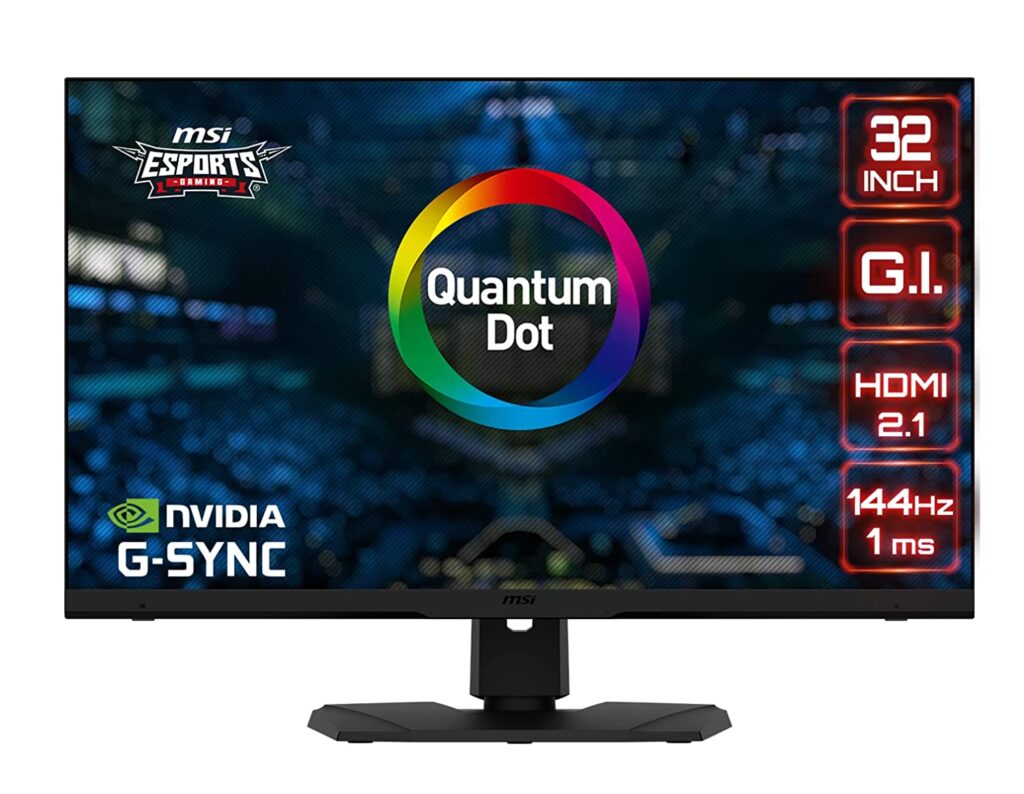
Do not buy a 27 inch or 24 inches 4K monitor. In these sizes, at Full 4K resolution, the icons and texts look very small and are often impossible to read and work properly. If you are on Windows, it will automatically scale it around 150% for you to get a better look at the icons and text. So this scaling result in the display looks like you are using a Full HD monitor. You won’t be getting the extra real estate you were expecting to get from a 4K monitor. So if you are buying a 4K monitor, to get the full use of the resolution, get a 32 inch one. If you have never used a big monitor, you would need some getting used to the large area your eyes have to wander.
If you are buying a 27 inch Monitor, I would recommend you get a QHD resolution monitor. If you are buying a 24 inch or 22 inch Monitor, get a Full HD one. These are the best sizes for these respective resolutions in my opinion. A 27 inch Full HD monitor would look a bit pixelated. So it’s better to go for a 24 inch if you going for a Full HD monitor.
Do not buy a VA Panel 4K Monitor. I recently used a VA Panel 4K monitor which was selling for under Rs 30K in India online. The viewing angles were not that good and the colors get washed out towards the edges. VA Panels are cheaper, but if you want a better visual experience, pay more and get a good IPS monitor.
Best selling 4K Monitors in India ( April 2021 ) LG Ultrafine 27UL850 27 Inch 4K (3840 x 2160) – Price: Rs 43,280 LG 27 inch 4K-UHD 27UL550 ( Price: Rs 30,999 ) Benq EL2870U VA Panel ( Price: Rs 22,990 ) Samsung 28 inch LU28R550UQWXXL ( Rs 27,999 ) Acer Nitro VG280K 28 inch UHD 3840 X 2160 ( Rs 24,999 ) Acer Predator 27-inch 4K UHD XB273K ( Rs 47,500 )
Check out all the Best Selling Computer Monitors on Amazon.in here.