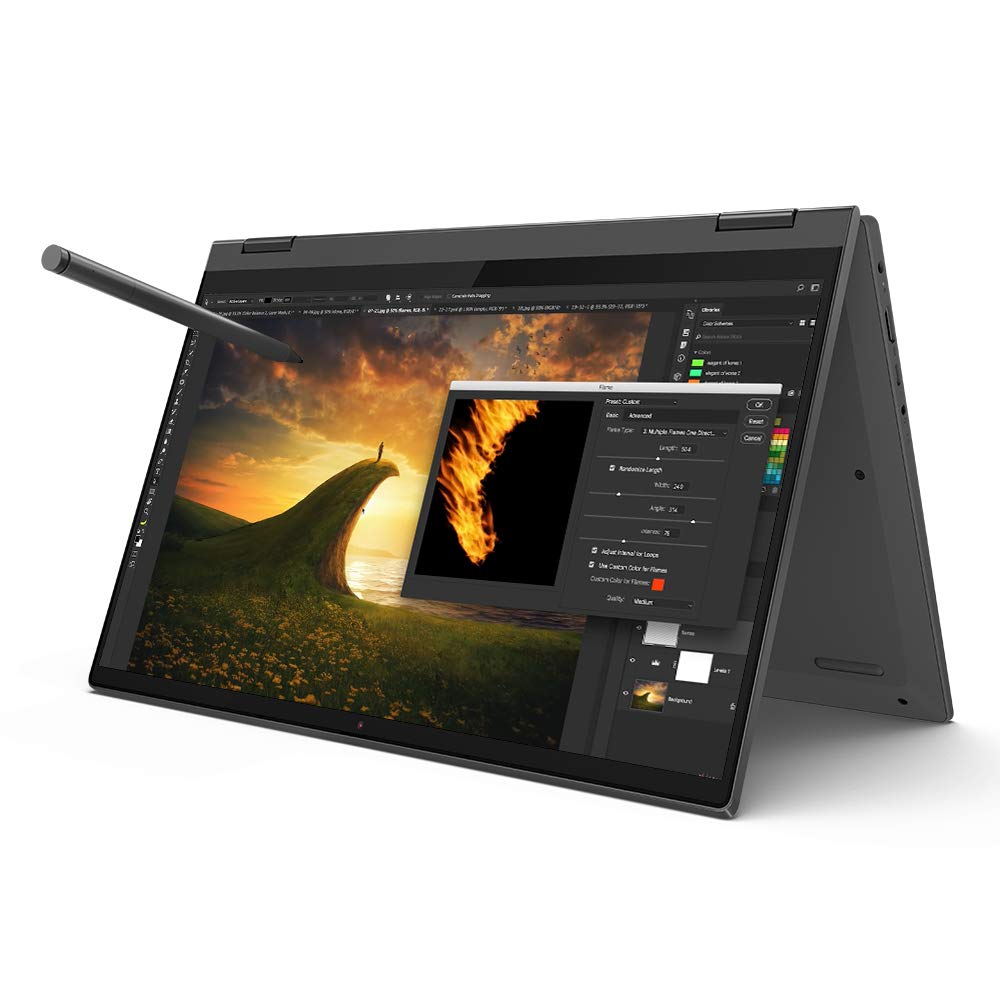
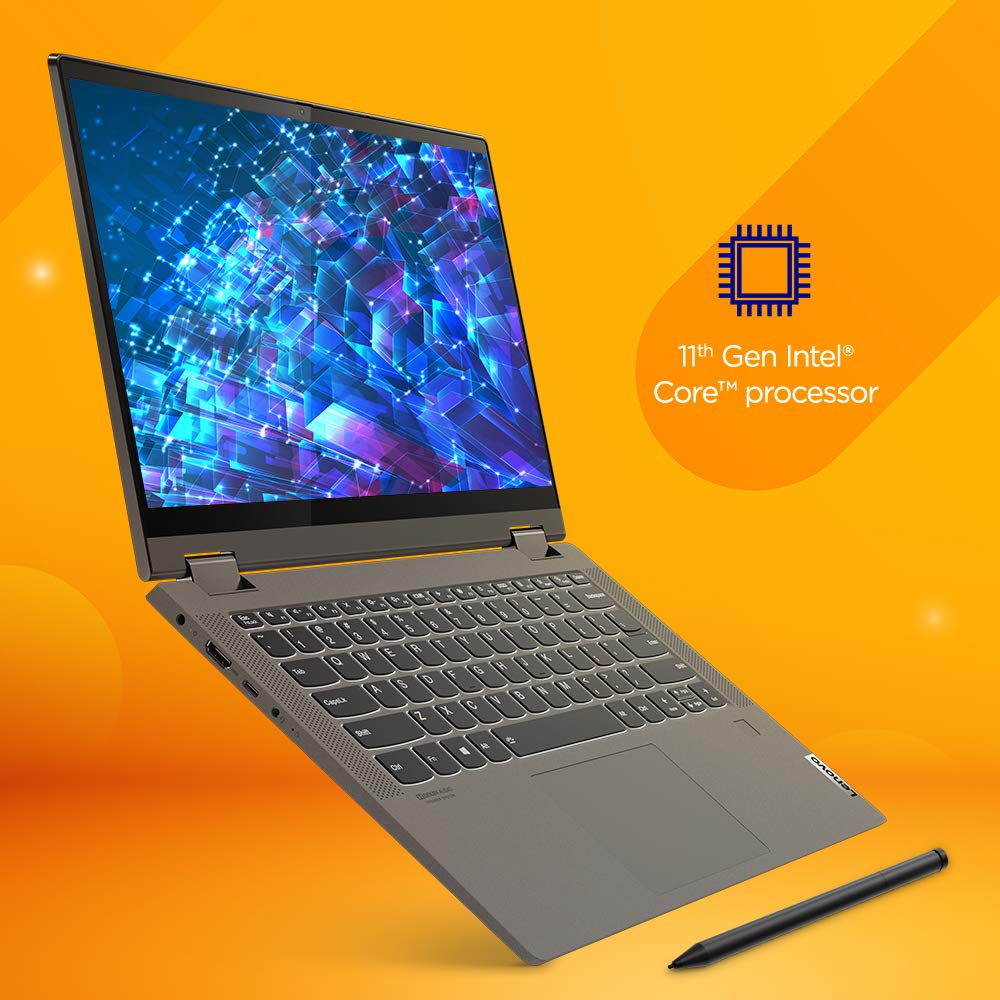
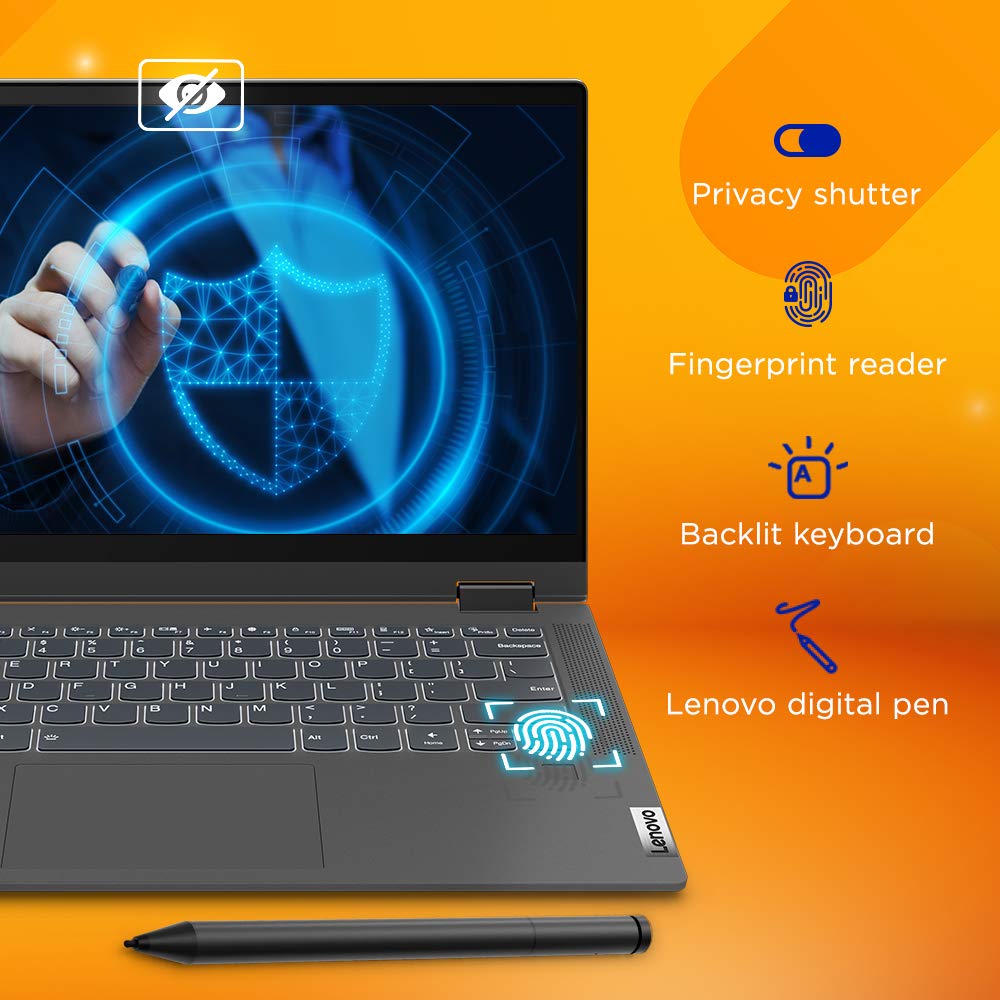
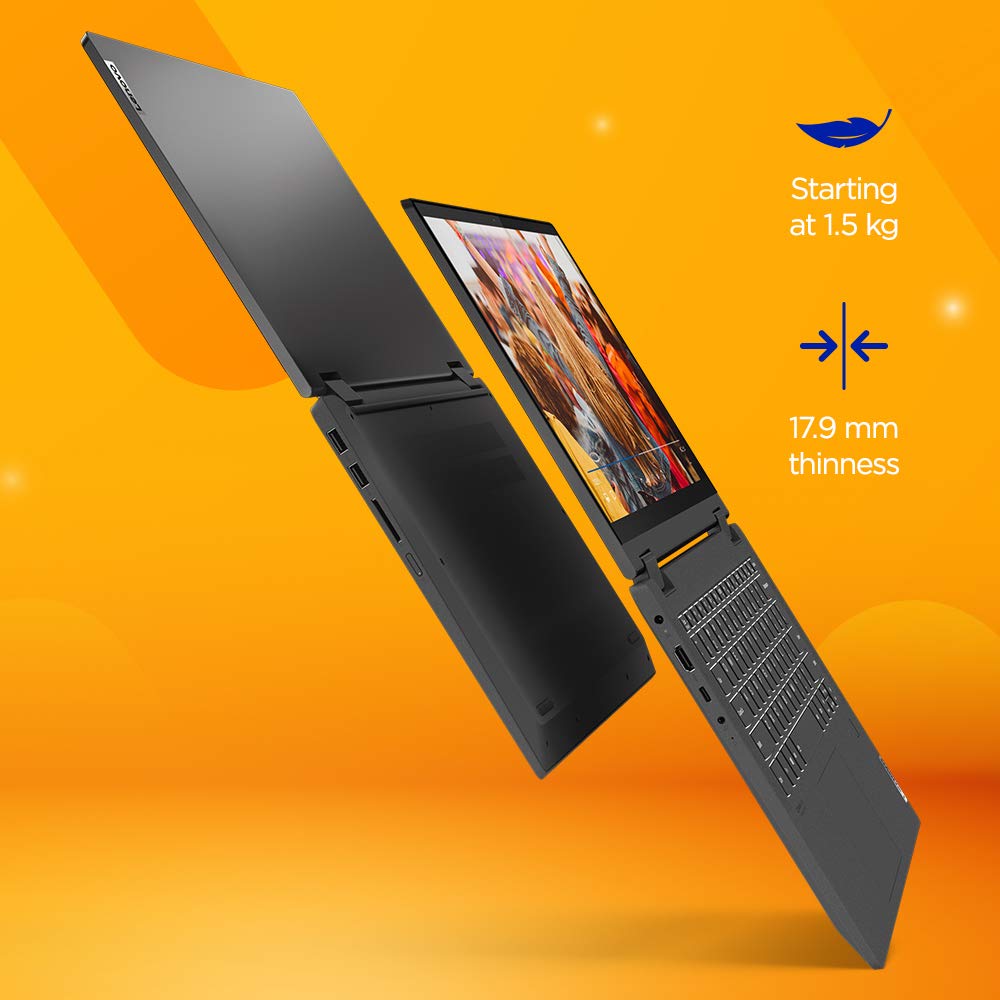
Lenovo India has launched IdeaPad Flex 5 82HS0196IN 14ITL05 Touch Laptop model in India online. It has a launch selling price of ₹52,990( Feb 2022 ) and an MRP price of ₹75,490. This laptop is now in stock online on Amazon.in. Check here for the current lowest price, offers, and buyer reviews if any.
Lenovo IdeaPad Flex 5 82HS0196IN is an entry-level touchscreen laptop powered by the 11th Gen Intel Core i3-1115G4 dual-core processor. The CPU on this has a base frequency of 1.7Ghz and supports a max turbo boost frequency of 4.1Ghz. For graphics, it uses integrated Intel UHD Graphics GPU.
It comes with 8GB ram and has 256GB SSD storage. The display on this model is a 14 inch Full HD IPS Glossy screen with multi-touch and Lenovo Digital Stylus Pen support. Lenovo has powered this model with a 52.5Wh battery and provides a 65W USB-C (3-pin) power adapter in the box.
It ships with the latest Windows 11 Home and has MS Office Home and Student 2021 pre-installed. This model supports WiFi 5 networks and has Bluetooth 5.0 to connect accessories.
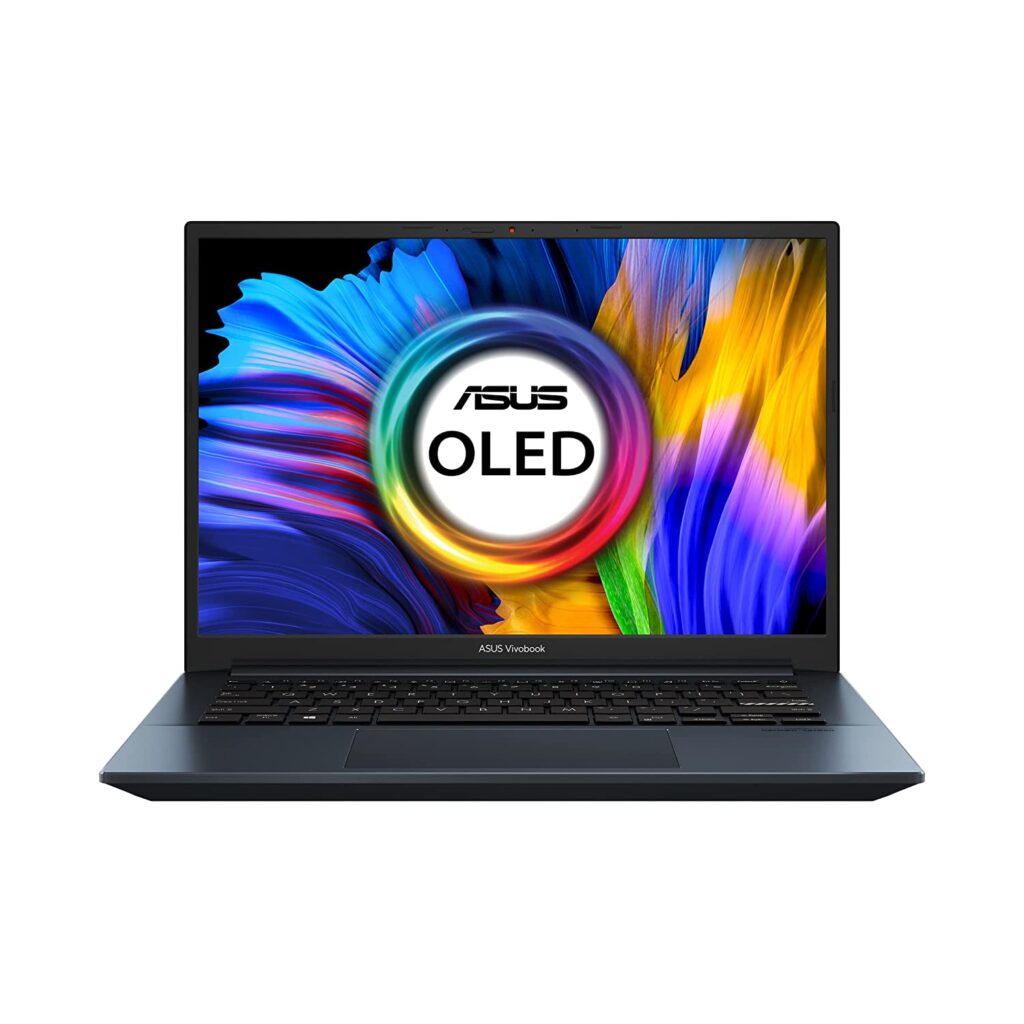
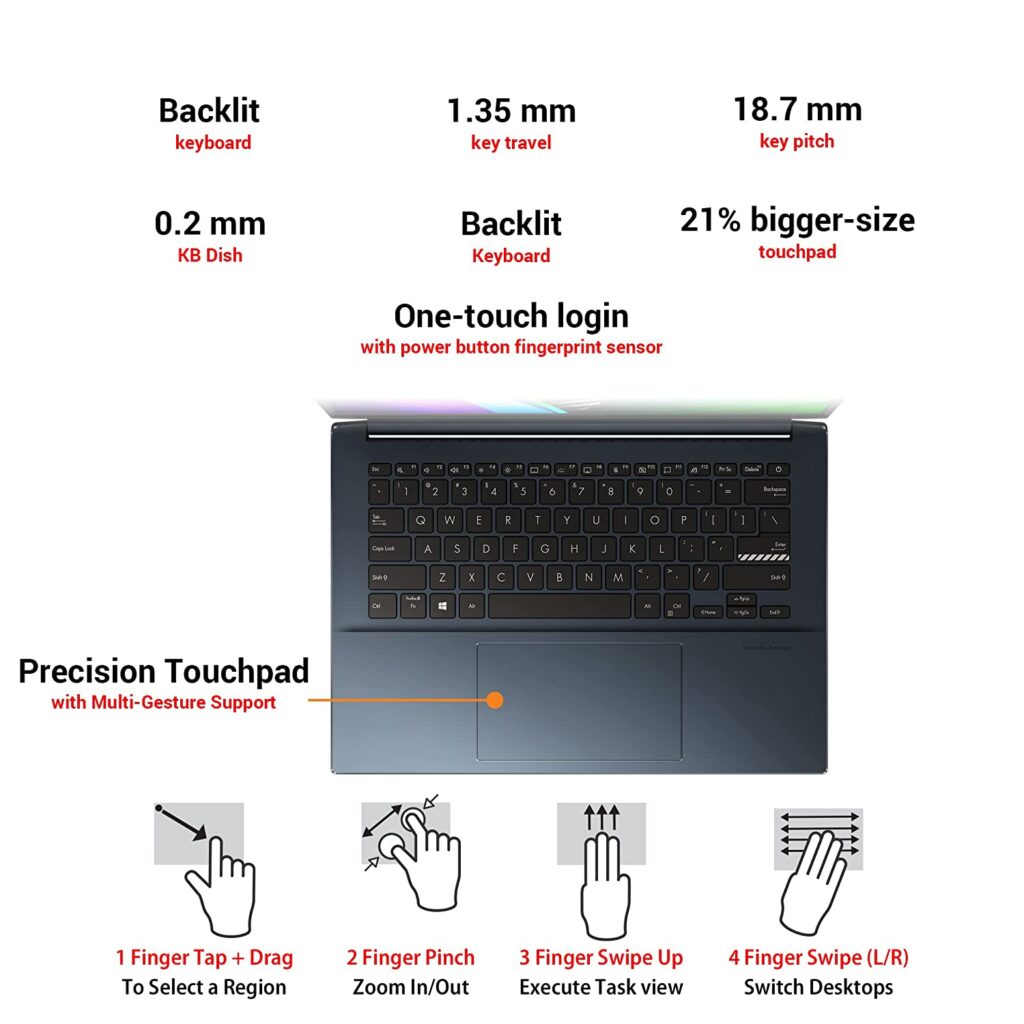
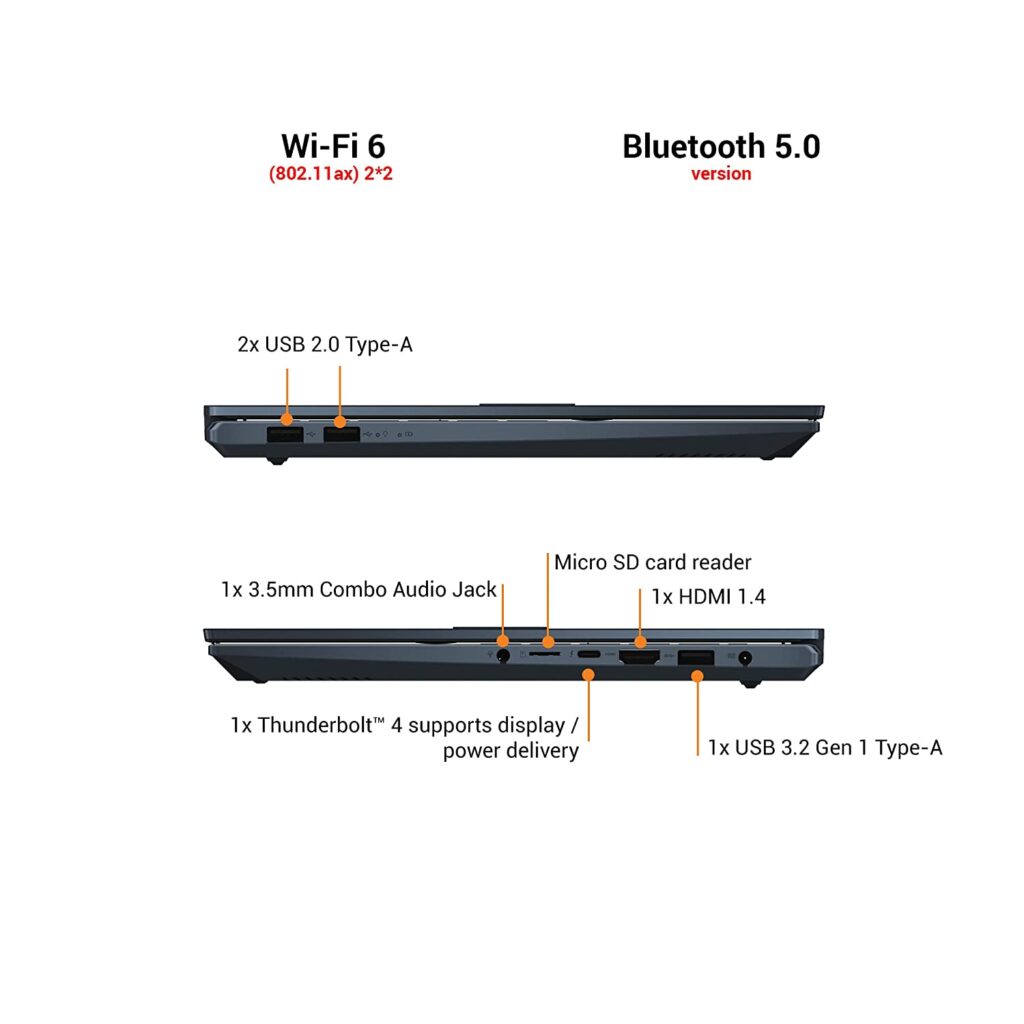
Asus has launched VivoBook Pro 14 OLED K3400PA-KM502WS laptop model in India online. It has an MRP price of ₹90,990. The current lowest price online is ₹72,990 ( Feb 2022 ). This laptop is now listed online on Amazon.in currently sold by Fast Amazing Deals seller.Check here for the current lowest price, offers and buyer reviews.
March 2022 Price: ₹70,490. April 2022 Lowest Price: ₹69,990. May 2022 Amazon.in Summer Sale Offer Price: ₹64,990
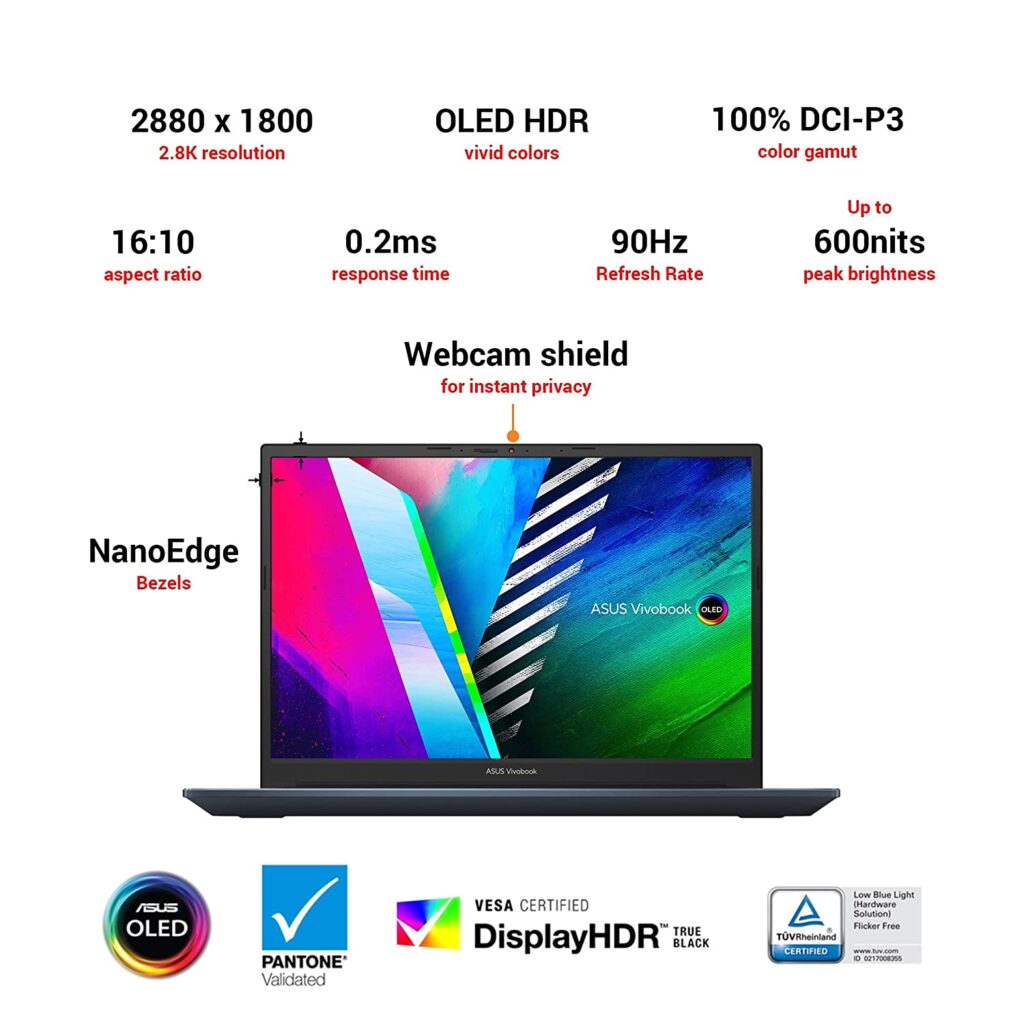
ASUS VivoBook Pro 14 OLED K3400PA-KM502WS as the name says features an OLED display. It has a 2.8K resolution screen with 90hz refresh rate supported. This panel can go up to 600nits brightness and can output 100% DCI-P3 color gamut.
It is powered by 11th Gen Intel Core i5-11300H quad-core processor which has a base frequency of 3.1Ghz and supports a boost clock of 4.4Ghz. For graphics, it uses Integrated Iris Xe Graphics. The more expensive models in this series are powered by 11th Gen Intel Core i7-11370H processor and has NVIDIA GeForce GTX 1650 Graphics onboard.
It comes with 16GB of ram and has 512GB SSD storage. Asus has powered this model with a 3-cell 63Whr battery and supplies a 65W AC Adapter in the box. It ships with Windows 11 Home operating system. Check out the full specs and feature below.
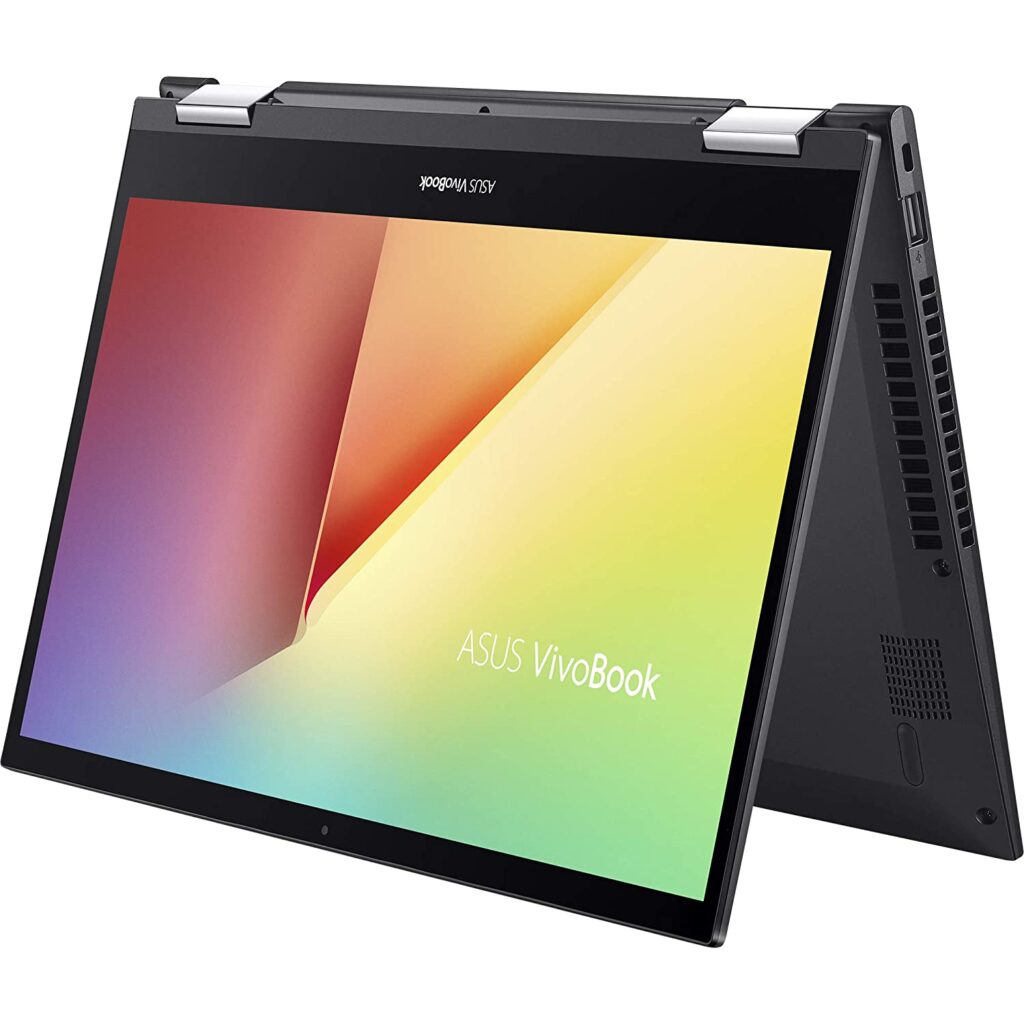
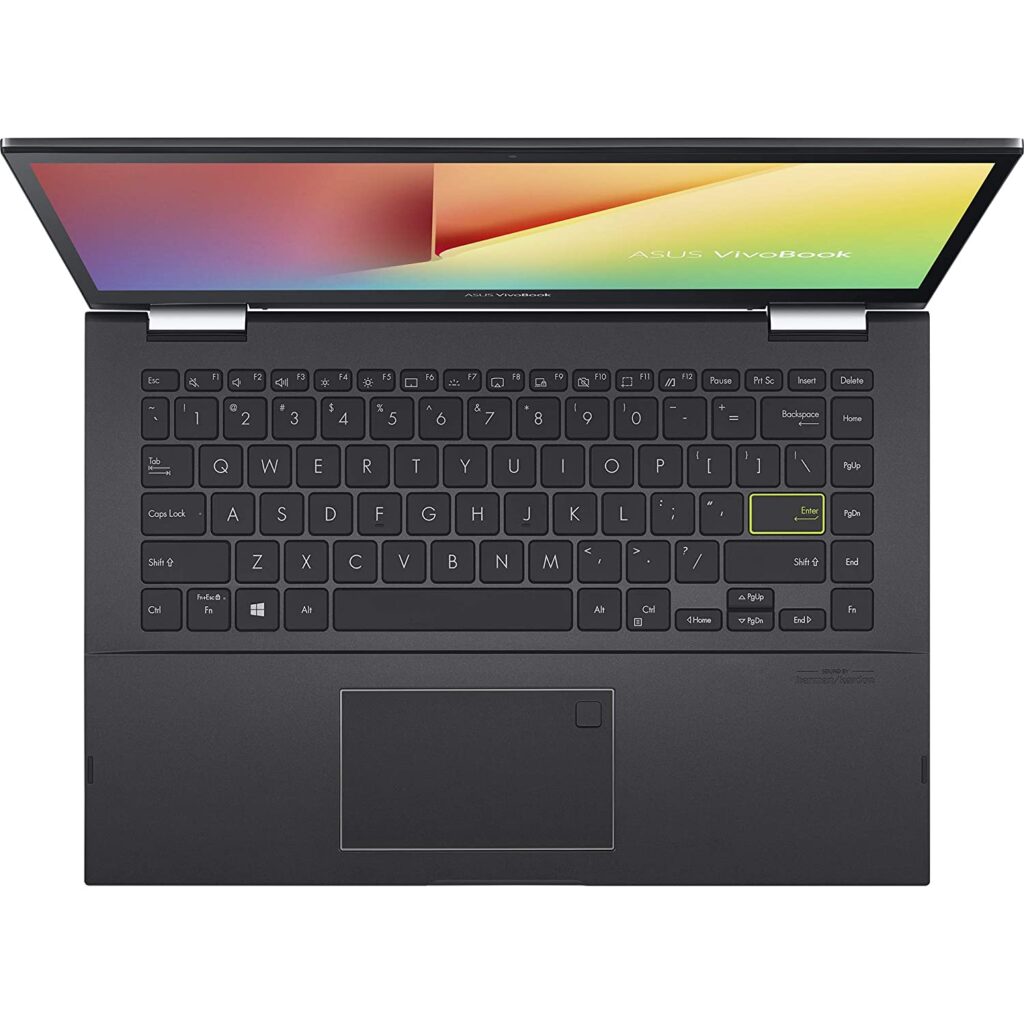
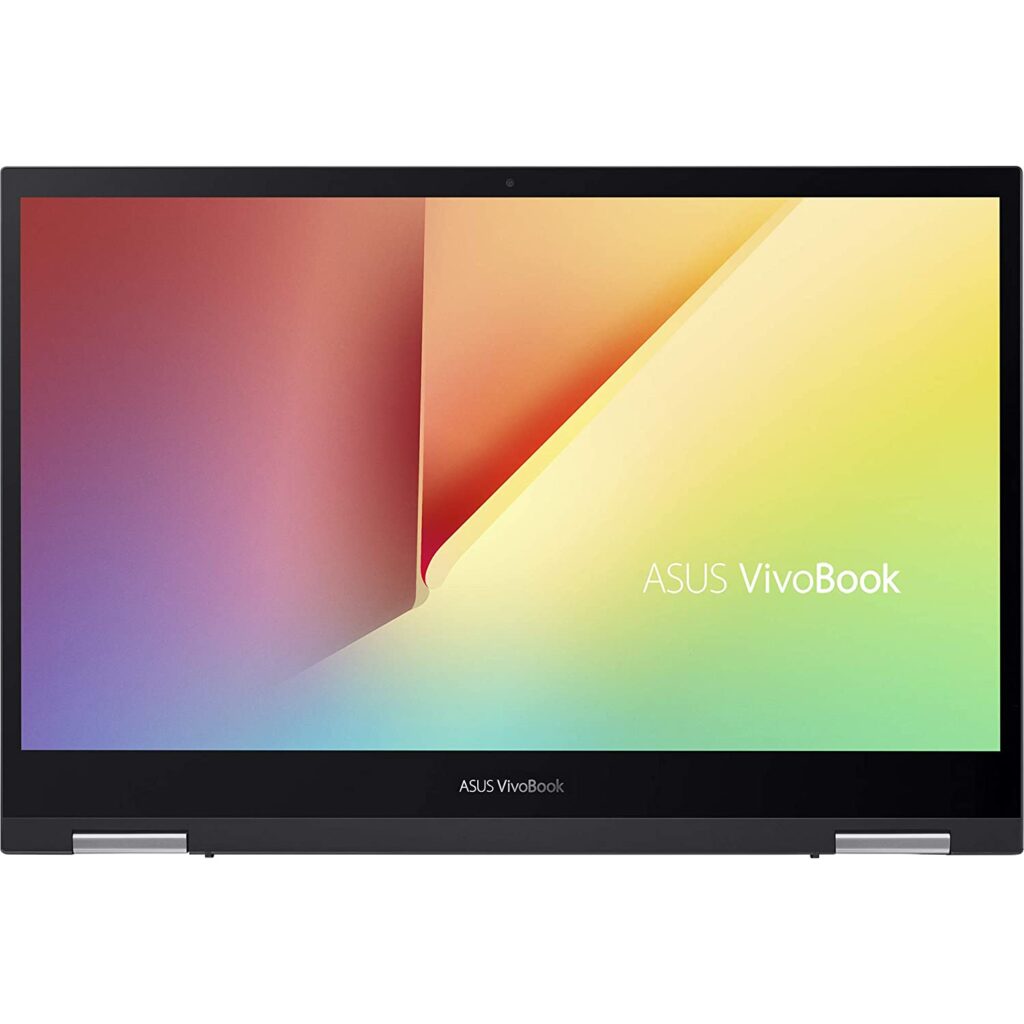
Asus has launched VivoBook Flip 14 (2021) TP470EA-EC312WS laptop model in India online. It has an MRP price of ₹69,990 and will be available for a lower price in the coming days online. This laptop is now listed online on Amazon.in. Check here for the current lowest price, offers, and buyer reviews.
Launch Price: ₹58,223 ( Feb 2022 ) May 2022 Sumer Sale Offer Price on Amazon.in:₹52,990.
ASUS VivoBook Flip 14 2021 TP470EA-EC312WS is an entry-level 2-in-1 convertible laptop powered by 11th Gen Intel Core i3-1115G4 dual-core processor. For graphics, it uses Integrated Intel UHD Graphics. The CPU on this has a base frequency of 3.0Ghz and supports a turbo boost clock of up to 4.1Ghz.
It features a 14 inch Full HD screen with touch and stylus support. It comes with 8GB of ram and has 512GB of SSD storage. Acer has powered this model with a 3-cell 42Whr battery and supplies a 65W AC Adapter in the box. It ships with Windows 11 Home operating system.
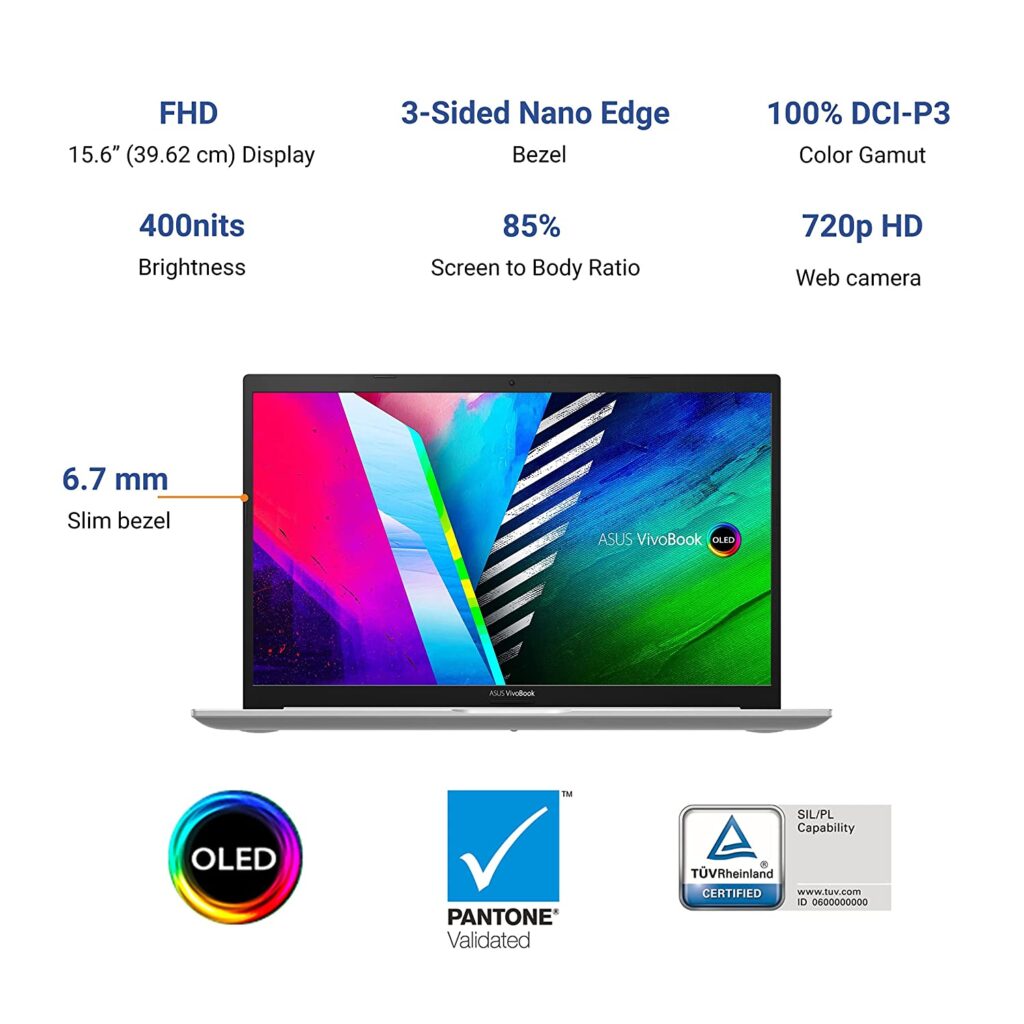
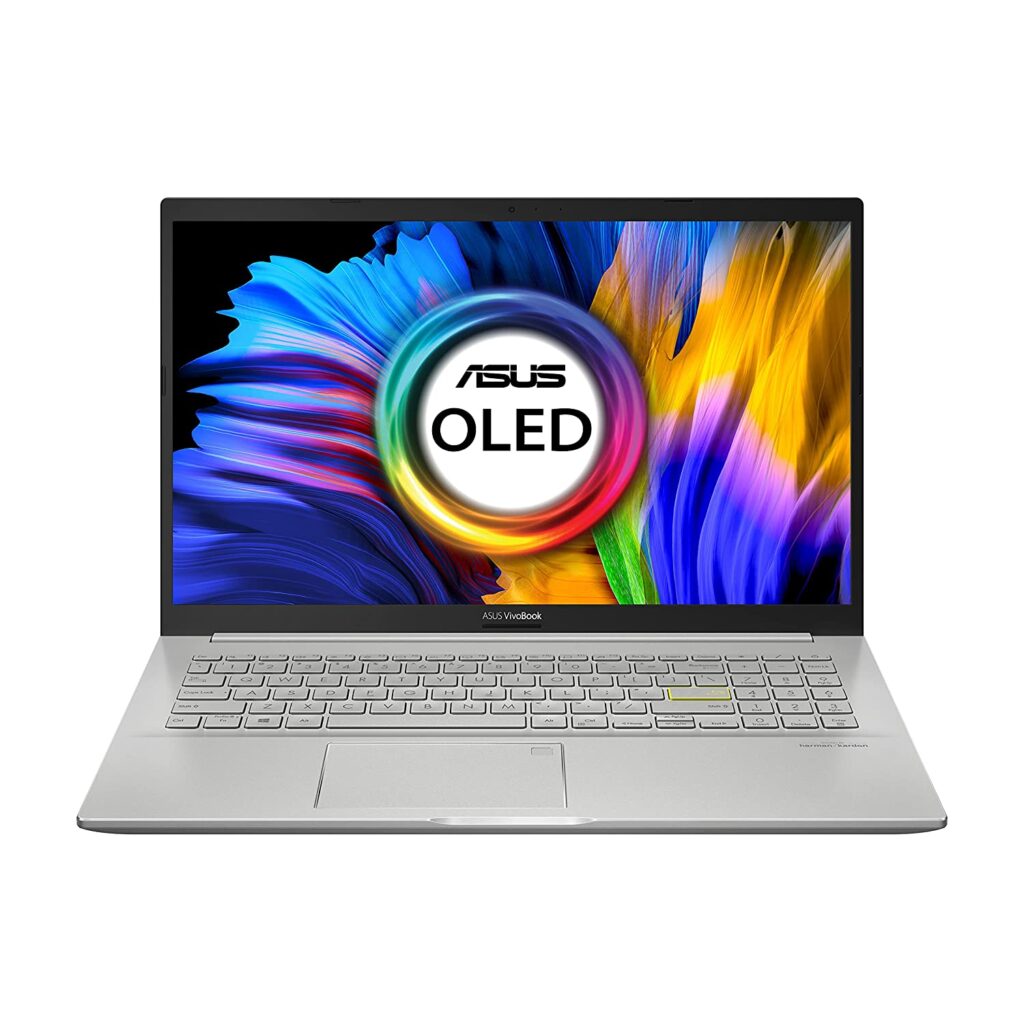
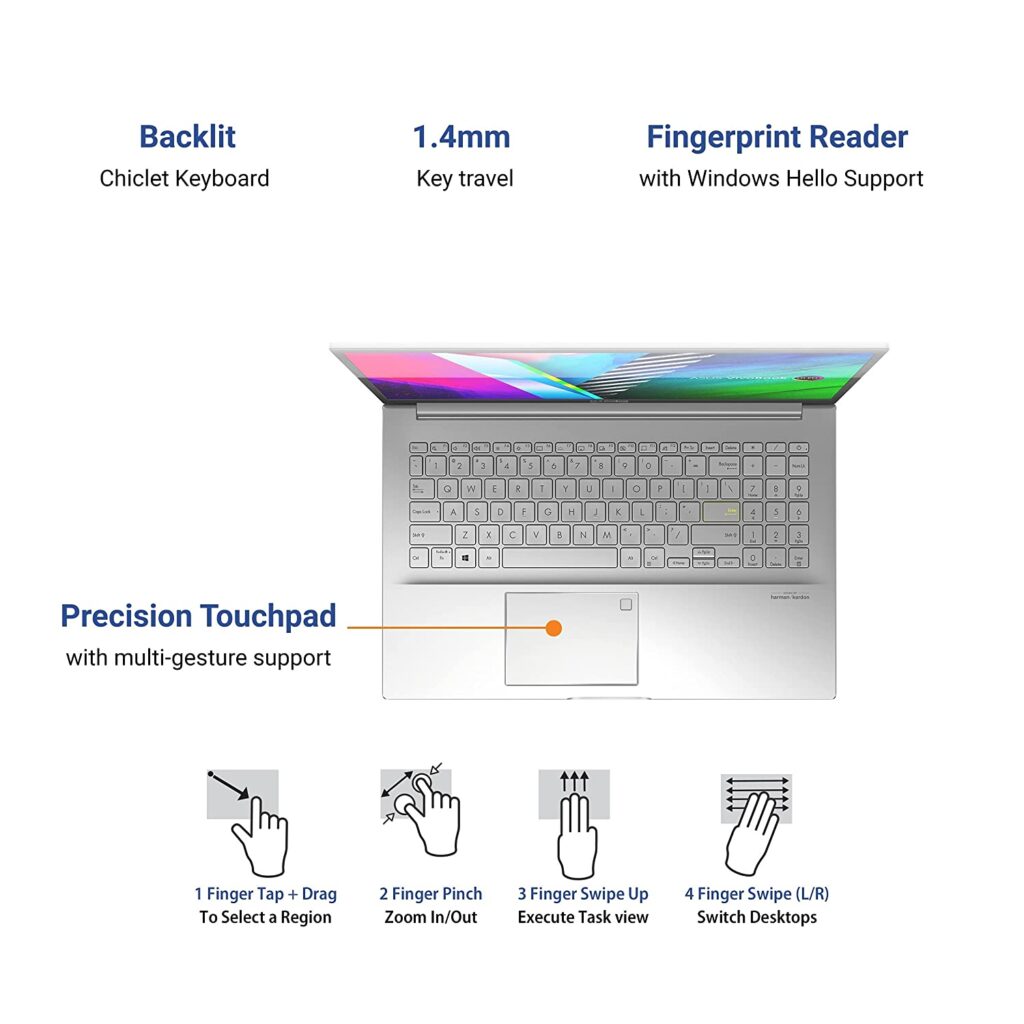
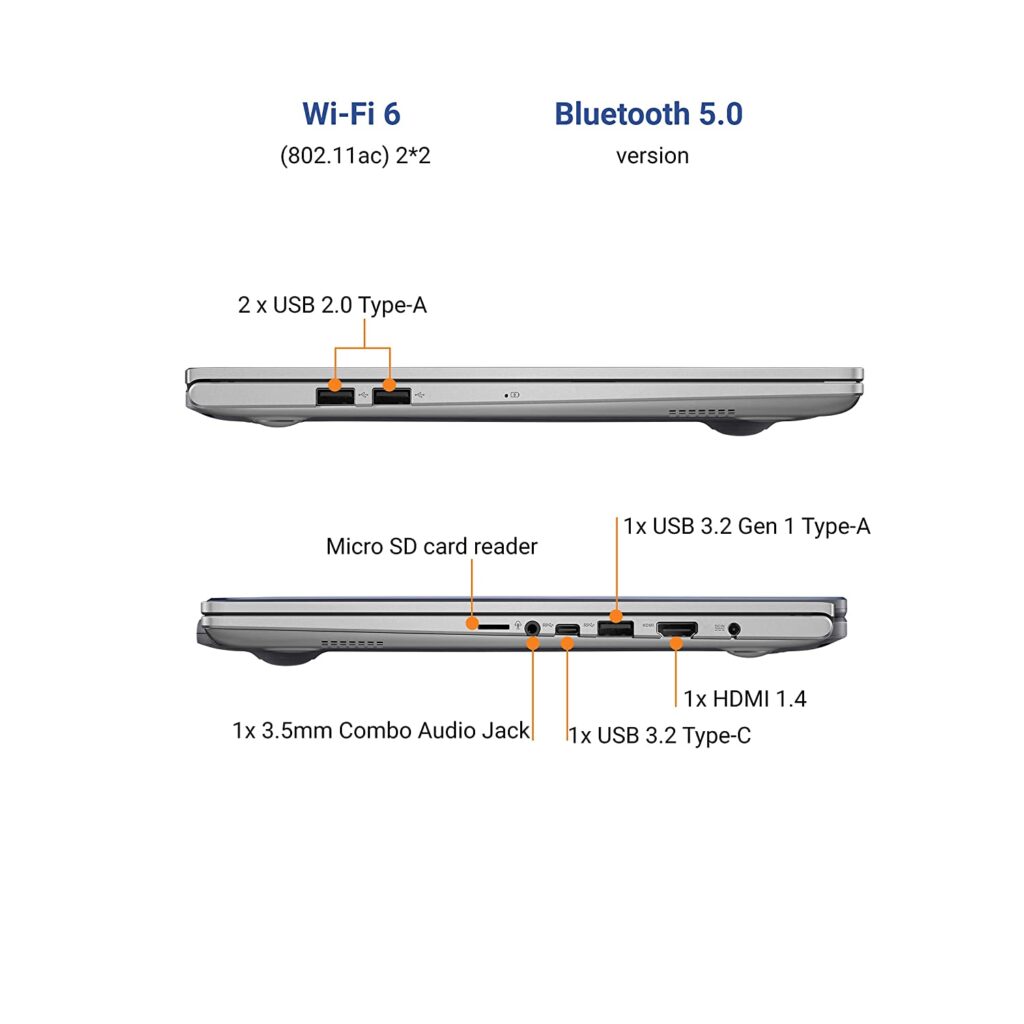
Asus India has launched VivoBook K15 OLED K513EA-L712WS 2021 Laptop model online. It has an MRP list price of ₹1,00,990 and will be available for a lower launch selling price in the coming days. This model is now listed online in stock and available to purchase from Amazon.in. Check here for the current lowest price, offers and buyer reviews.
Asus VivoBook K15 OLED K513EA-L712WS 2021 features a 15.6 inch Full HD resolution OLED screen that supports 100% DCI-P3 color gamut and has a peak brightness of 400nits. This model comes with Windows 11 Home and has MS Office Home & Student 2021 pre-installed. Asus has powered this model with a 3-cell 42Whr battery and provides a 65W AC Adapter in the box.
Asus K513EA-L712WS is powered by 11th Gen Intel Core i7-1165G7 quad-core processor which has a base clock speed of 2.8Ghz and supports a turbo boost up to 4.7Ghz. For graphics, it uses Integrated Intel Iris Xe Graphics. It comes with 16GB of ram and has 512GB SSD storage. Check out the full specs below.
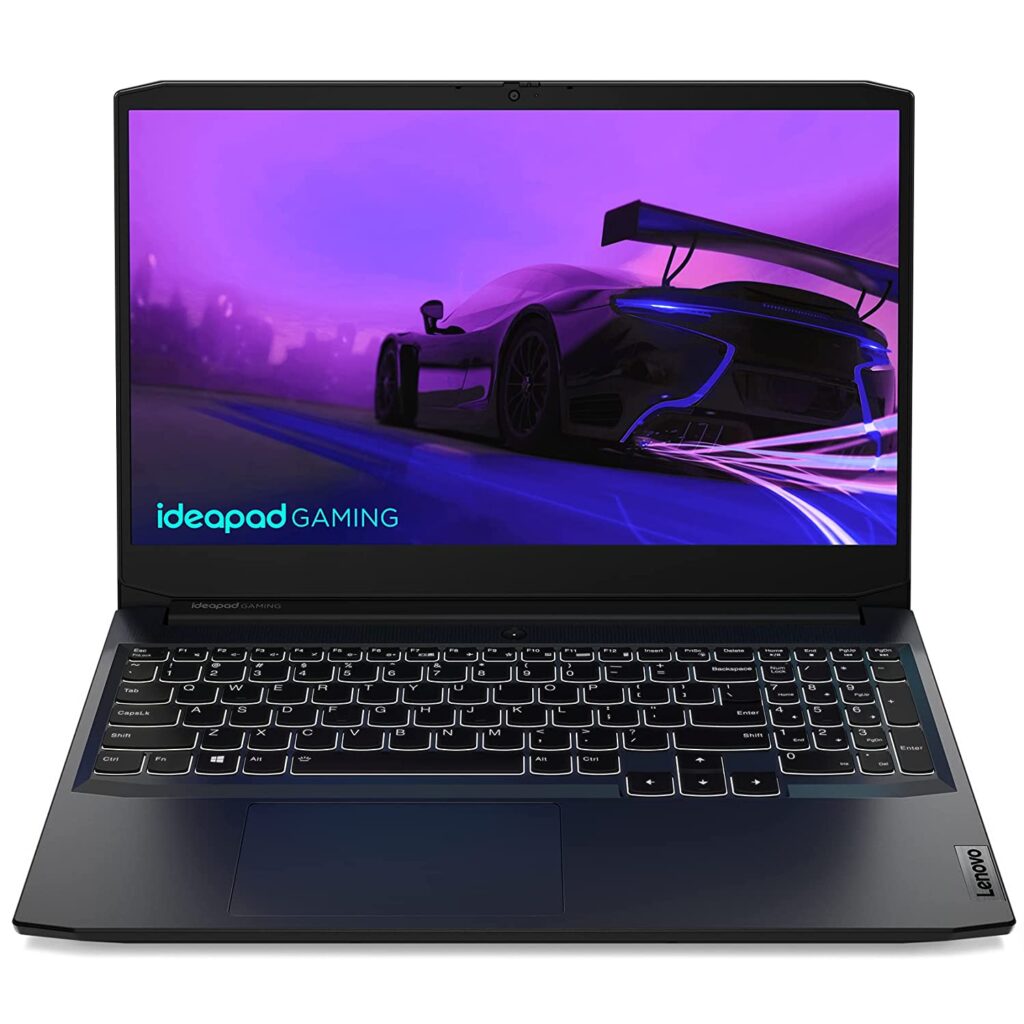
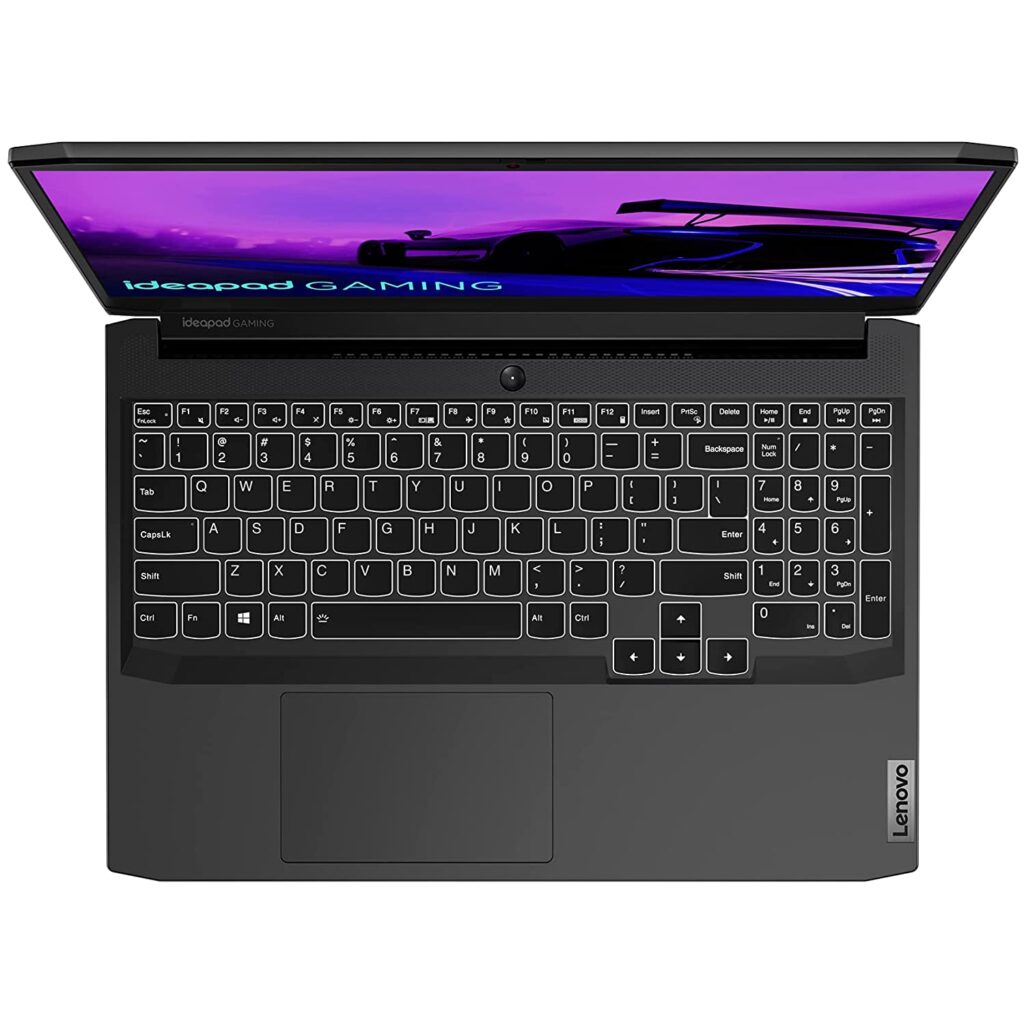
Lenovo Ideapad Gaming 3 82K100MVIN is currently one of the best-selling Nvidia GTX 1650 powered laptops in India online. The current lowest price for this model online is₹57,990 ( Jan 2022 ). The MRP list price is ₹93,690.Check here for the current lowest price, offers, and buyer reviews.
Lenovo Ideapad Gaming 3 82K100MVIN is powered by 11th Gen Intel Core i5 11300H quad-core processor which has a base clock speed of 3.1Ghz and supports a turbo boost clock speed of 4.4Ghz. It comes with 8GB of ram and has 512GB SSD storage. Lenovo has powered this model with a 45Wh battery and provides a 135W Slim Tip (3-pin) power adapter in the box.
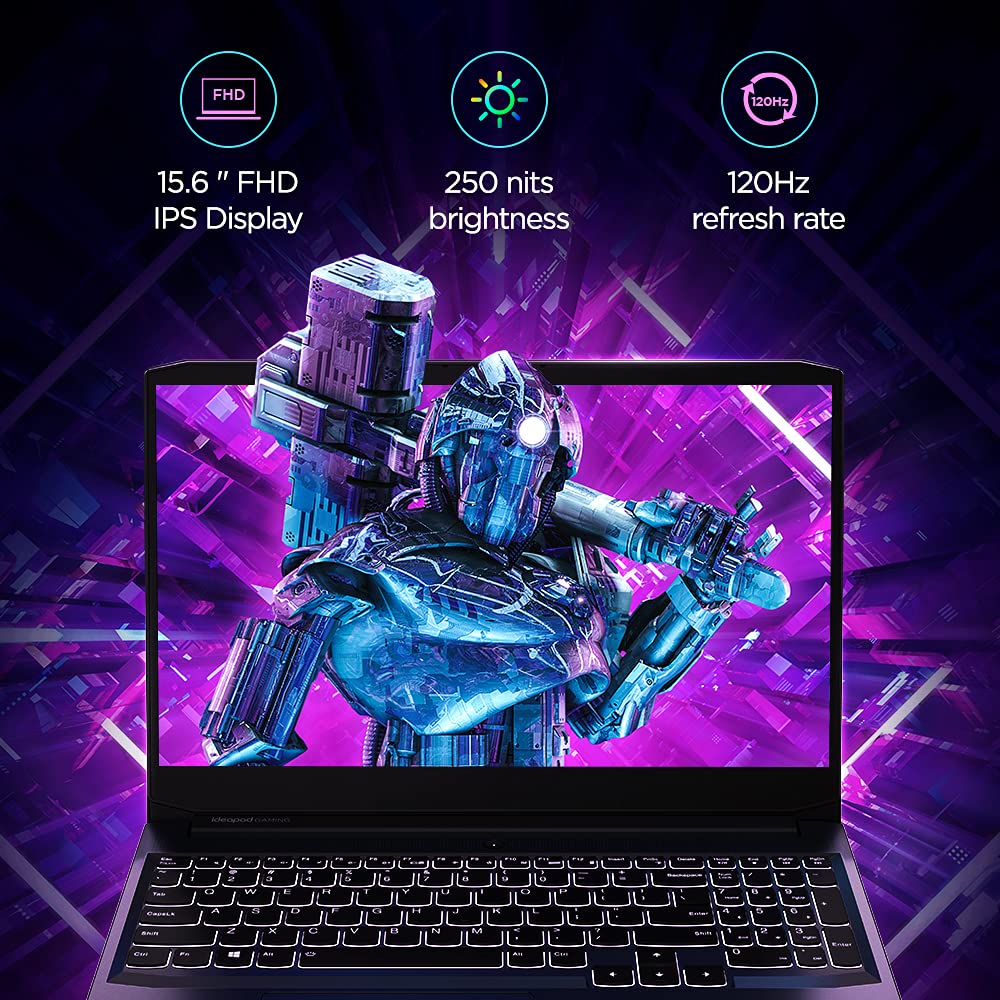
The display on this model is a 15.6 inch Full HD screen with an IPS panel supporting a max refresh rate of 120hz. It ships with Windows 10 Home and can be updated to Windows 11 Home. This model supports WiFi 6 networks and has Bluetooth 5.0 to connect accessories. Check out the full specs and features below.
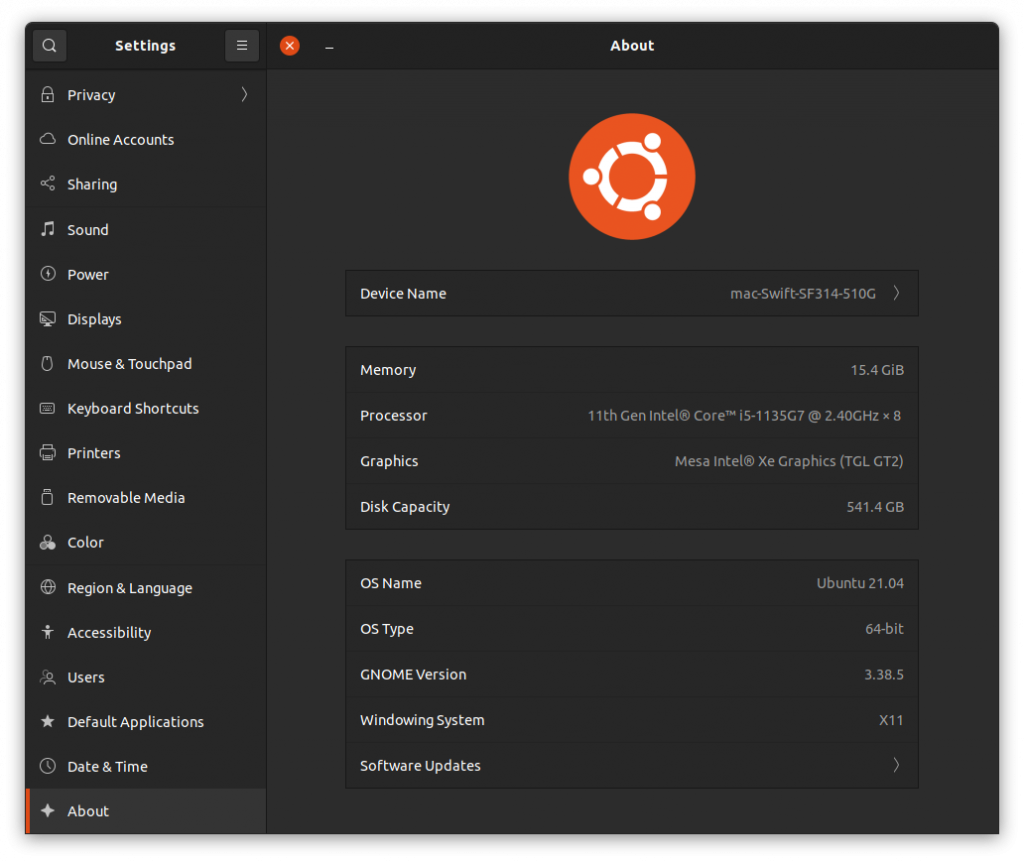
I recently bought an Acer Swift 3X SF314-510G renewed laptop from Amazon.in as a backup laptop to test out Windows 11 Insider Edition. Since I use Ubuntu 21.04 (Hirsute Hippo) with GNOME 3.38.4 on my regular laptop, I was curious to see how it will work on this new hardware.
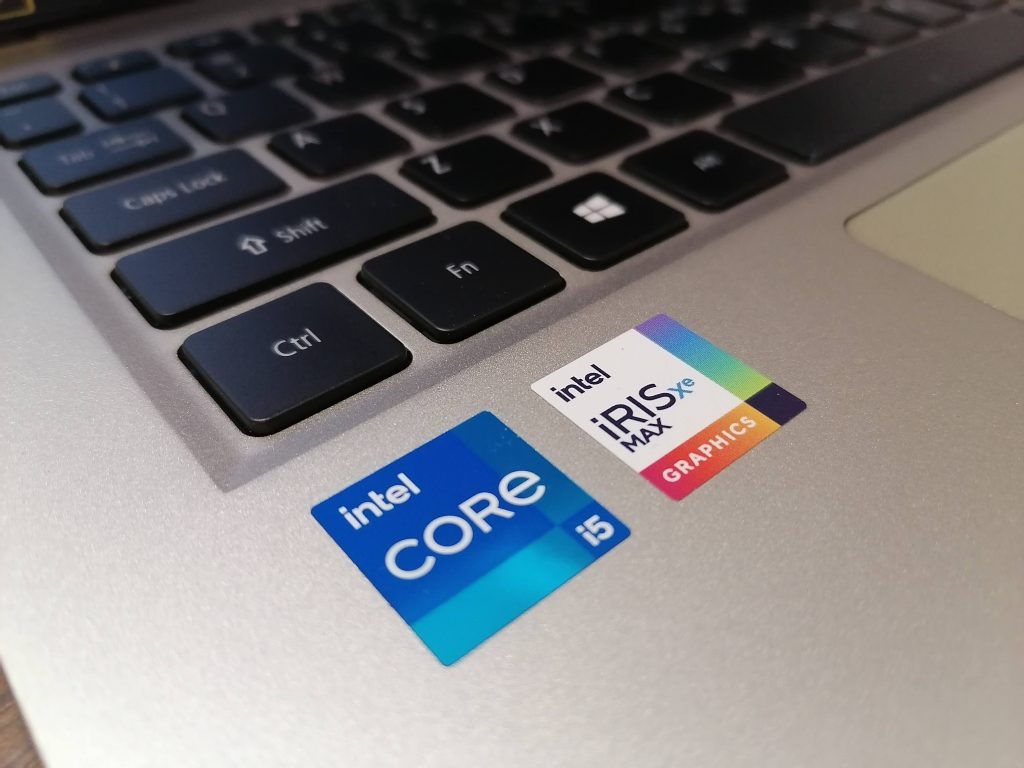
Acer Swift 3X SF314-510G is not just another Intel-powered laptop. This model is unique as it comes with Intel Iris Xe Max GPU ( Intel DG1 ). As of this writing, the Ubuntu official kernel doesn’t have support for this GPU. However, since the 11th Gen Intel Core i5-1135G7 also comes with integrated Iris Xe graphics, the latest Ubuntu bootable USB installation drive booted into it without any issues. Everything was working except the Intel Iris Xe Max GPU because of a lack of drivers.
Installing Ubuntu 21.04 Linux on Acer Swift 3X SF314-510G
Since I was able to boot the live USB without any issues, I thought i will install it after updating Windows 10 to Windows 11. I enrolled in the Windows Insider program and installed the new Windows 11 without any issues. The UI looks much better and polished than the older Windows versions. If you are a Windows user, I would highly recommend you give it a try. From my limited usage, I didn’t see the Blue Screen of Death, which is now black I heard.
After using Windows 11 for a while, I decided to Dual boot Ubuntu 21.04 on my new Acer Swift SF314-510G. Installation went without any issues. Since the new Ubuntu versions support Secure Boot, you don’t have to disable it in the Bios and use legacy mode. Everything got installed and the system rebooted. However, the GRUB bootloader, which was needed for Ubuntu to boot didn’t load at startup. Naturally, I googled for solutions and got a wide range of solutions to try out.
A few users suggested i try the following commands
For me, both of these commands didn’t work. So I moved on to other solutions.
Acer has a Bios feature that lets you choose a .EFI file as trusted. In order to do that, first, you have to set a Bios Supervisor password. You can do that easily from the Security tab. Then you have to choose the Select a UEFI file as trusted for executing option. This will let you browse through the EFI partition. From there, navigate to the ubuntu folder and find the shimx64.efi. If no such file exists, look for grubx64.efi. Select it by entering. It will prompt you to enter a name. After finishing this step successfully, reboot. You will now have a new entry in the bootable items listed in the F12 boot menu. This process will give you the Grub loader to boot from on many many Acer Laptops.
However, in my case, it didn’t. So I repeated the Ubuntu installation process after resetting everything in the BIOS to default. Also i tried with and without Secure boot enabled. I again ran into the same issue. but this time, I got empty EFI Ubuntu folders. When I mounted the EFI ubuntu folder using a live system, I found the needed files there but for some reason, BIOS didn’t show it.
I tried using older Ubuntu versions – even installed older Ubuntu 18.04 LTS just to see if it will give me the GRUB. Now i ran into a new error – Executing ‘grub-install /dev/nvme0n1’failed – This is a fatal error. I switched back to the latest Ubuntu live CD, and to my surprise, i started to see this new grub-install error in that as well! Again, I google-searched for solutions, and nothing these great minds suggested worked in my case.
Since I am a full-time Ubuntu user, I actually didn’t need to have Dual Boot Windows 11 and Ubuntu on my Acer Swift 3X SF314-510G. I can easily live without it. However, I wanted to test out the new UI and Windows experience, hence the decision to Dual boot. Also, I was afraid Acer has done some bad EFI Secure Boot implementation that wouldn’t let Ubuntu or other Linux booting on their new laptops. So removing Windows, formatting the whole drive, and installing Ubuntu alone was a risk. However, I was forced to do exactly that thanks to a fix suggested by Gparted. I was using Gparted in the live session to look at the partitions, and it alerted me of some issue with a drive. I hit FIX without thinking much and.. managed to corrupt the Windows partition. ie I screwed up. The Windows bootloader recovery tried to fix it automatically and failed. I tried a few different things and all failed. So I went from trying to fix the Ubuntu GRUB loading issue to trying to fix Windows 11 loading issue.
Finally, I decided to wipe everything off and go Full Ubuntu. I did select Install third-party software for graphics and Wi-Fi hardware and additional media formats during the installation and during the first boot, I performed the “Perform MOK management” and used the “Enroll MOK” option. All went well. It worked. I was able to Boot into the new Ubuntu installation without any issues.
I don’t know the exact reason why the GRUB didn’t load properly. It could be a bug in the GRUB, it could be the Windows 11 bootloader blocking other OSes, or maybe it’s due to some bad Acer BIOS EFI issue.
What I am now trying to do is get a Kernel with support for Iris Xe Max GPU ( Intel DG1 ). According to the reports online, the Linux 5.14 kernel will land with the support for the DG1 GPU. Intel developers are pushing various patches to the kernel to support this new GPU. I tried signing and booting with a 5.14.0-051400rc2-generic but is yet to have drivers for the DG1 GPU.