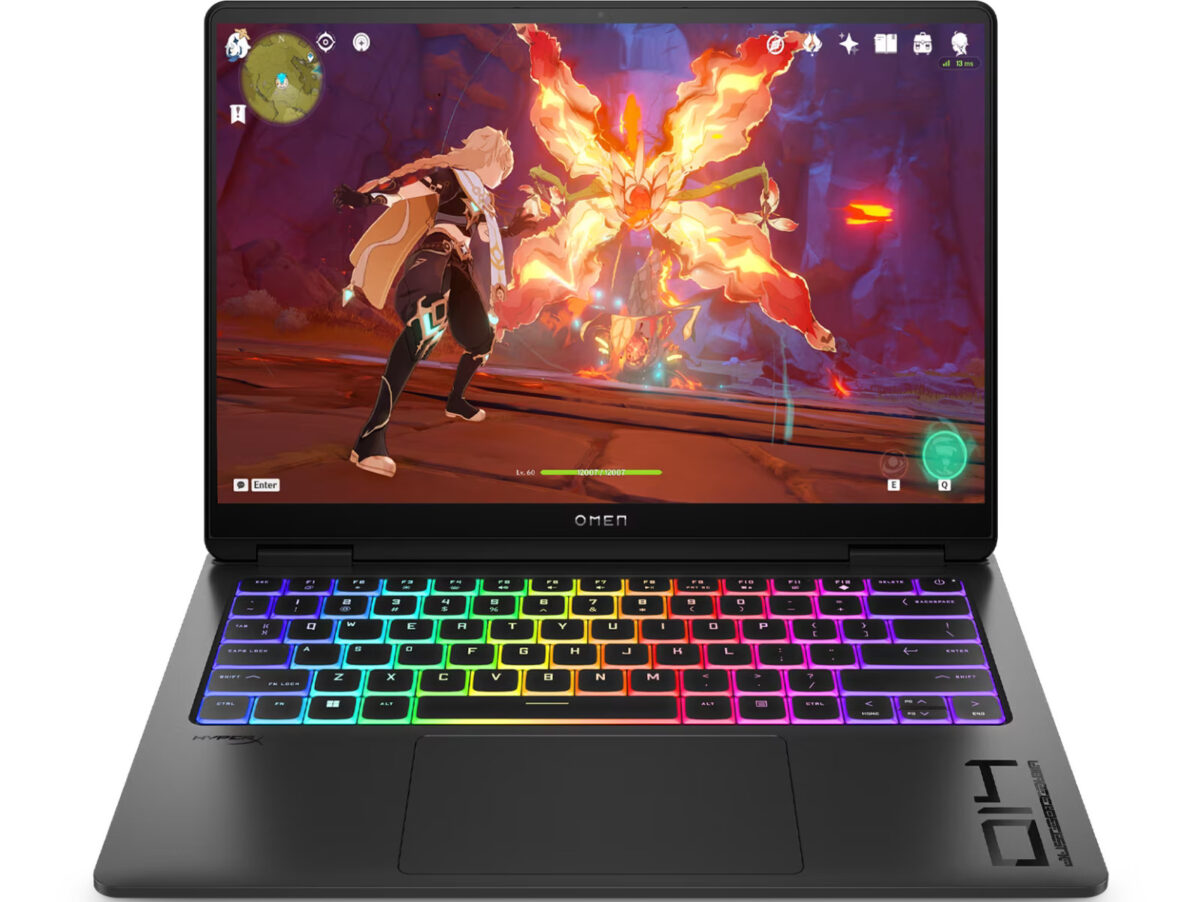
HP Omen 14-fb0007TX Gaming Laptop powered by Intel Core Ultra 7 155H Launched in India | Check Price, Specs and Features

HP India has launched 2024 Omen 14-fb0007TX Gaming Laptop ( 9R291PA#ACJ ) powered by Meteor Lake H Series Intel Core Ultra 7 155H processor and NVIDIA GeForce RTX 4060 (8 GB GDDR6 dedicated) laptop graphics GPU online. It has a launch selling price of ₹174,999 and an MRP list price of ₹191,668. Check out the full specs and features below.

HP Omen 14-fb0007TX Technical Details

  • Processor: Intel® Core™ Ultra 7 155H (up to 4.8 GHz with Intel® Turbo Boost Technology, 24 MB L3 cache, 16 cores, 22 threads)
  • Graphics: NVIDIA® GeForce RTX™ 4060 Laptop GPU (8 GB GDDR6 dedicated)
  • Graphics TGP: No info is available on the product pages at the time of writing. However, when I contacted HP customer care, they said “up to 115W” ).
Display Specs

It has a 14-inch OLED display with a resolution of 2.8K, which supports a varying refresh rate of 48hz to 120hz. The display has a response time of 0.2 ms and covers 100% of the DCI-P3 color gamut. The maximum brightness it supports is 400 nits in SDR and 500nits in HDR mode.

Buying Link: Amazon.in ( affiliate link ).

Related Models

As an Amazon associate, I earn from qualifying purchases.
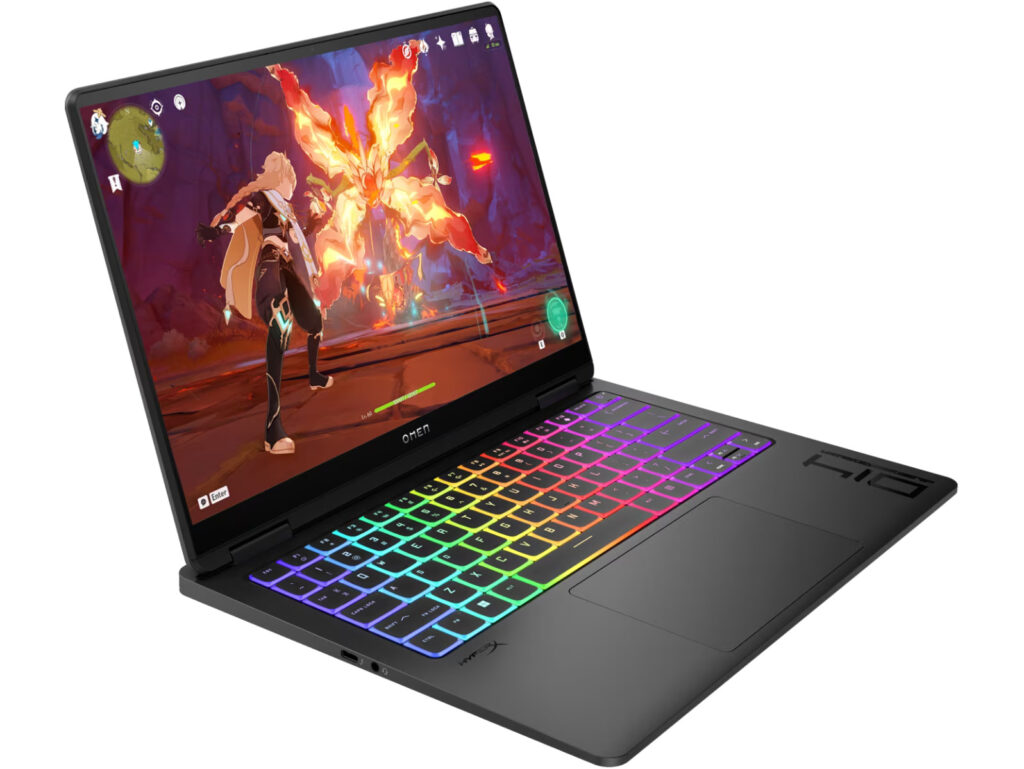
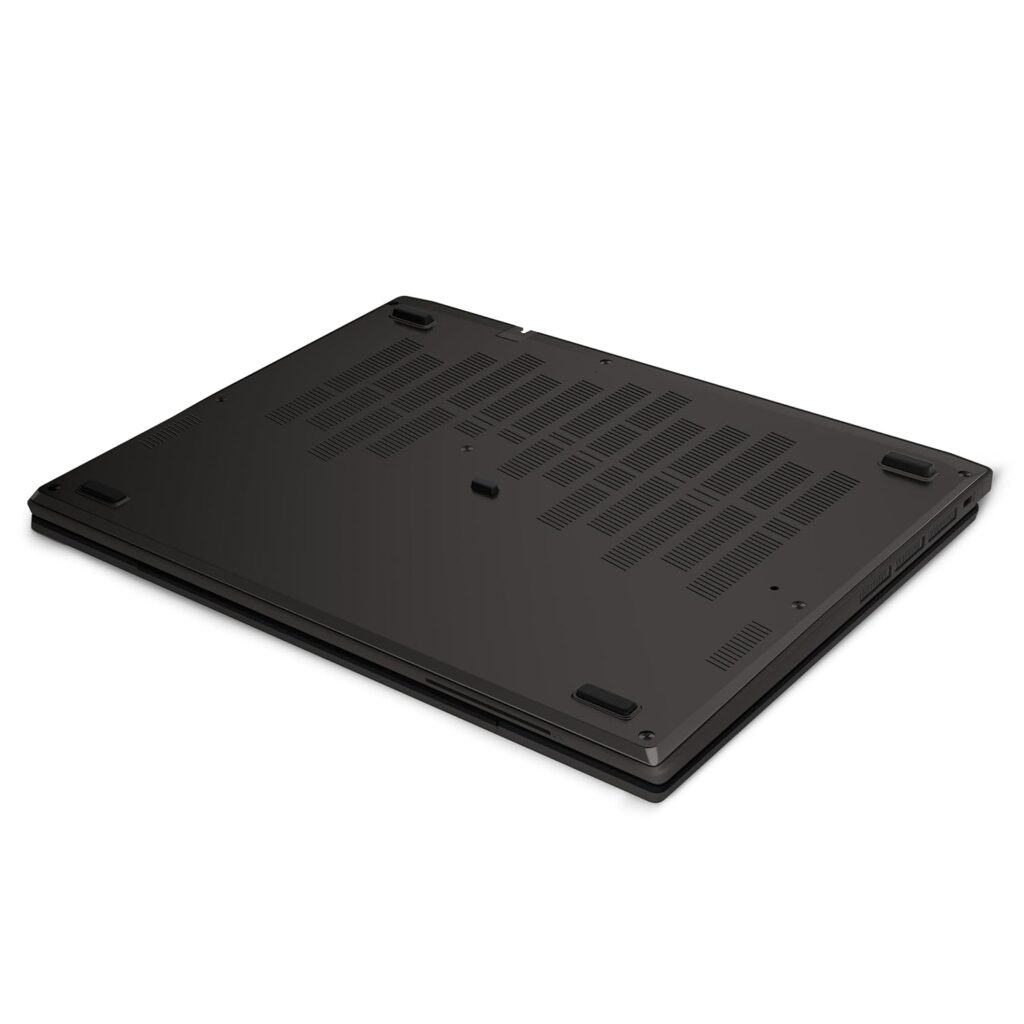
HP Omen 14 fb0007TX other side
RAM Memory and Storage

2024 HP Omen 14-fb0007TX comes with 16GB of RAM ( LPDDR5x-7467 MHz ) and 1TB SSD storage ( PCIe Gen4 NVMe TLC M.2 SSD ).

Wireless Connectivity

HP has equipped this model with Intel Wi-Fi 6E AX211 offering faster speeds and less congestion than WiFi 6 thanks to using 6Ghz frequency. For connecting accessories, it has a Bluetooth 5.3 wireless card. It also supports HP Extended Range Wireless LAN.
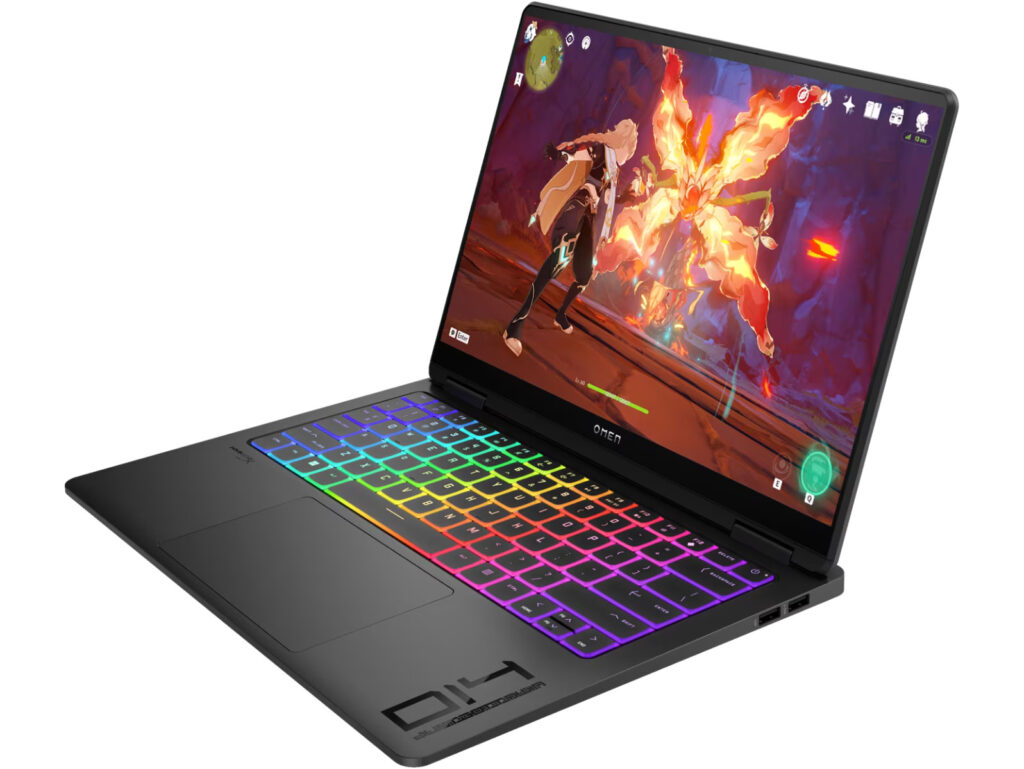
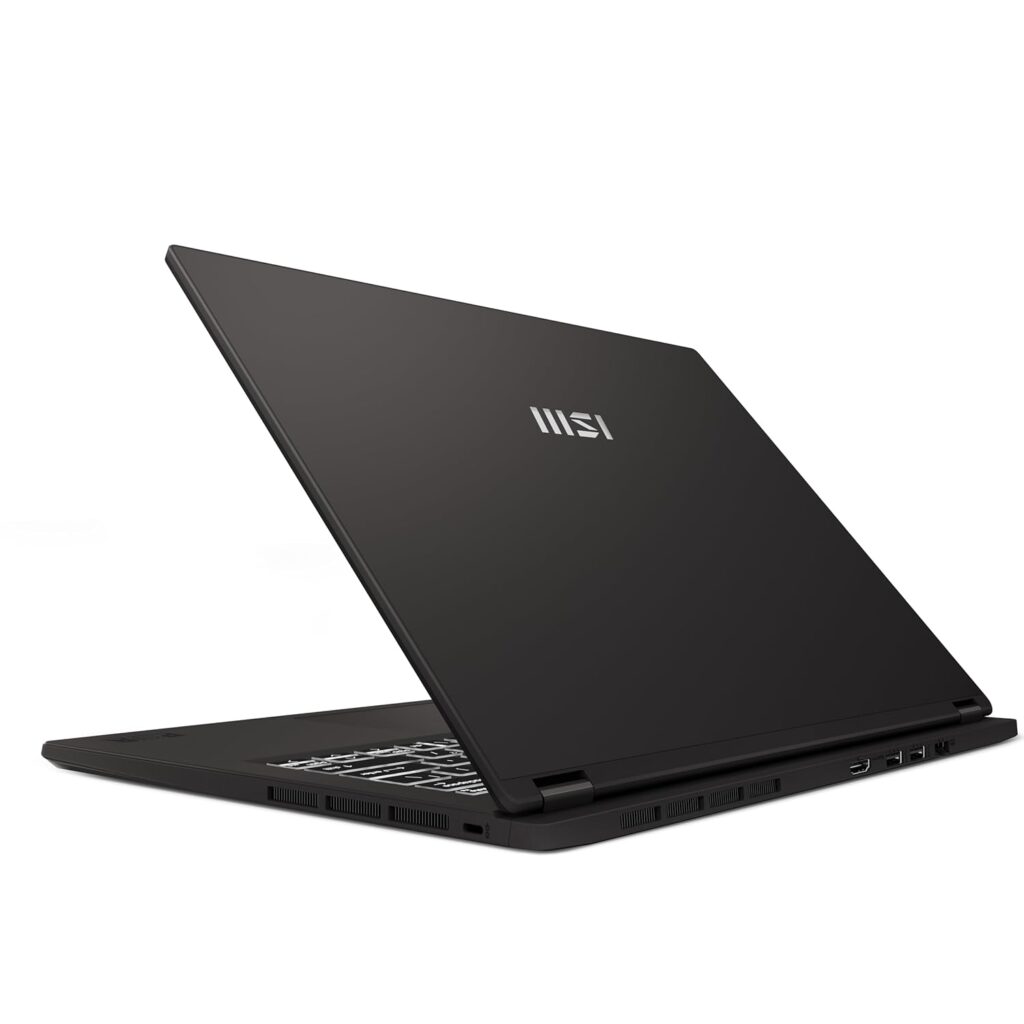
HP Omen 14 fb0007TX side
I/O Ports

HP Omen 14-fb0007TX ( 9R291PA#ACJ ) is equipped with the following Input/Output ports

  • 1x Thunderbolt 4 with USB Type-C 40Gbps signaling rate (USB Power Delivery, DisplayPort 1.4, HP Sleep and Charge)
  • 1x USB Type-C 10Gbps signaling rate (USB Power Delivery, DisplayPort 1.4, HP Sleep and Charge)
  • 1x USB Type-A 10Gbps signaling rate (HP Sleep and Charge)
  • 1x USB Type-A 10Gbps signaling rate
  • 1x HDMI 2.1
  • 1x headphone/microphone combo 3.5mm jack
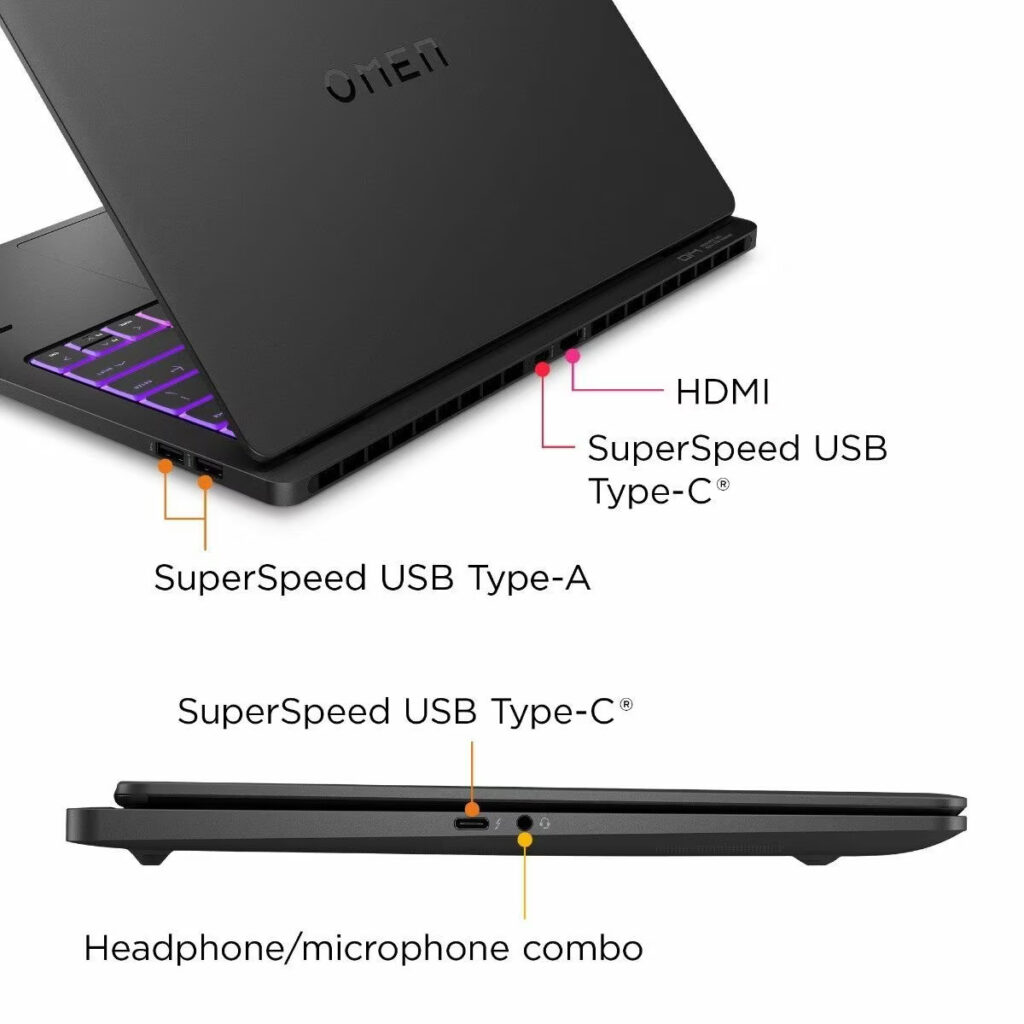
HP Omen 14 fb0007TX ports
Battery and Power supply

HP has powered 2024 Omen 14-fb0007TX with a 6-cell,71 Wh Li-ion polymer battery. For charging the device, HP ships it with a 140 W USB Type-C® power adapter in the box.

Other features

When it comes to the keyboard, 14-fb0007TX features a Full-size, 4-zone RGB backlit, Ceramic White keyboard and 26-key Rollover Anti-Ghosting Key technology. It is equipped with an HP True Vision 1080p FHD IR camera with temporal noise reduction and integrated dual array digital microphones for better video calls.

This laptop weighs 1.75 kg and comes in Shadow black aluminum color. It ships with the Windows 11 Home operating system. Microsoft Office home and Student 2021 worth ₹9,199 is included with the product.
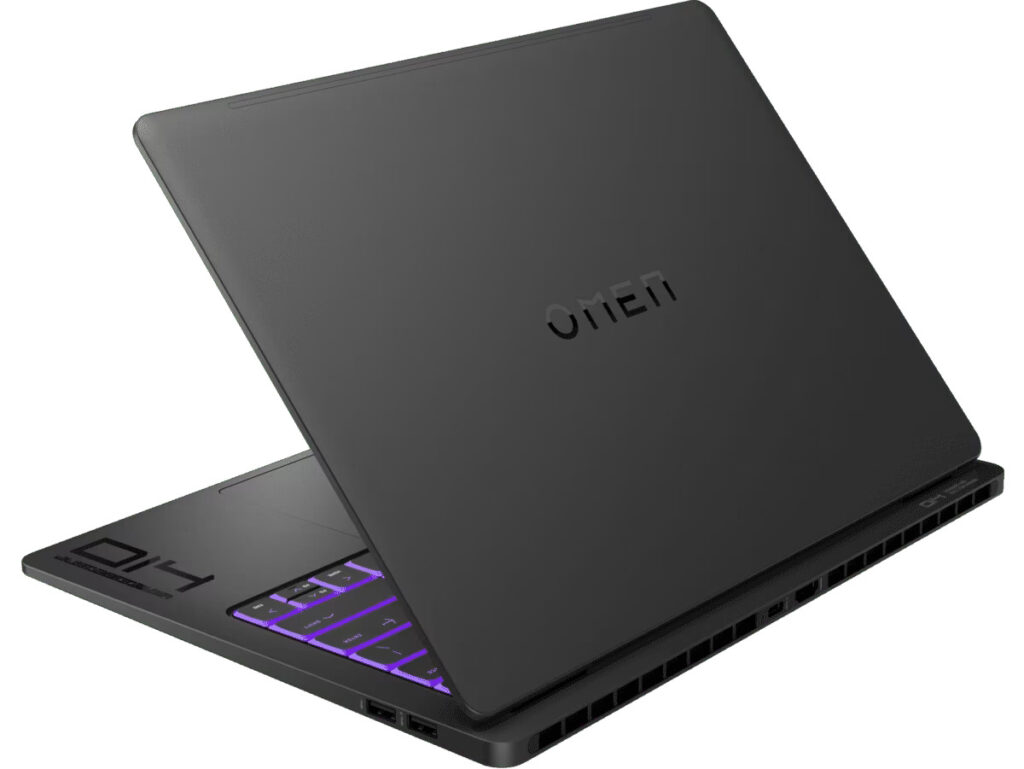
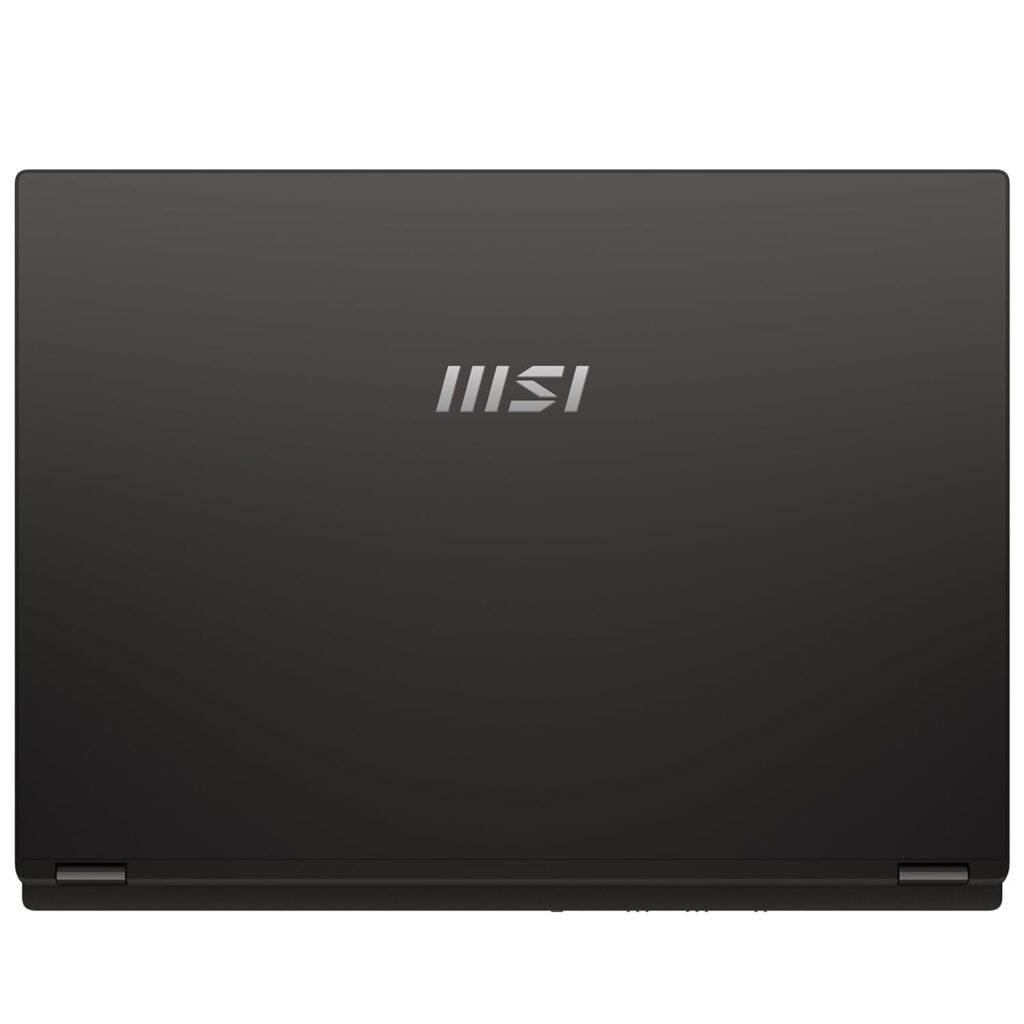
HP Omen 14 fb0007TX back

Lava Blaze Curve 5G is now available in India

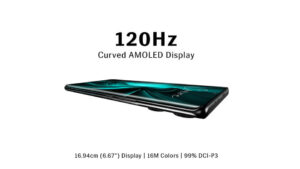
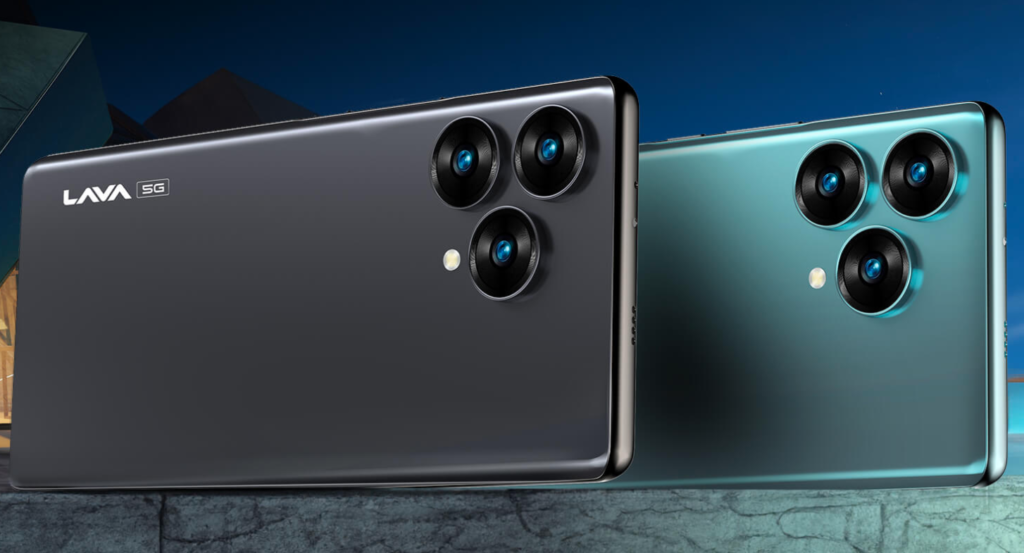
Lava Blaze Curve 5G Android Smartphone is now available to purchase in India with a price starting at ₹17,999. It is available to purchase online from Amazon.in. You can grab it in two color options – Glass Viridian and Glass Iron. Both models have the same ₹17,999 launch price tag and an MRP price of ₹20,999.

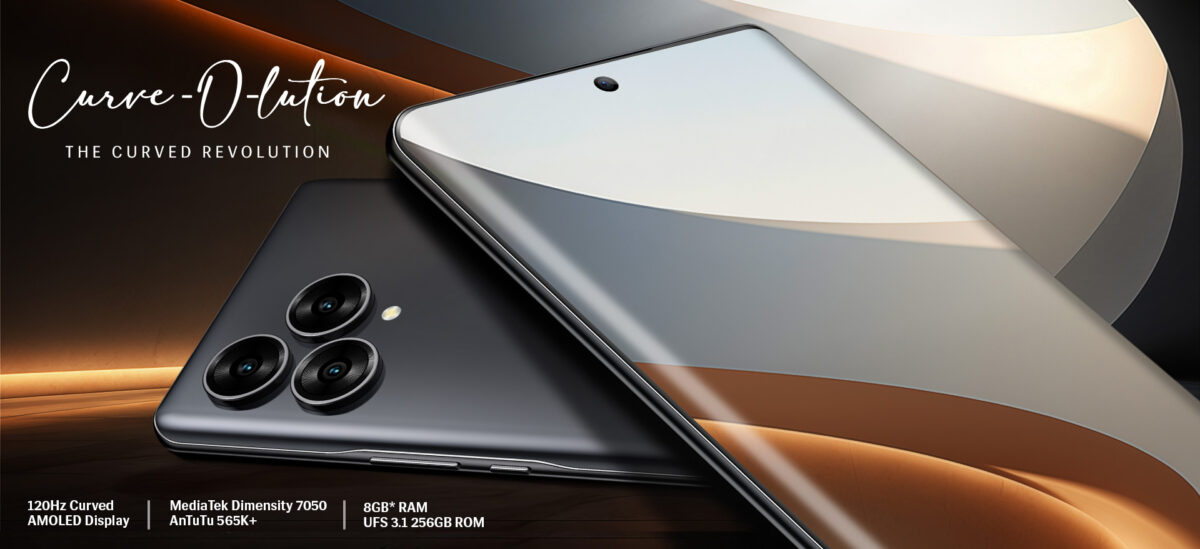
Lava Blaze Curve 5G is powered by MediaTek Dimensity 7050 6nm processor. This is an octa-core processor capable of reaching 2.6 GHz frequency. It ships with the Android 13 operating system. Lava claims it as a clean Android version with No Bloatware and No Ads. Lava is offering guaranteed updates to Android 14 and Android 14 versions in the future.

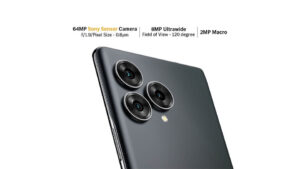
On the rear, it has a triple camera setup including a 64MP Primary lens + 8MP Ultrawide lens + 2MP Macro lens. It has an LED flash to assist in low-light scenarios. On the front, you get a 32MP sensor with Screen Flash support.

The max video recording supported by the rear main camera is 4K/30fps. Other camera features are Slow Motion, Timelapse, Pro, Macro, Beauty, HDR, Night, Portrait, AI, Pro, Panorama, Filters, and Intelligent Scanning. Check out the Lava Blaze Curve 5G review videos on YouTube to see how these various features perform.

It comes with 8GB RAM plus 8GB virtual RAM. For storage, it can be bought in either 128GB or 256GB UFS 3.1 storage options. There is no micro SD card available on this model.

Lava Blaze Curve 5G smartphone weighs 189gm. The back panel is protected with Gorilla glass. It is equipped with a 5000mAh (Typ) Li-Polymer battery. It has a USB Type-C ports and comes with a 33W Charger.

There is WiFi 6 support and Bluetooth 5.2 to connect wireless accessories. When it comes to onboard sensors, Lava Blaze Curve 5G is equipped with Accelerometer, Proximity, Gyroscope, Magnetometer, Ambient Light, and Fingerprint sensor.

Lava offers 1 Year headset warranty and a 6-month warranty on Accessories.

Lava Black Curve 5G supports all sub 6mm-wave bands auctioned and bought by Indian Operators: n1/n3/n5/n8/28/n41/n77/n78.

Image Gallery

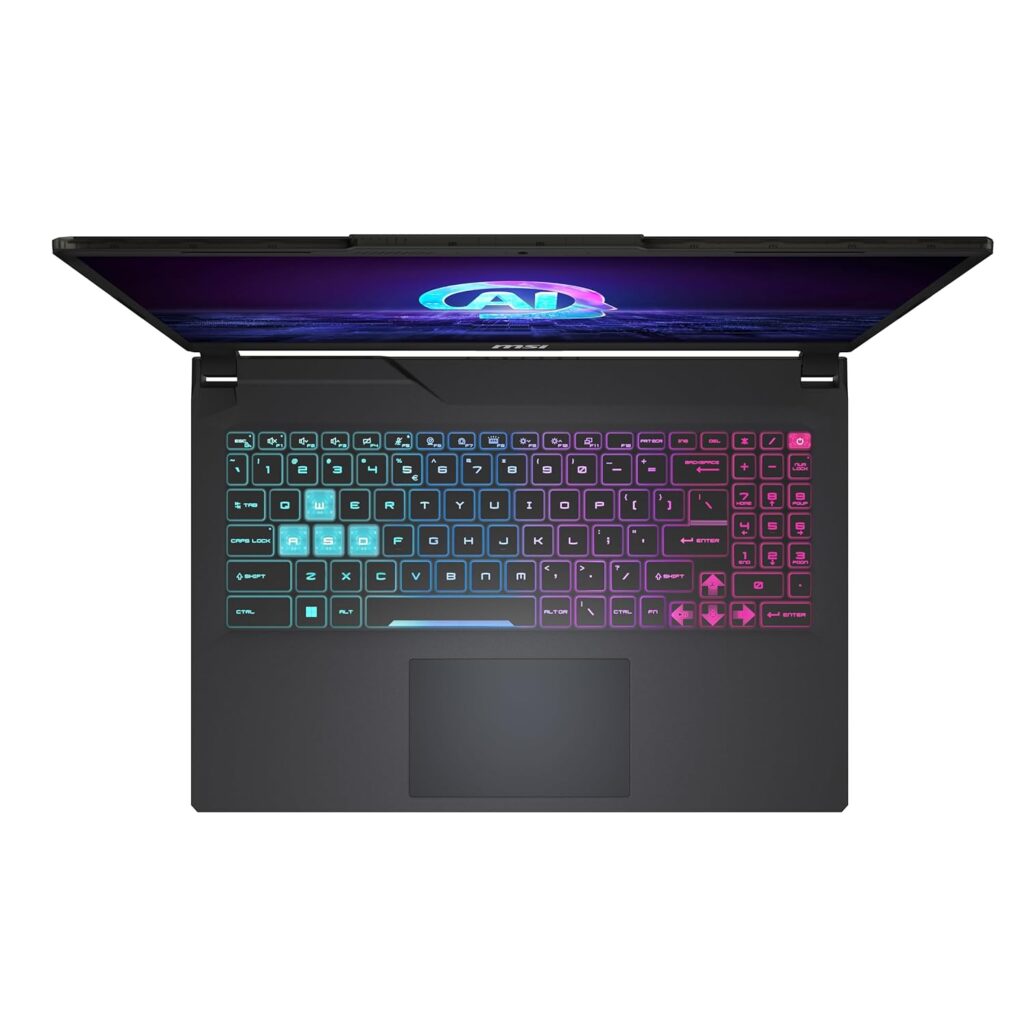
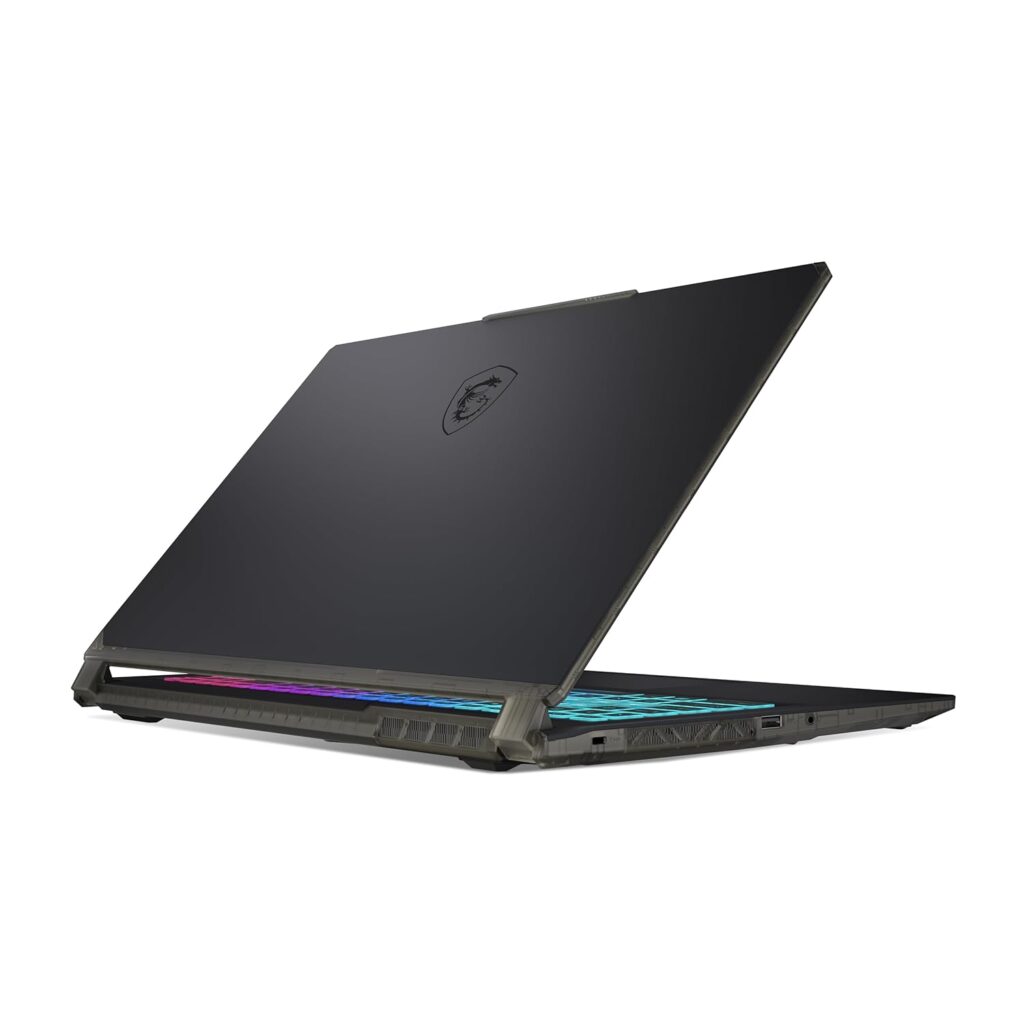
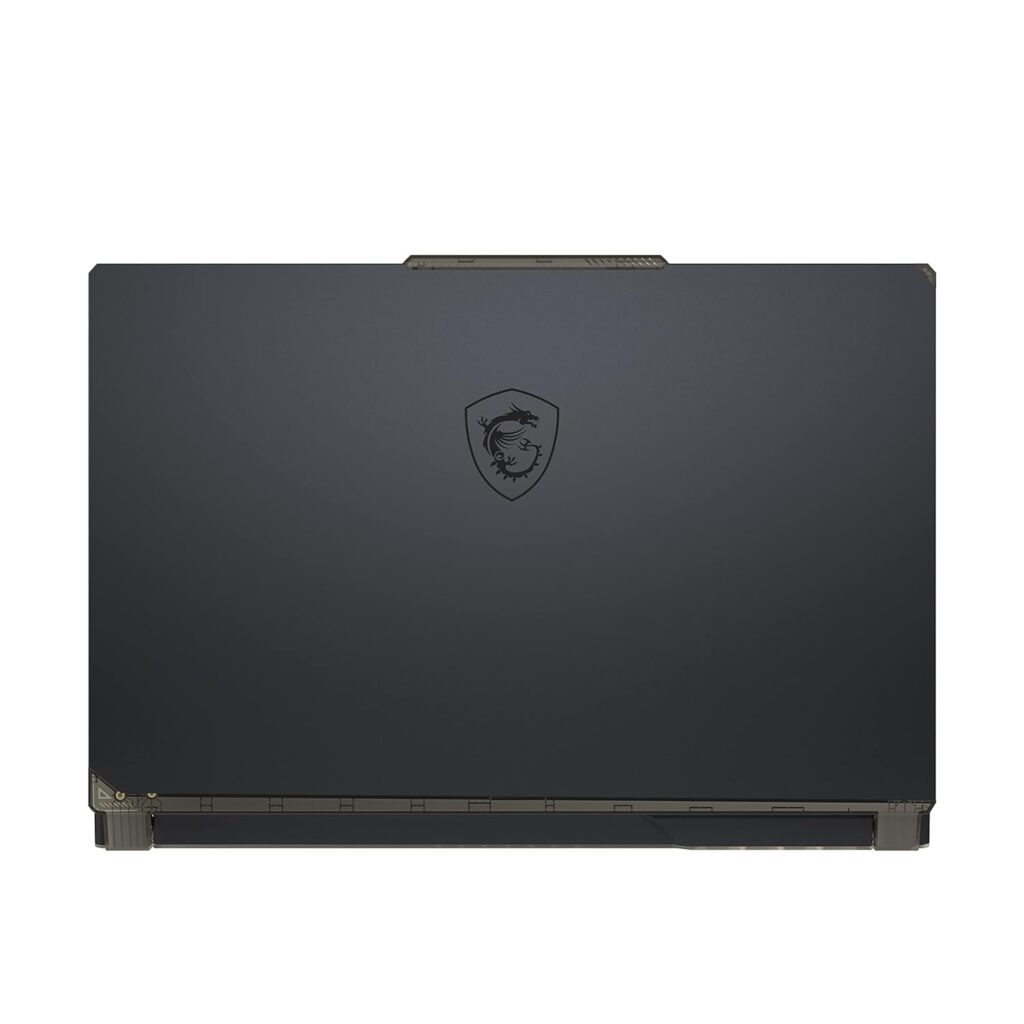
MSI Cyborg 15 AI 2024 Laptops: A1VFK vs A1VEK Specs Differences and Similarities

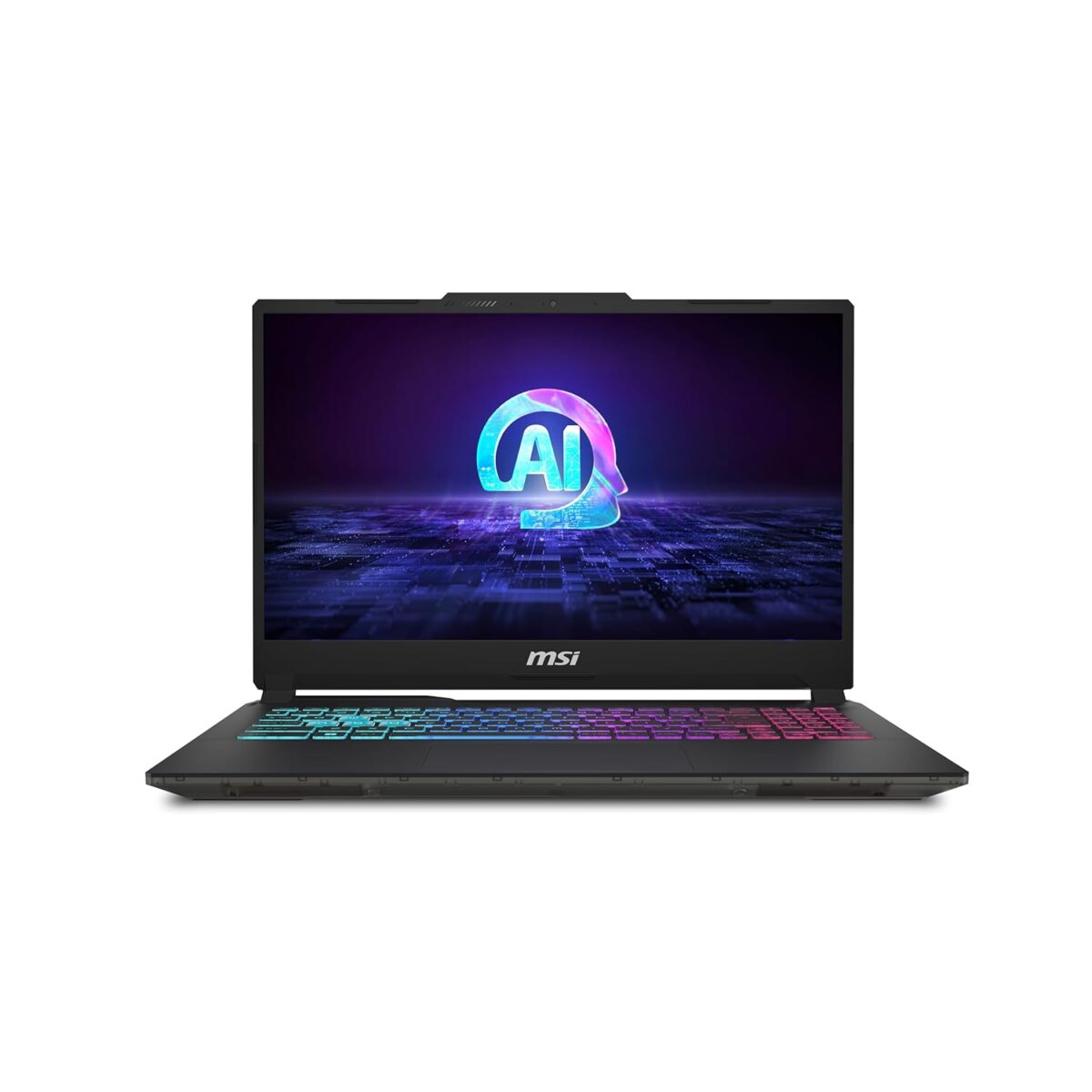
Picking the perfect laptop can be exciting yet overwhelming. Today, we compare two MSI contenders: the Cyborg 15 AI A1VFK and A1VEK. They appear identical, but key differences set them apart. Let’s explore what makes each tick.

Central Processing Unit (CPU) and Operating System (OS):

Both boast the powerful Intel® Core™ Ultra 7 processor with Intel® AI Boost (NPU) for smooth performance, whether gaming or data crunching. They come standard with Windows 11 Home, with the option for Windows 11 Pro for enhanced business features and security.

MSI Cyborg 15 AI 2024 Laptops keyboard

Graphics Powerhouse:

This is where they diverge. The A1VFK boasts a superior NVIDIA® GeForce RTX™ 4060 Laptop GPU with 8GB GDDR6, reaching up to 1470MHz Boost Clock for demanding tasks. The A1VEK features a slightly less powerful NVIDIA® GeForce RTX™ 4050 Laptop GPU with 6GB GDDR6, but compensates with a higher Boost Clock of up to 1605MHz. Both share a stunning 15.6″ FHD (1920×1080) display with a smooth 144Hz refresh rate for immersive visuals.

Memory and Storage:

Both models offer a massive expandable memory of up to 96GB DDR5-5600 and a single M.2 SSD slot with NVMe PCIe Gen4 for swift data access and storage.

Security and Durability:

Security is prioritized with Firmware Trusted Platform Module (fTPM) 2.0 and a Kensington Lock on both models.

Communication and User Experience:

For video calls or intense gaming chats, both models feature an HD webcam, a vibrant 4-Zone RGB Gaming Keyboard, and the latest 802.11 ax Wi-Fi 6E with Bluetooth v5.3 for seamless interaction.

MSI Cyborg 15 AI 2024 Laptops

Immersive Audio and Connectivity:

Experience immersive audio with 2x 2W speakers. Both models boast identical versatile connectivity options, including an HDMI™ 2.1 port supporting high-resolution 4K output at 60Hz.

Battery Life and Design:

Both models share a long-lasting 3-Cell 53.5 Whr battery with a 120W adapter for extended use. They maintain a sleek profile with identical dimensions (359.36 x 250.34 x 21.95-22.9 mm) and a travel-friendly weight of 1.98 kg.

The Verdict: Sibling Rivalry or Family Resemblance?

The choice boils down to graphics preference. If you prioritize high-resolution tasks, the A1VFK’s superior memory bandwidth is ideal. However, if a higher Boost Clock is your focus, the A1VEK might be the better fit. Beyond graphics, these models showcase a remarkable similarity, catering to diverse user needs. Choose wisely, both offer a powerful computing experience.

MSI Cyborg 15 AI 2024 Laptops closed
Here are the specifications for the Cyborg 15 AI A1VFK and A1VEK laptops:

Processor:

  • Both: Up to Intel® Core™ Ultra 7 processor with Intel® AI Boost (NPU)

Operating System (OS):

  • A1VFK: Windows 11 Home (with a recommendation for Windows 11 Pro for business)
  • A1VEK: Windows 11 Pro

Display:

  • Both: 15.6″ FHD (1920×1080), 144Hz, IPS-Level

Graphics:

  • A1VFK: NVIDIA® GeForce RTX™ 4060 Laptop GPU, 8GB GDDR6, up to 1470MHz Boost Clock
  • A1VEK: NVIDIA® GeForce RTX™ 4050 Laptop GPU, 6GB GDDR6, up to 1605MHz Boost Clock

Memory:

  • Both: Max 96GB, DDR5-5600, 2 Slots (varies by memory capacity)

Storage Capability:

  • Both: 1x M.2 SSD slot (NVMe PCIe Gen4)

Security:

  • Both: Firmware Trusted Platform Module (fTPM) 2.0, Kensington Lock

Webcam:

  • Both: HD type (30fps@720p)

Keyboard:

  • Both: 4-Zone RGB Gaming Keyboard

Communication:

  • Both: 802.11 ax Wi-Fi 6E + Bluetooth v5.3

Audio:

  • Both: 2x 2W Speaker

Audio Jack:

  • Both: 1x Mic-in/Headphone-out Combo Jack

I/O Ports:

  • Both: 1x Type-C (USB3.2 Gen2 / DP), 2x Type-A USB3.2 Gen1, 1x HDMI™ 2.1 (4K @ 60Hz), 1x RJ45

Battery:

  • Both: 3-Cell, 53.5 Battery (Whr)

AC Adapter:

  • Both: 120W adapter

Dimensions (WxDxH):

  • Both: 359.36 x 250.34 x 21.95-22.9 mm

Weight (w/ Battery):

  • Both: 1.98 kg

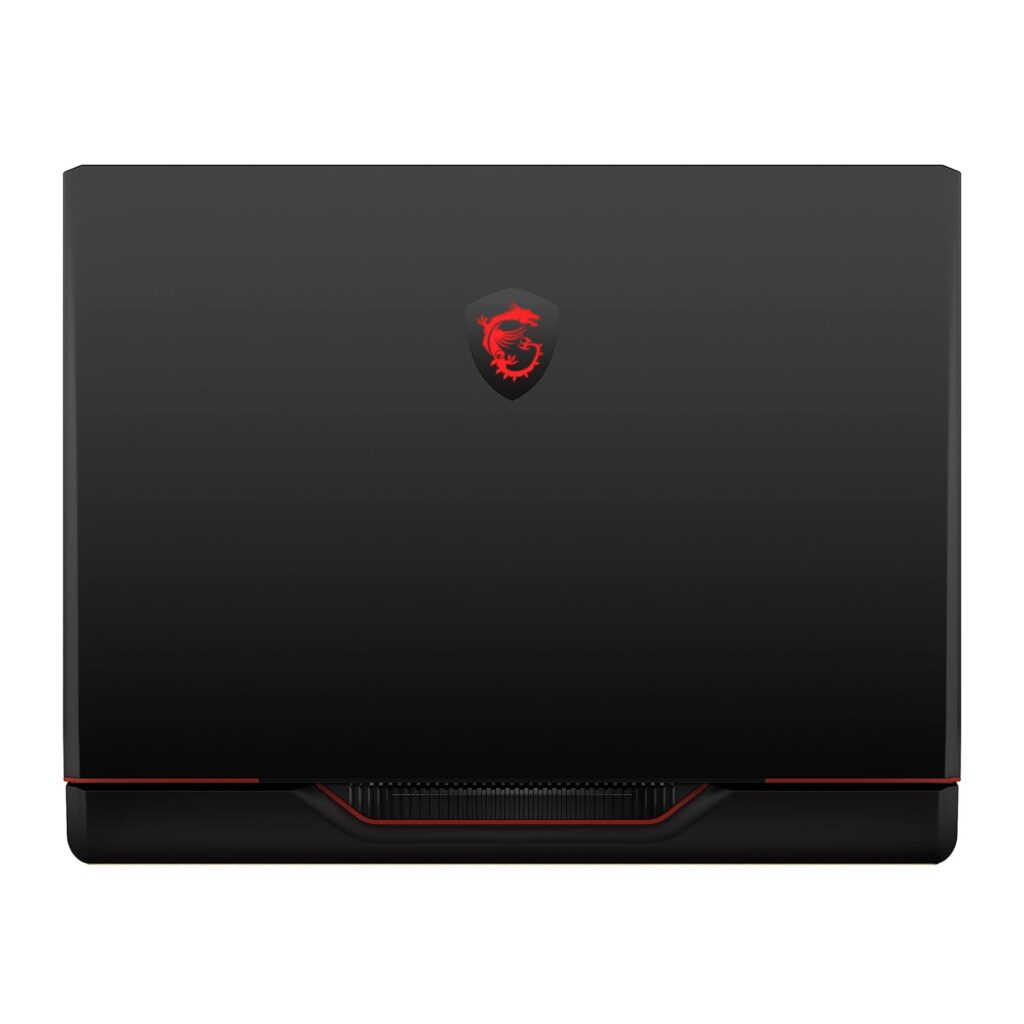
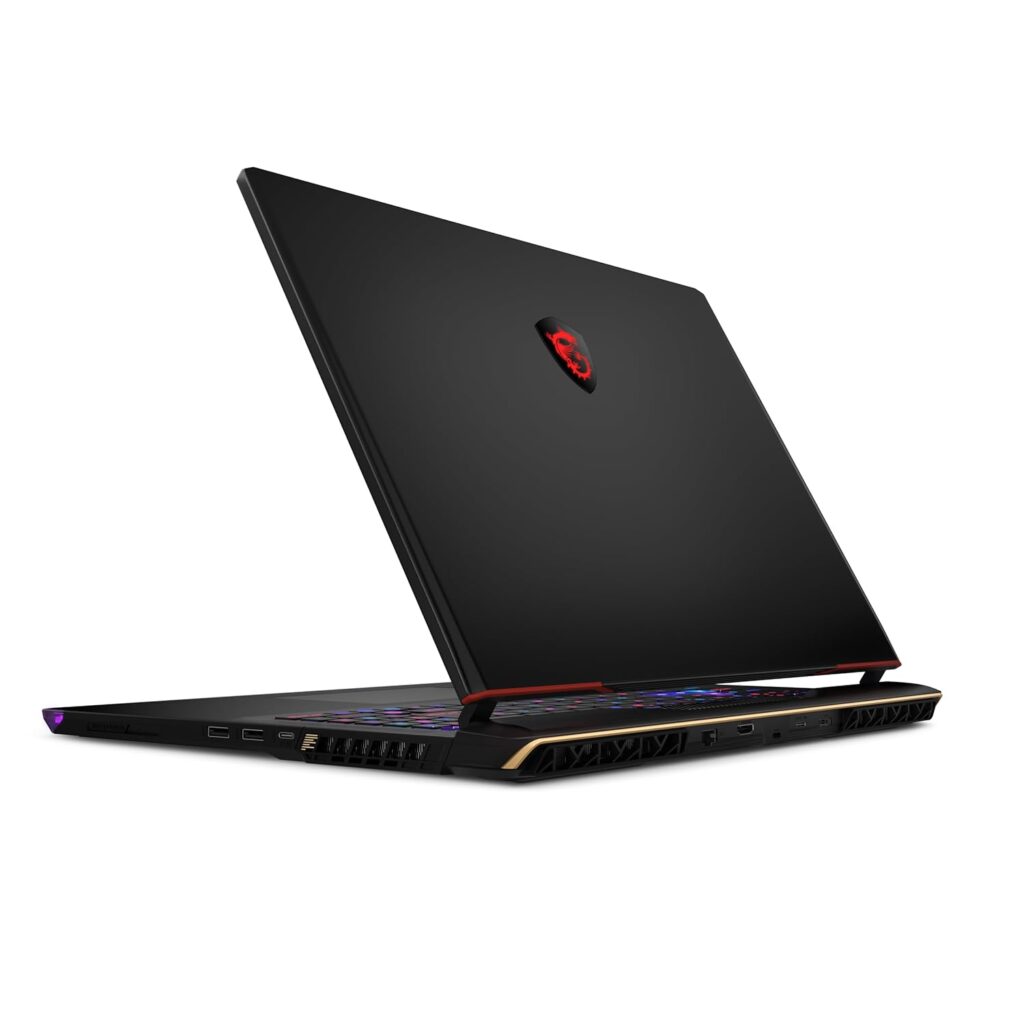
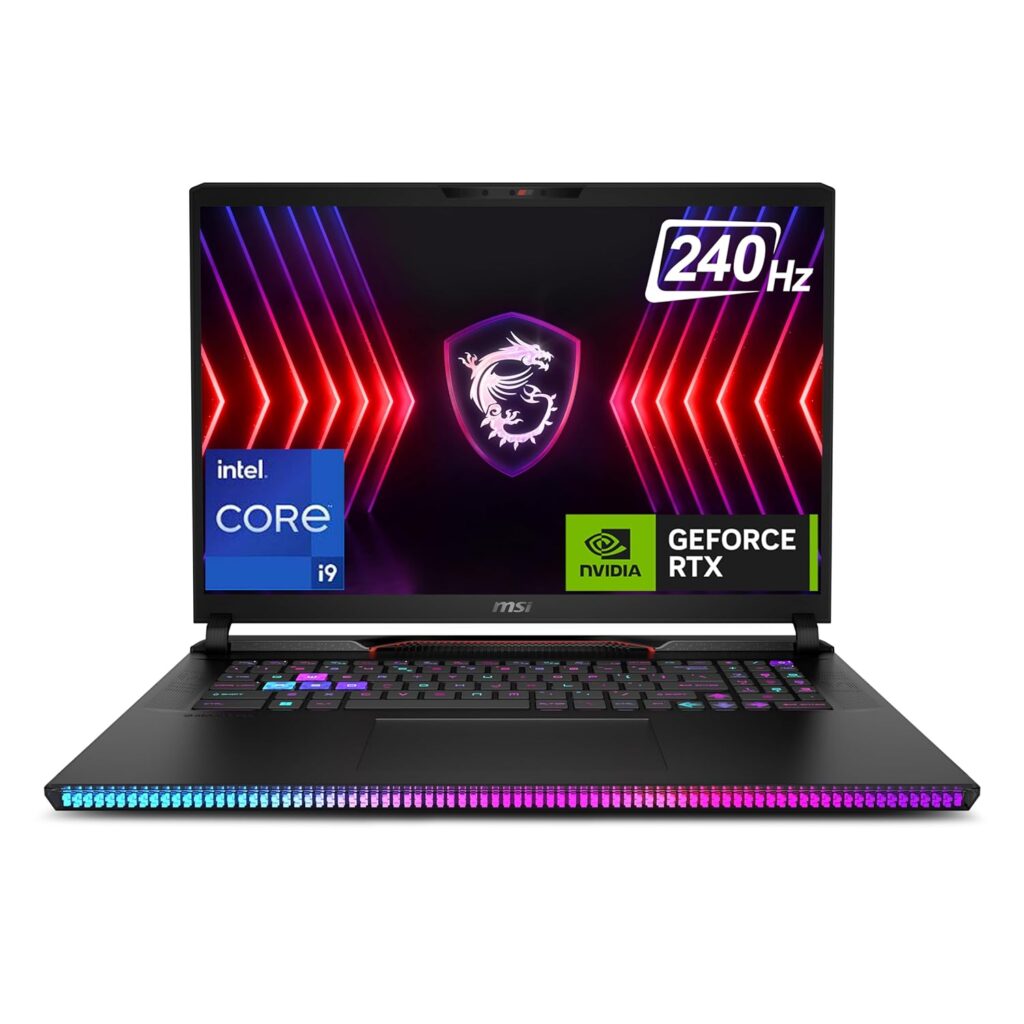
MSI Raider GE78 HX 14VHG-805IN Laptop Launched in India [ Specs: Core i9-14900HX / RTX 4080 / 32GB ram / 2TB SSD / 17-inch 240hz QHD+ ]

MSI has launched the 2024 Raider GE78 HX 14VHG-805IN laptop model powered by Raptor Lake 14th Gen Intel Core i9 processor and Nvidia GeForce RTX 40 Series Graphics in India online. The MRP list price is ₹3,39,990. However, it will be available for a lower launch selling price in the coming days from Amazon.in ( currently sold by Appario Retail Private Ltd seller ).

Check out the Amazon.in product page here to know more about the current lowest price, ongoing offers, verified purchase user reviews, and availability.

Always read verified purchase buyer reviews of the product before purchasing online. Also, make sure you are buying from a trusted seller. As an Amazon associate, i earn from qualifying purchases.

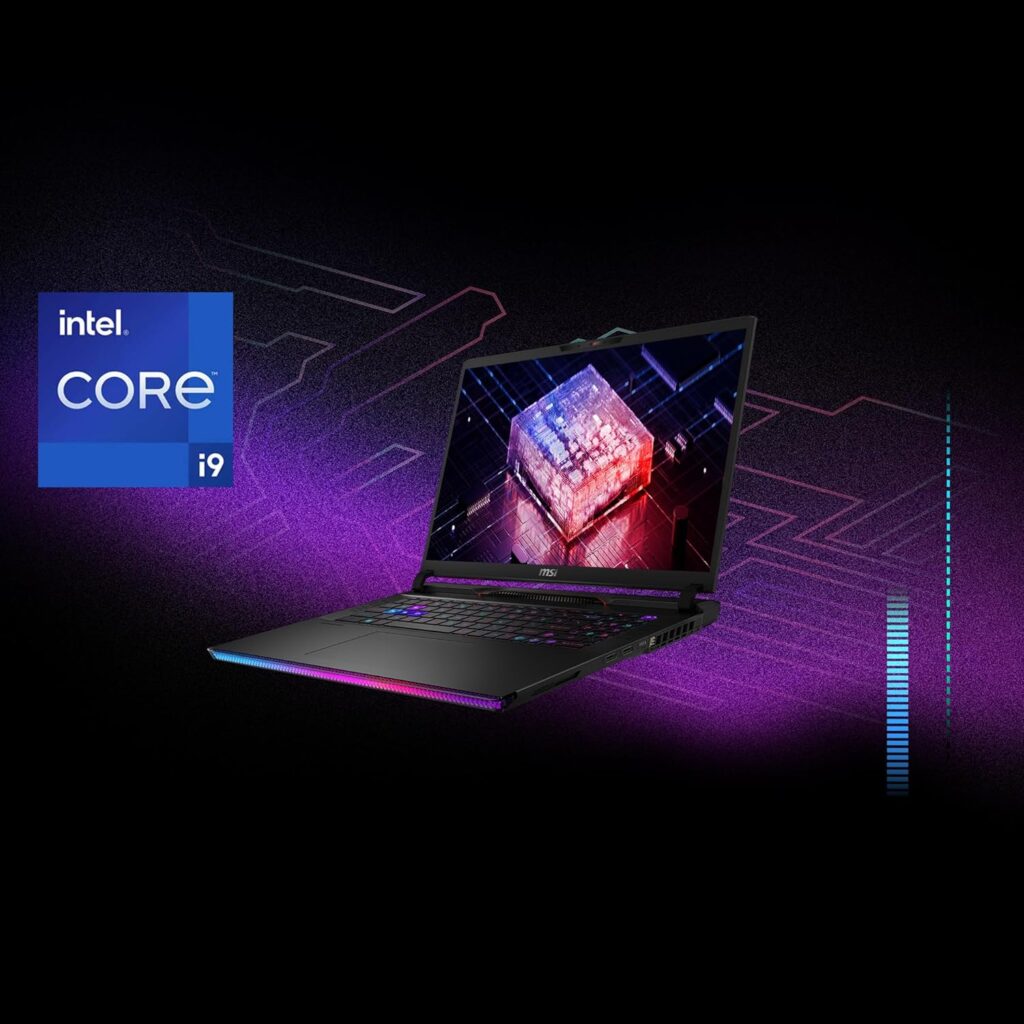
At the heart of the 2024 MSI Raider GE78 HX 14VHG-805IN is the 14th Generation Intel Core i9-14900HX processor, which can reach up to 5.8GHz, complemented by Intel’s Advanced Boost Technology (ABT) and Thermal Velocity Boost (TVB). For graphics, this model is equipped with an NVIDIA GeForce RTX 4080 laptop GPU with GDDR6 12GB memory.

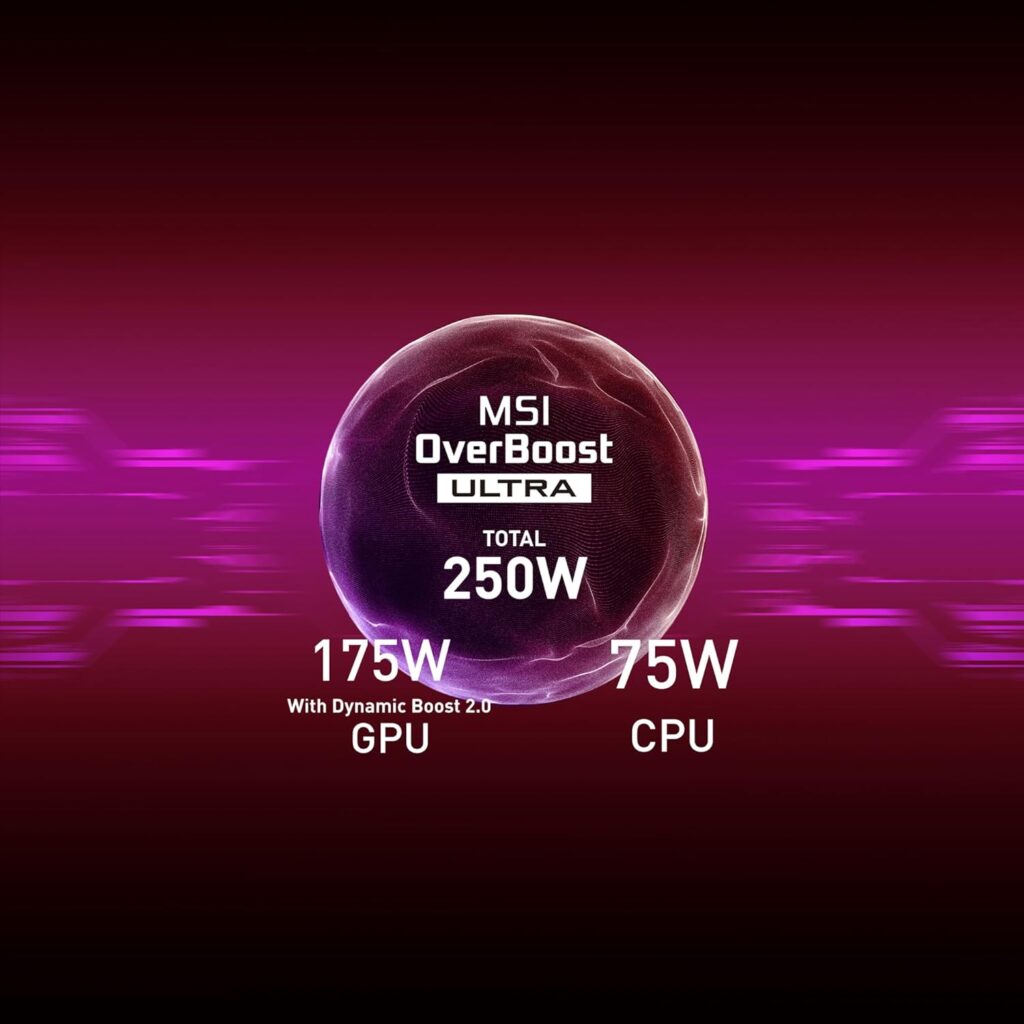
This setup is designed for high performance under extreme workloads, further enhanced by MSI’s OverBoost Ultra technology, which optimizes CPU and GPU power allocation to maximize performance. The laptop features a total power of 250W TGP in its configuration, distributed between the GPU (175W TGP with Dynamic Boost 2.0) and the CPU (75W TGP).

  • Processor: Intel Core i9-14900HX processor ( 24 cores, Max Turbo Boost Clock of 5.8Ghz supported )
  • Graphics: NVIDIA GeForce RTX 4080 laptop GPU with GDDR6 12GB memory
  • Graphics TGP: up to 175W with MSI Overboost Ultra / Dynamic Boost 2.0 technology ( Source: MSI website / Amazon.in product page ).

MSI Raider GE78 HX 14VHG-805IN features a 17-inch QHD+ resolution screen. The 16:10 2560 x 1600 pixels, IPS-level display offers a wider viewing area compared to traditional 16:9 displays, while the up to 240Hz refresh rate guarantees smooth and fluid visuals. It covers 100% DCI-P3 color panel.

  • IPS Panel
  • 240hz refresh rate
  • 100% DCI-P3 color gamut
  • QHD+ resolution

MSI Raider GE78 HX 14VHG-805IN comes with 32GB of ram memory and 2TB of SSD storage.

  • 2TB NVMe SSD Gen4x4
  • 32GB DDR5 Dual Channel RAM ( DDR5 5600MHz )

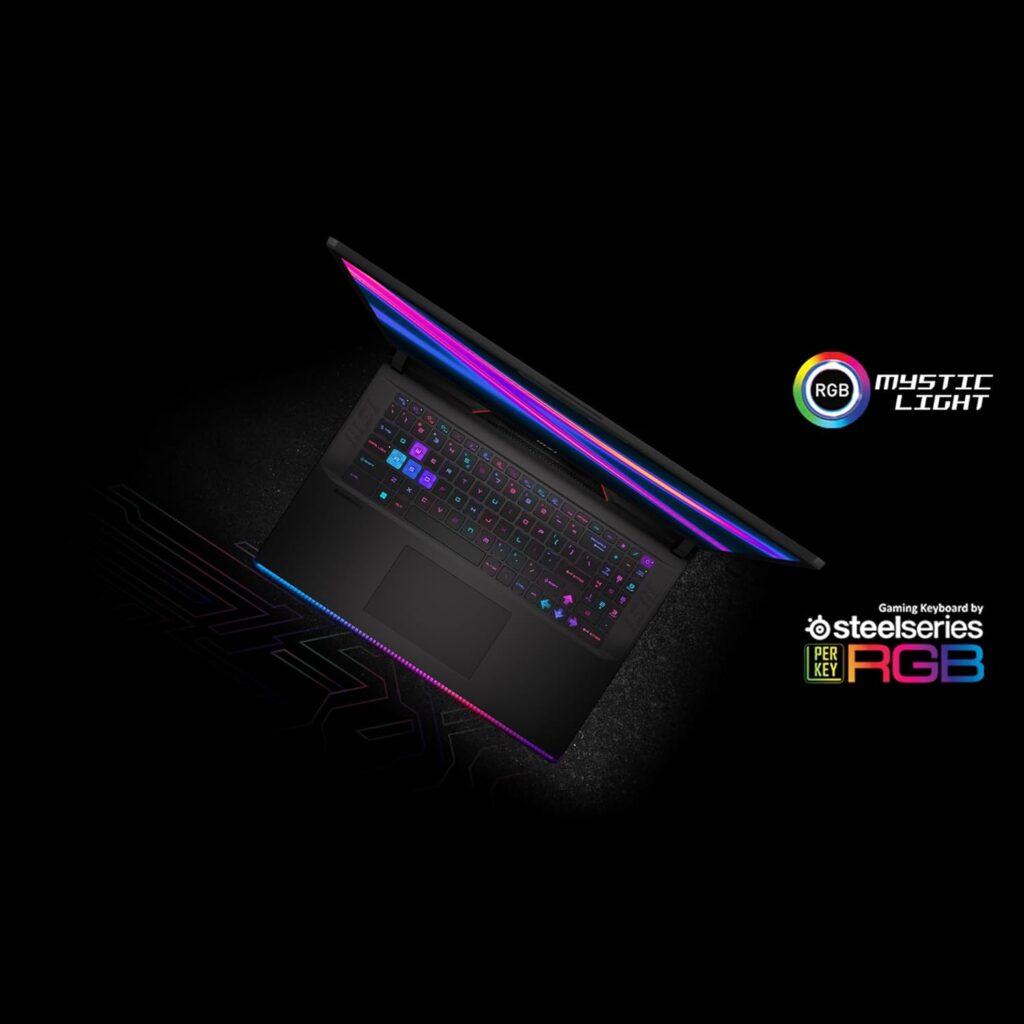
The per-key RGB gaming keyboard by SteelSeries allows for comprehensive customization, while the Cooler Boost 5 cooling system effectively dissipates heat to maintain optimal performance during extended use.

  • SteelSeries per-Key RGB with Anti-Ghost key (99 Key)
  • Dynaudio Speakers 2W x 2, 2W x 4 woofer
  • 4-cell 99.9Whr Li-Ion battery
  • IR FHD w/shutter webcam
  • 330W power supply
  • VR Ready
  • Product color: Core Black ( Also available in Cosmos Gray color )
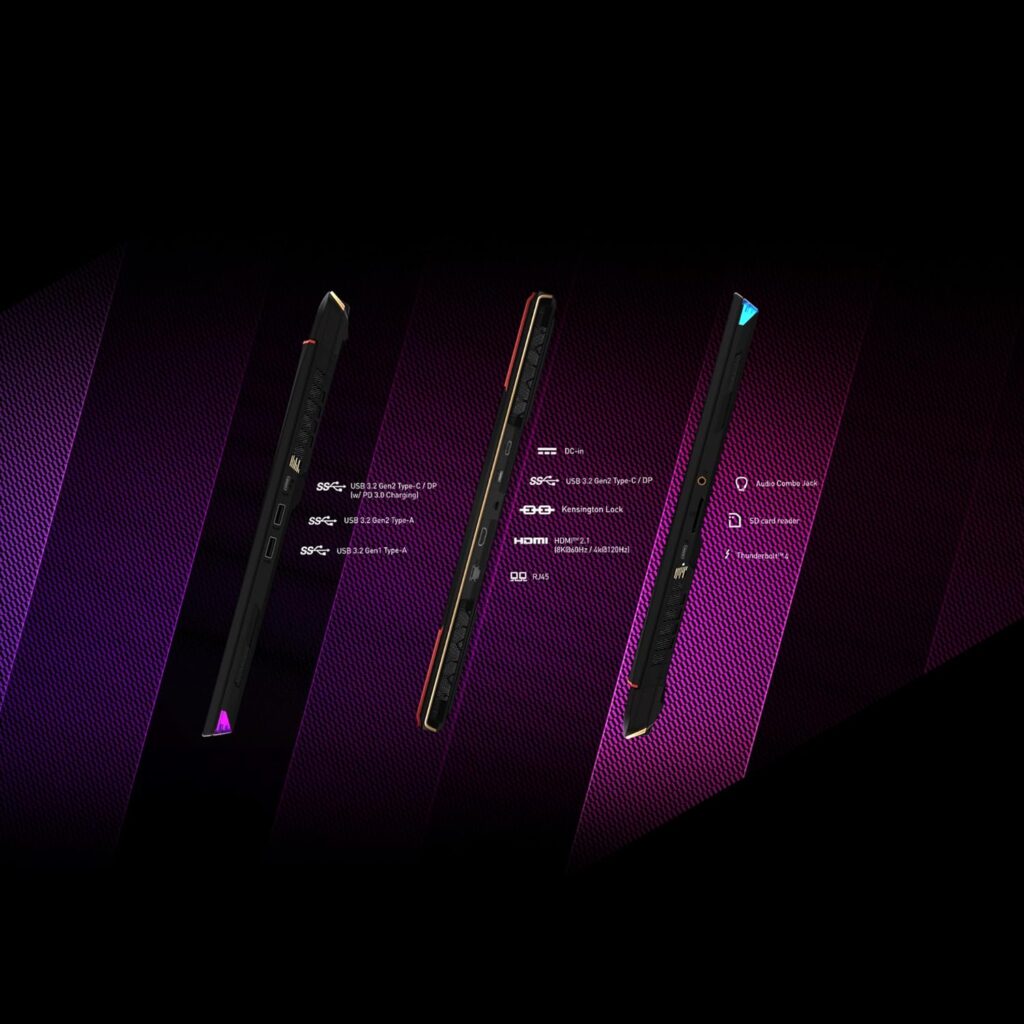
MSI Raider GE78 HX 14VHG-805IN I/O Ports
  • 1x Thunderbolt™ 4 Type-C
  • 1x USB 3.2 Gen 2/DP Type-C
  • 1x USB 3.2 Gen 2/DP&PD Type-C
  • 1x USB 3.2 Gen 2
  • 1x USB 3.2 Gen 1
  • 1x HDMI™ 2.1 (8K @ 60Hz / 4K @ 120Hz)
  • 3.5 combo audio jack
  • RJ-45 port
  • SD 7.0 Card reader

Wired / Wireless Connectivity: MSI has equipped 14VHG-805IN with Killer WiFi 7 BE1750 and Bluetooth 5.4. It also comes with an RJ-45 LAN port ( Killer E3100G ).

In Conclusion

The MSI Raider GE78 HX 14VHG-805IN is a powerful and feature-rich gaming laptop that caters to the needs of discerning gamers and creative professionals. Its top-tier specifications, immersive display, and focus on user experience solidify its position as a premium offering in the market.

Check out all other 2024 MSI Laptop models launched in India on Amazon.in here.

Related Laptops

Product Images

Disclaimer: We strongly recommend reading verified purchase reviews before making any online purchase. Always buy from trusted sellers. Discounts are often based on MRP prices. As an Amazon Associate, we may earn a commission from qualifying purchases made through links on this blog.

MSI Stealth 14 AI Studio A1VGG-054IN has RTX 4060 Graphics or RTX 4070 ?

Amazon India ( Amazon.in ) has listed a few 2024 MSI laptops online. Of those, the one listed recently is a high-end, expensive machine in the form of MSI Stealth 14 AI Studio A1VGG-054IN. This 2024 laptop model’s price in India starts at ₹2,49,417, with an MRP price of ₹2,57,990 ( according to Amazon.in ).

Let’s talk about the specs of MSI Stealth 14 AI Studio A1VGG-054IN. According to the Amazon listing, it says “MSI Stealth 14 AI Studio, Intel Core Ultra 7 155H, 36CM 2.8K OLED 120Hz Gaming Laptop(16GBx2/1TB NVMe SSD/Windows 11 Home/NVIDIA GeForce RTX 4060, Star Blue/1.7Kg), A1VGG-054IN”.

According to this product page, A1VGG-054IN is powered by a Meteor Lake Intel Core Ultra 7 155H processor and Nvidia GeForce RTX 4060 laptop graphics GPU.

This doesn’t look right.

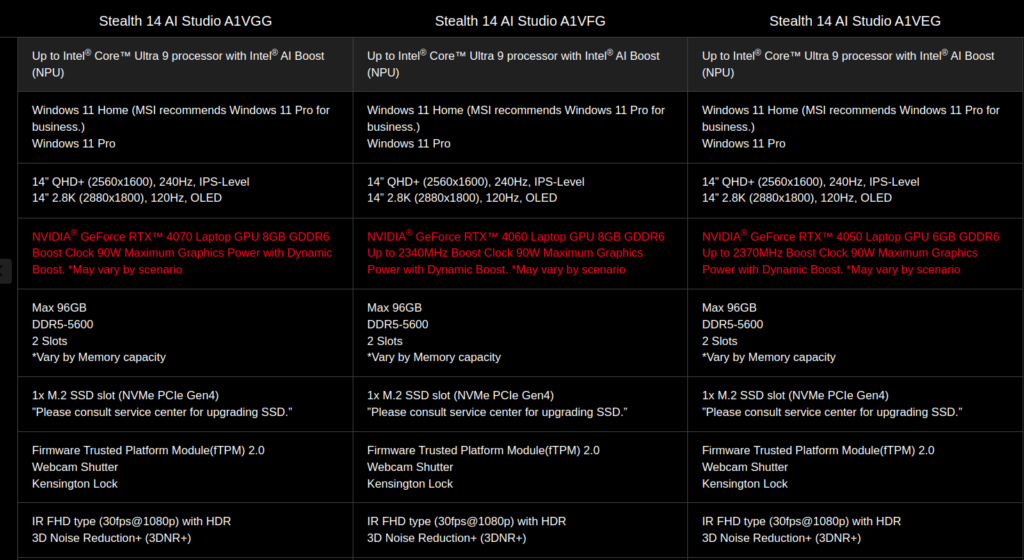
According to the official MSI Stealth 14 AI Studio page, the A1VGG models are equipped with the Nvidia RTX 4070 Graphics, not the RTX 4060. The listed price ₹2,49,417 is a bit higher as well for an RTX 4060 laptop. The Stealth 14 AI Studio A1VFG variant is the model that comes with an RTX 4060. Stealth 14 AI Studio A1VEG is the other variant in this series, which has RTX 4050.

Screenshot from 2024 03 07 23 31 36

So, most probably, there is a specs typo error in the Amazon.in listing of the A1VGG-054IN. There is no way to confirm this at the time of writing, as the official MSI India website is yet to list this item for sale.

Stay tuned. I will be updating this post once more info is available. You can check out the product page on Amazon.in here for the current lowest price, ongoing offers, reviews and availability.

Always read verified purchase buyer reviews of the product before purchasing online. Also, make sure you are buying from a trusted seller. As an Amazon associate, i earn from qualifying purchases.

Recommended Posts

Adjust External Monitor Brightness Easily on Ubuntu 23.10 with this app

Different people have different sets of eyes. Some can work long hours looking at high-brightness screens while some want the brightness set to as low as possible. Chances are, the latter group would find even the external monitor brightness set to zero too bright for their eyes. They would want to get the brightness reduced even further.

If you use Ubuntu 23.10 or later ( future versions like Ubuntu 24.04 ), you can easily adjust the brightness of the laptop screen, but there is no built-in setting that lets you control the brightness of the external monitor display. However, in the open-source world of Linux and Ubuntu, there is a solution for every problem you face.

If you want to easily control the brightness levels of the external monitor connected to your laptop running Ubuntu 23.10, all you have to do is install an app called Brightness Controller. You don’t need to open, edit, and tinker files and configs to achieve this. Just follow the below steps and give your eyes some less strain.

How to Install the brightness-controller app on Ubuntu 23.10 ?

  • Press Ctrl + Alt + T and open a terminal
  • Enter the command “sudo add-apt-repository ppa:apandada1/brightness-controller” without quotes. It will ask if you want to add this repository. Press Enter to add the brightness-controller app repository to your system.
  • Next, enter the command “sudo apt-get update” without quotes ( this may not be necessary as the command before should trigger this on new versions of Ubuntu – but do it anyway, ‘just to be on the safe side’ )
  • Install the Brightness Controller app by entering the command “sudo apt-get install brightness-controller” and hitting enter.

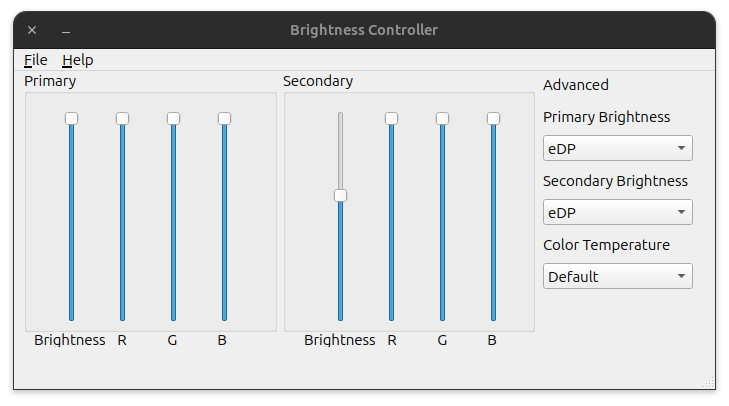
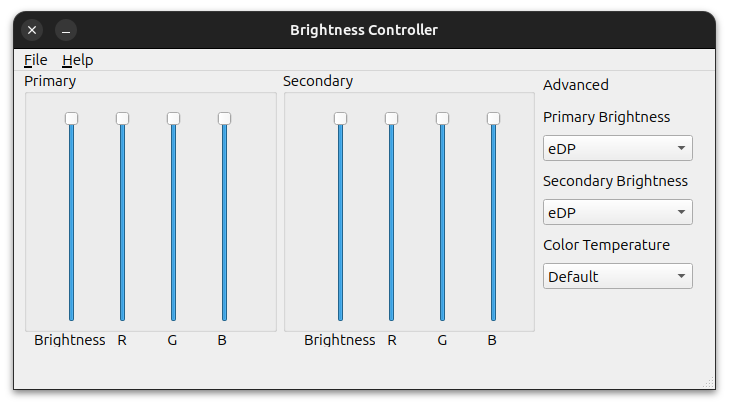
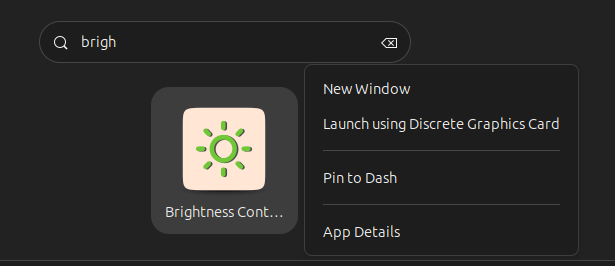
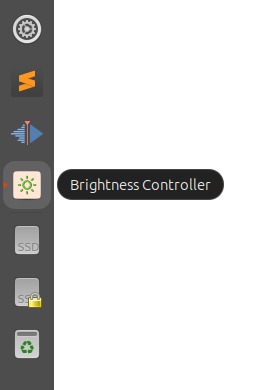
Once the installation is complete, you will be able to launch this app from the App Launcher or from the command line. Below is the screenshot of the app running on my machine. For easy access, right-click on the app icon and click ‘Pin to Dash’ to have it available all the time from the left menu.

If your primary display aka the laptop screen is off, and you try to adjust the brightness of it using the app, I have found the app freezing and lagging. To adjust the external monitor brightness, you have to move the slider named ‘brightness’ in the secondary section of the app. You can even adjust the color temperature of the screen if you are that sort of a maniac. You can save your preferred settings into a file and load it later if you are experimenting with different combinations as well.

Screenshot from 2024 03 07 23 00 20

My test machine is an Asus Laptop connected to a Benq Monitor. It should work on other laptops and monitors as well.

Screenshot from 2024 03 07 23 00 02
Screenshot from 2024 03 07 23 04 26

MSI Commercial 14 H – A13MG Laptops ( A13MG vPro-065IN, A13MG-064IN ) Launched in India [ Specs: 13th Generation Intel processor / Windows 11 Pro / WiFi 6E / FHD+ IPS display ]

In the rapidly evolving world of business computing, professionals are constantly on the lookout for tools that not only enhance productivity but also provide the reliability and performance needed to tackle the challenges of the modern workplace. Enter the 2024 MSI Commercial 14 H series, a lineup that promises to redefine expectations with its latest offerings – the A13MG-064IN and A13MG vPro-065IN models. Crafted meticulously for the discerning business user, these laptops blend sophisticated design with cutting-edge technology, setting new benchmarks for what business laptops can achieve.

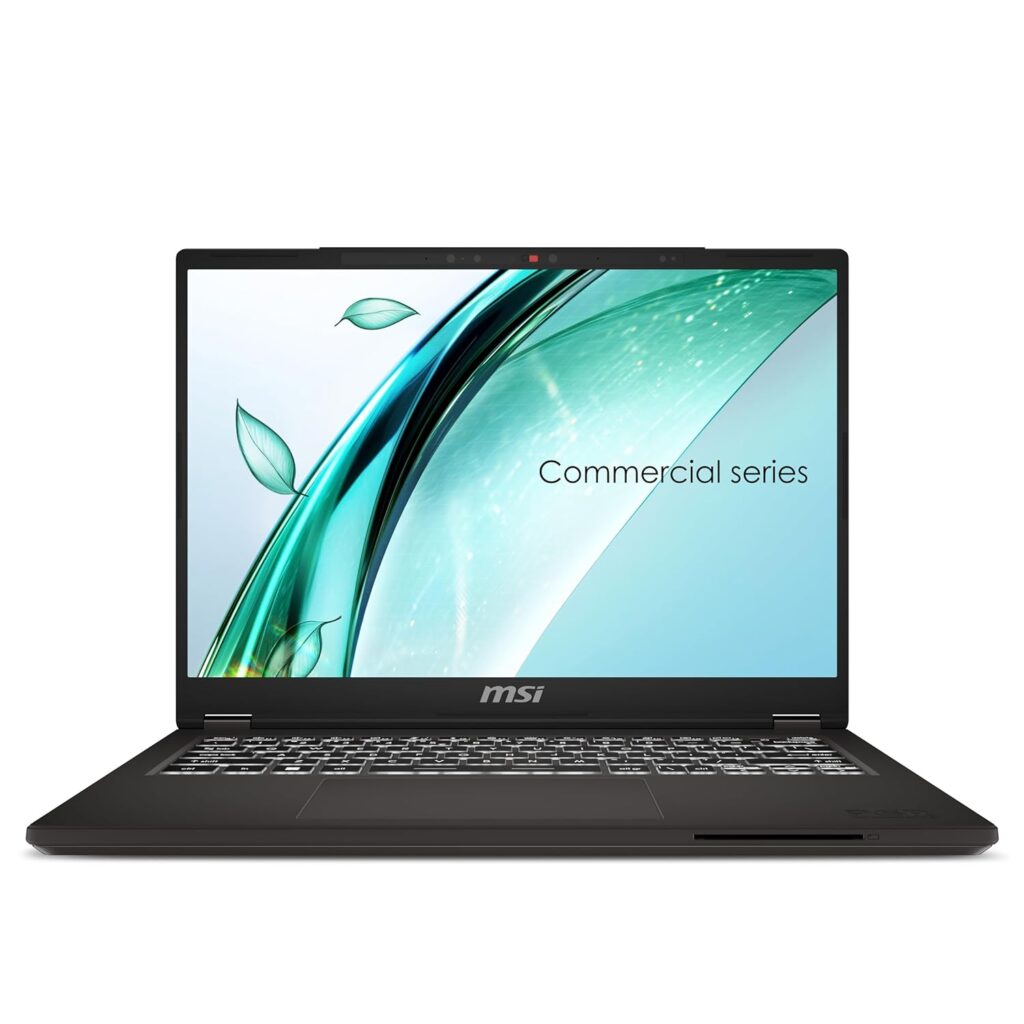
MSI Commercial 14 H A13MG-064IN and A13MG vPro-065IN

At the time of the writing, MSI has launched two 2024 Commercial 14 H Series laptop models in India online – A13MG-064IN and A13MG vPro-065IN. Both these laptops are available to purchase online from Amazon India ( Amazon.in ). The price starts at ₹87,990.00.

Check out the product pages on Amazon.in here to know more about the current lowest price, ongoing offers, availability, and verified purchase user reviews ( if any ).

Always read verified purchase buyer reviews of the product before purchasing online. Also, make sure you are buying from a trusted seller. As an Amazon associate, i earn from qualifying purchases.

MSI Commercial 14 H A13MG-064IN

The A13MG-064IN is powered by the Raptor Lake H Series 13th Generation Intel Core i5-13420H processor, capable of reaching up to 4.6GHz, ensuring that multitasking and productivity applications run seamlessly. It comes equipped with 16GB of DDR4 Dual Channel RAM and a 512GB NVMe PCIe Gen4x4 SSD, offering ample space and speed for all your storage needs. The 14-inch 16:10 FHD+ IPS-Level panel delivers crisp, vibrant visuals, while Intel Iris Xe Graphics ensures a smooth general-purpose graphical experience. Wireless connectivity is top-notch, with Wi-Fi 6E and Bluetooth 5.3 support.

MSI Commercial 14 H A13MG vPro-065IN

For those requiring even more power, the A13MG vPro-065IN steps up with the Raptor Lake 13th Gen Intel Core i7-13700H processor, reaching speeds up to 5GHz. Memory and storage are also enhanced, featuring 32GB of DDR4 RAM and a 1TB NVMe PCIe Gen4x4 SSD, making it an ideal choice for heavy-duty tasks and large-scale projects. This model also boasts the same high-quality display and graphics capabilities as its i5 counterpart, ensuring that your work looks as good as it performs.

Design and Connectivity

Both models feature a solid grey exterior that exudes professionalism. Weighing in at just 1.6kg, they are designed for portability and ease of use on the go. The inclusion of Windows 11 Pro with lifetime validity offers a secure and efficient operating environment, and MSI Center software enhances user experience by providing customizable system modes and resources for optimal performance.

Pricing and Availability

The MSI Commercial 14 H series is competitively priced, with the A13MG-064IN model launching at ₹87,990.00, down from an M.R.P. of ₹98,990.00, and the A13MG vPro-065IN model at ₹1,09,990.00, reduced from ₹1,23,990. Both models are available for purchase online via Amazon India, making them easily accessible to professionals across the country.

Conclusion

The 2024 MSI Commercial 14 H series laptops are a testament to MSI’s commitment to providing powerful, efficient, and stylish computing solutions for the business market. Whether you’re a professional in need of a reliable workhorse or a business leader seeking to equip your team with the best tools for success, the A13MG-064IN and A13MG vPro-065IN models stand ready to meet and exceed your expectations. With their blend of performance, design, and connectivity, these laptops are poised to become your go-to choice for all your business computing needs.

MSI Commercial 14 H Technical Details

MSI Commercial 14 H A13MG-064IN Specs

  • Processor: 13th Generation Intel Core i5-13420H, up to 4.6GHz
  • Operating System: Pre-loaded Windows 11 Pro with lifetime validity
  • Preinstalled Software: MSI Center
  • In the Box: Laptop, Power Adapter
  • Display: 36cm (14 inches) 16:10 FHD+ (1920×1200), IPS-Level panel
  • Graphics: Intel Iris Xe Graphics
  • Audio: 2x 2W Speaker
  • Connectivity: 802.11 ax Wi-Fi 6E + Bluetooth 5.3
  • Memory: 16GB DDR4 Dual Channel RAM ( Max 64GB, DDR4-3200, 2 Slots )
  • Storage: 512GB NVMe PCIe Gen4x4 SSD
  • Product Color: Solid Grey
  • Product Weight: 1.6Kg
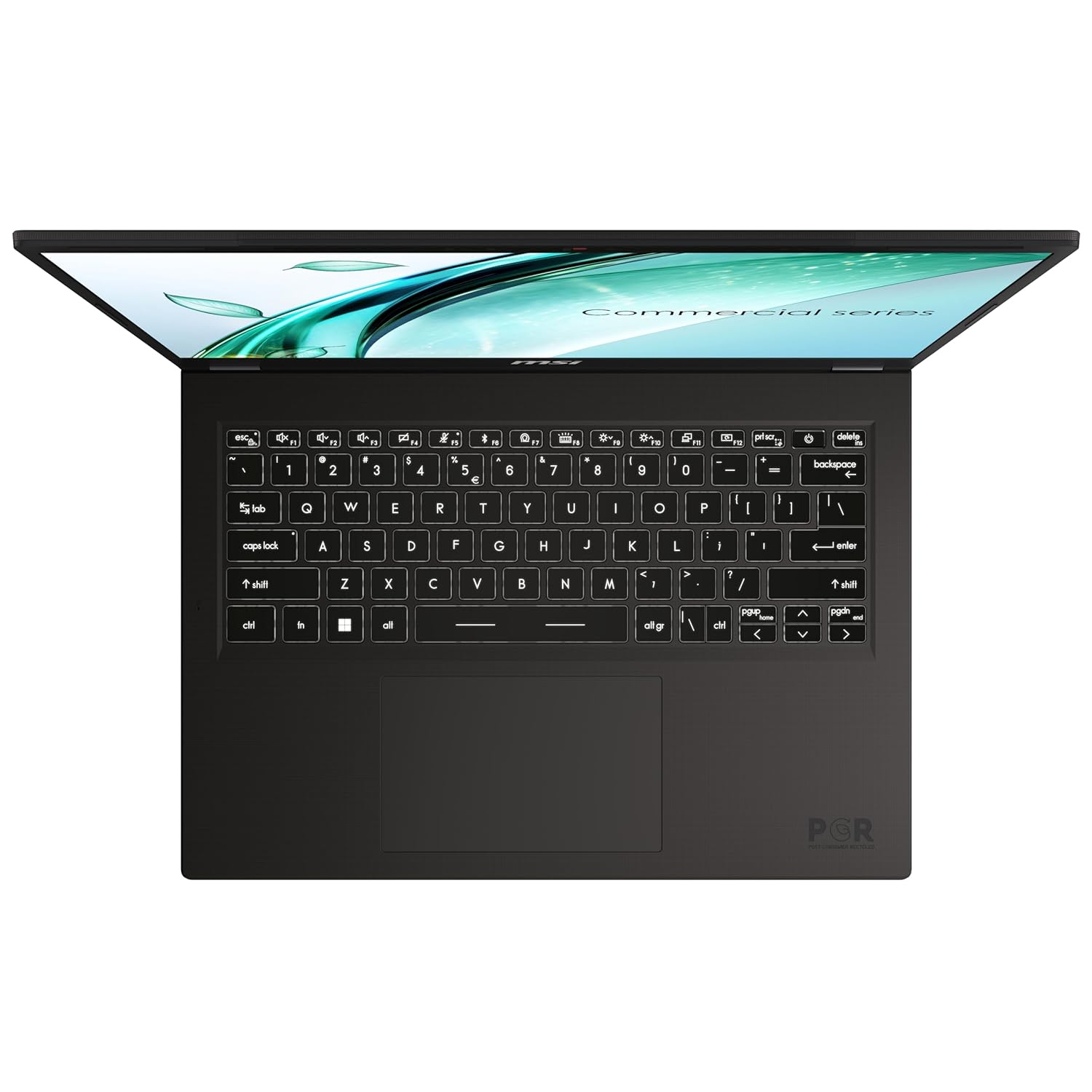
  • Keyboard type: Single Backlit Keyboard (White)
  • Security features: Fingerprint Security, Discrete Trusted Platform Module(dTPM) 2.0, Firmware Trusted Platform Module(fTPM) 2.0, Webcam Shutter, Kensington Lock
  • Webcam specs: HD type (30fps@720p), 3D Noise Reduction (3DNR)
  • I/O ports: 1x Type-C (USB / DP / Thunderbolt™ 4) with PD charging, 3x Type-A USB3.2 Gen1, 1x HDMI™ 2.1 (4K @ 60Hz), 1x RJ45, 1x Mic-in/Headphone-out Combo Jack
  • Battery capacity: 3-Cell 53.8 Battery (Whr)
  • Power supply: 90W adapter

MSI Commercial 14 H A13MG vPro-065IN Specs

  • Processor: 13th Generation Intel Core i7-13700H, up to 5GHz
  • Operating System: Pre-loaded Windows 11 Pro with lifetime validity
  • Preinstalled Software: MSI Center
  • In the Box: Laptop, Power Adapter
  • Display: 36cm (14 inches) 16:10 FHD+ (1920×1200), IPS-Level panel
  • Graphics: Intel Iris Xe Graphics
  • Audio: 2x 2W Speaker
  • Connectivity: 802.11 ax Wi-Fi 6E + Bluetooth v5.3
  • Memory: 32GB DDR4 Dual Channel RAM ( Max 64GB, DDR4-3200, 2 Slots )
  • Storage: 1TB NVMe PCIe Gen4x4 SSD
  • Product Color: Solid Grey
  • Product Weight: 1.6Kg
  • Keyboard type: Single Backlit Keyboard (White)
  • Security features: Fingerprint Security, Discrete Trusted Platform Module(dTPM) 2.0, Firmware Trusted Platform Module(fTPM) 2.0, Webcam Shutter, Secured-core PCs, Kensington Lock
  • Webcam specs: HD type (30fps@720p), 3D Noise Reduction (3DNR)
  • I/O ports: 1x Type-C (USB / DP / Thunderbolt™ 4) with PD charging, 3x Type-A USB3.2 Gen1, 1x HDMI™ 2.1 (4K @ 60Hz), 1x RJ45, 1x Mic-in/Headphone-out Combo Jack
  • Battery capacity: 3-Cell 53.8 Battery (Whr)
  • Power supply: 90W adapter

Product Gallery

Recommended Posts

The Evolution and Impact of Figma’s Multi-Edit Feature: A Game-Changer in Design Productivity

In the dynamic world of digital design, the continuous innovation of tools and features is not just a matter of enhancing user experience but fundamentally transforming how designers interact with technology to bring their creative visions to life. A testament to this transformative journey is Figma’s introduction of the multi-edit feature, a groundbreaking development that simplifies the editing process across multiple designs with just a few clicks. Spearheaded by Sho Kuwamoto, Vice President of Product, and Nikolas Klein, Product Designer at Figma, the multi-edit feature represents a significant leap forward in design tool functionality, questioning the foundational principles of design tools and aiming to redefine user interaction.

Check out our playground file to start exploring multi-edit.

figma-multi-edit-

The Genesis of Multi-Edit

The inception of multi-edit dates back to 2019, during the development phase of the variants feature. The Figma team, grappling with the challenges of repetitive editing tasks, embarked on a two-day design summit dedicated entirely to unraveling these complexities. It was here that the simple yet profound concept of multi-edit emerged: a mode where all edits could be applied simultaneously across all variants, offering a solution not just limited to variants but extendable to various design scenarios. This insight marked the beginning of multi-edit’s journey from concept to a core feature of Figma, illustrating the company’s commitment to questioning and redefining the norms of design tool functionalities.

The Path to Realization

Despite its promising start, multi-edit entered a period of hibernation as the team navigated through the intricacies of its implementation. The transition from a conceptual mode to an integral feature involved rethinking the mechanics of selection and editing, challenging pre-existing norms, and embracing the complexities of software development. This phase of introspection and gradual development underscores the meticulous process behind Figma’s innovative approaches, highlighting the balance between visionary ideas and the pragmatic challenges of bringing these ideas to fruition.

Awakening and Refinement

The revival of multi-edit from its slumber was fueled by the persistent popularity of the idea within Figma and the belief in its potential to enhance design efficiency. The development process involved prototyping, experimentation, and a deep dive into the functional and philosophical aspects of multi-edit. This iterative approach facilitated a comprehensive understanding of how multi-edit could seamlessly integrate with Figma’s existing features, ensuring that the final product not only meets but exceeds user expectations.

The Impact of Multi-Edit

The launch of multi-edit is a reflection of Figma’s ethos of continuous improvement and user-centric innovation. By allowing designers to edit multiple objects across frames and component sets efficiently, multi-edit significantly reduces the time and effort involved in repetitive tasks, thereby enhancing productivity and creative freedom. This feature exemplifies Figma’s dedication to providing tools that adapt to the user’s needs, enabling a more intuitive and flexible design process.

Looking Forward

The introduction of multi-edit is not the culmination of Figma’s innovation journey but a stepping stone towards further advancements. As users explore and integrate this feature into their workflows, feedback and insights will shape the evolution of multi-edit and other features, underscoring the dynamic and collaborative nature of Figma’s development philosophy. The journey of multi-edit from a whiteboard concept to a pivotal feature exemplifies the transformative potential of reimagining design tools, setting a new standard for efficiency and intuitiveness in digital design.

In the words of Sho Kuwamoto and Nikolas Klein, the multi-edit feature is a testament to Figma’s commitment to pushing the boundaries of design tool capabilities. By questioning the foundations and embracing the challenges of innovation, Figma continues to empower designers worldwide, enabling them to realize their creative visions with unparalleled ease and efficiency.

Source: Figma Blog

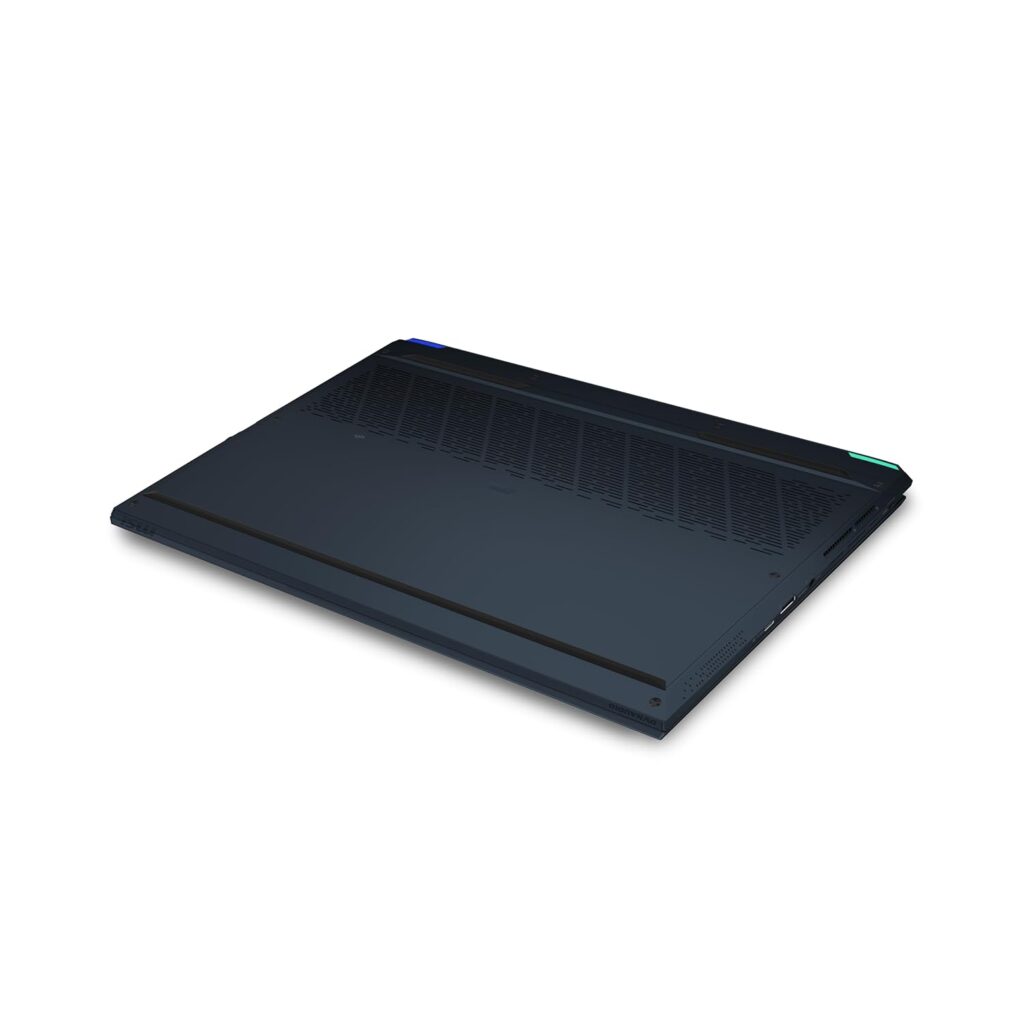
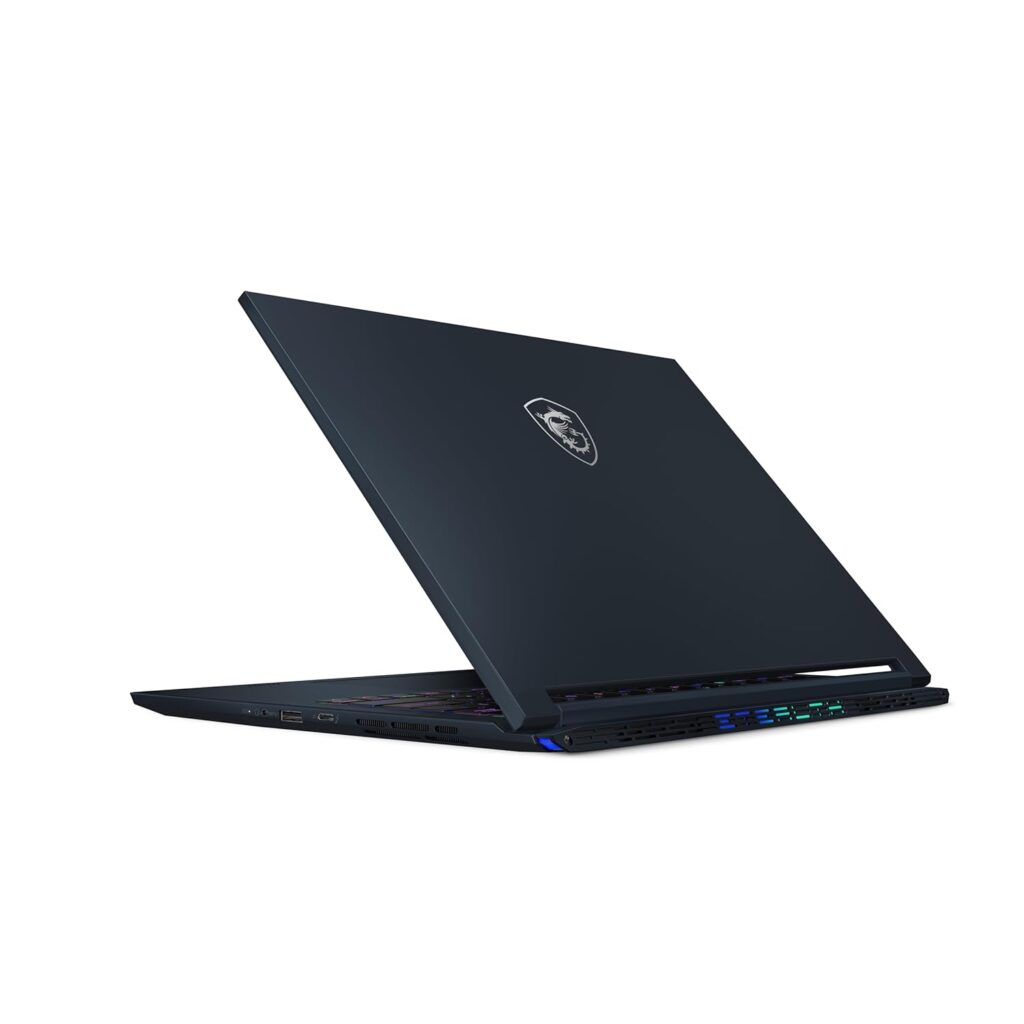
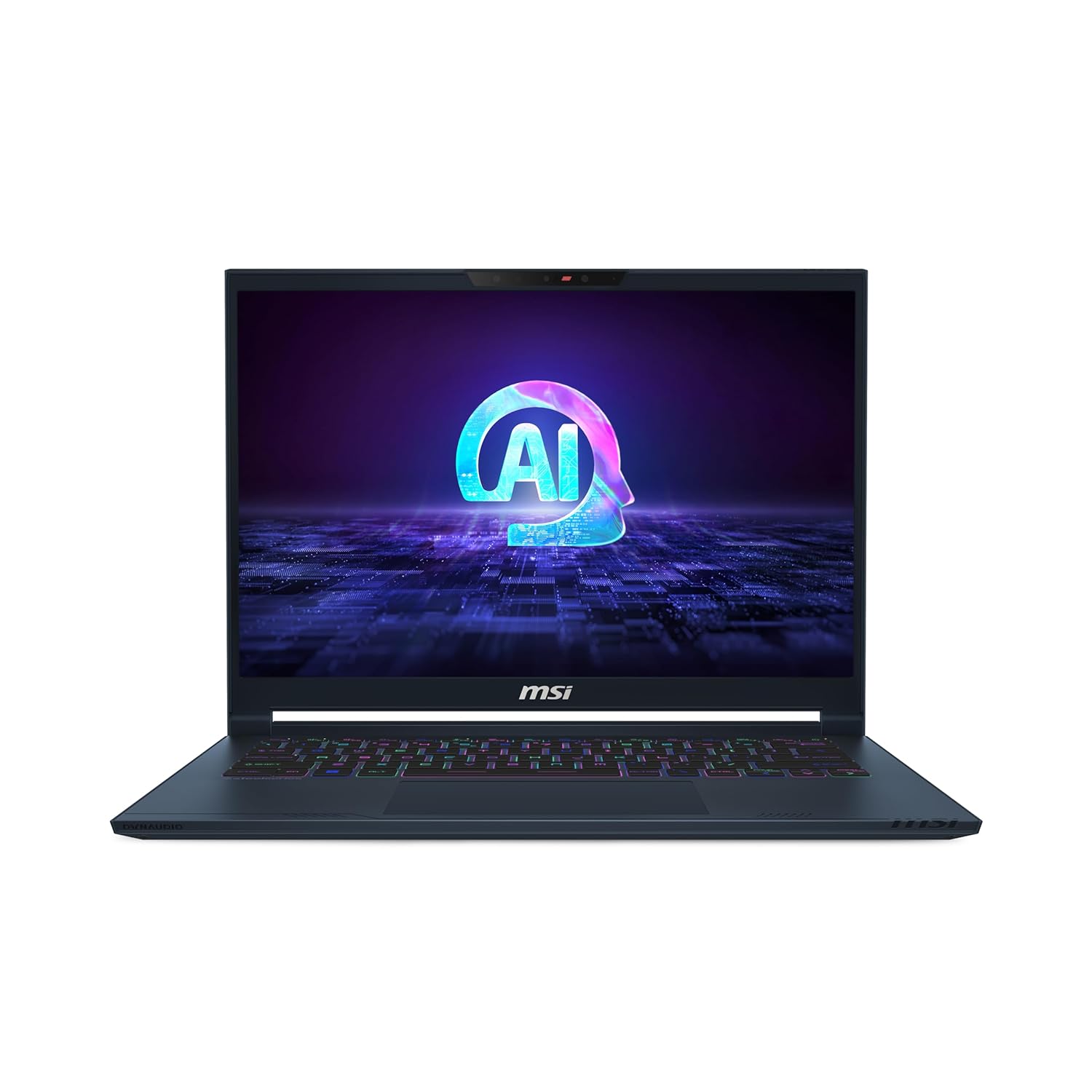
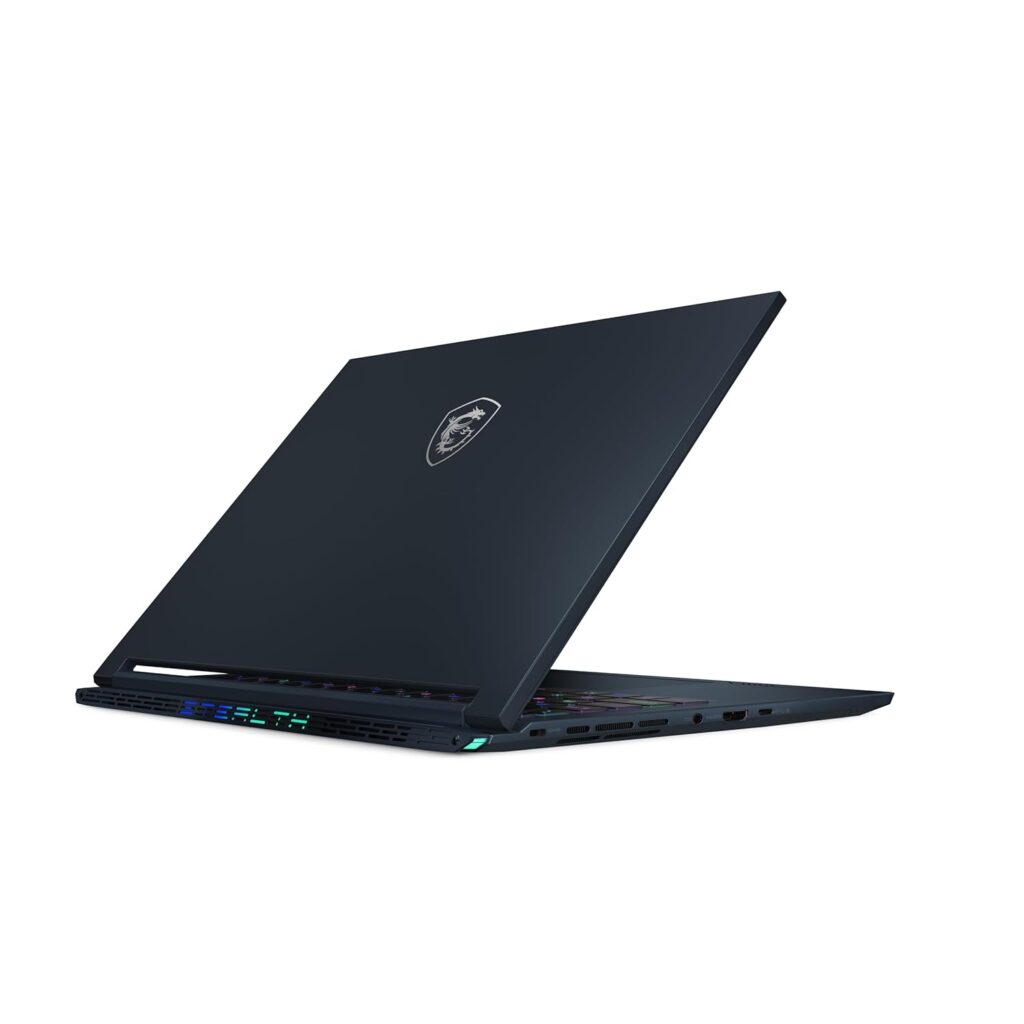
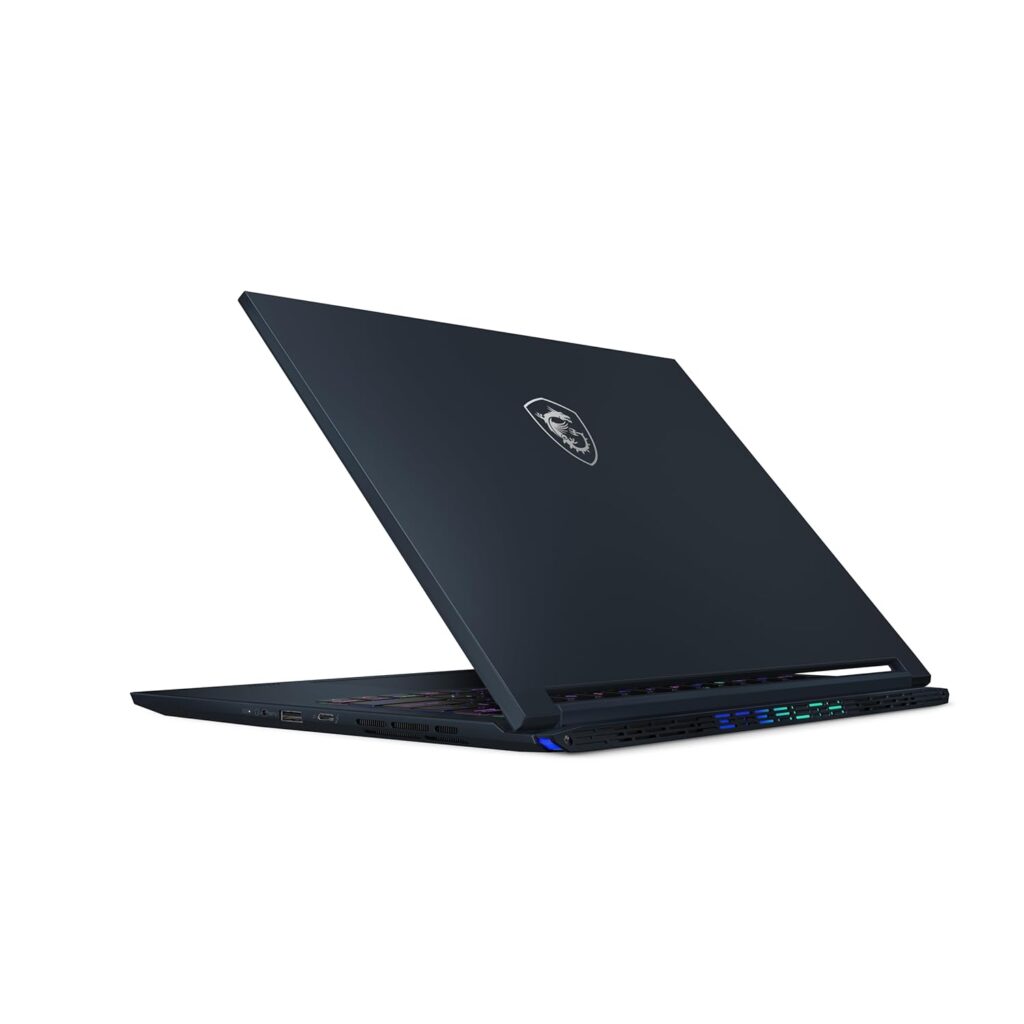
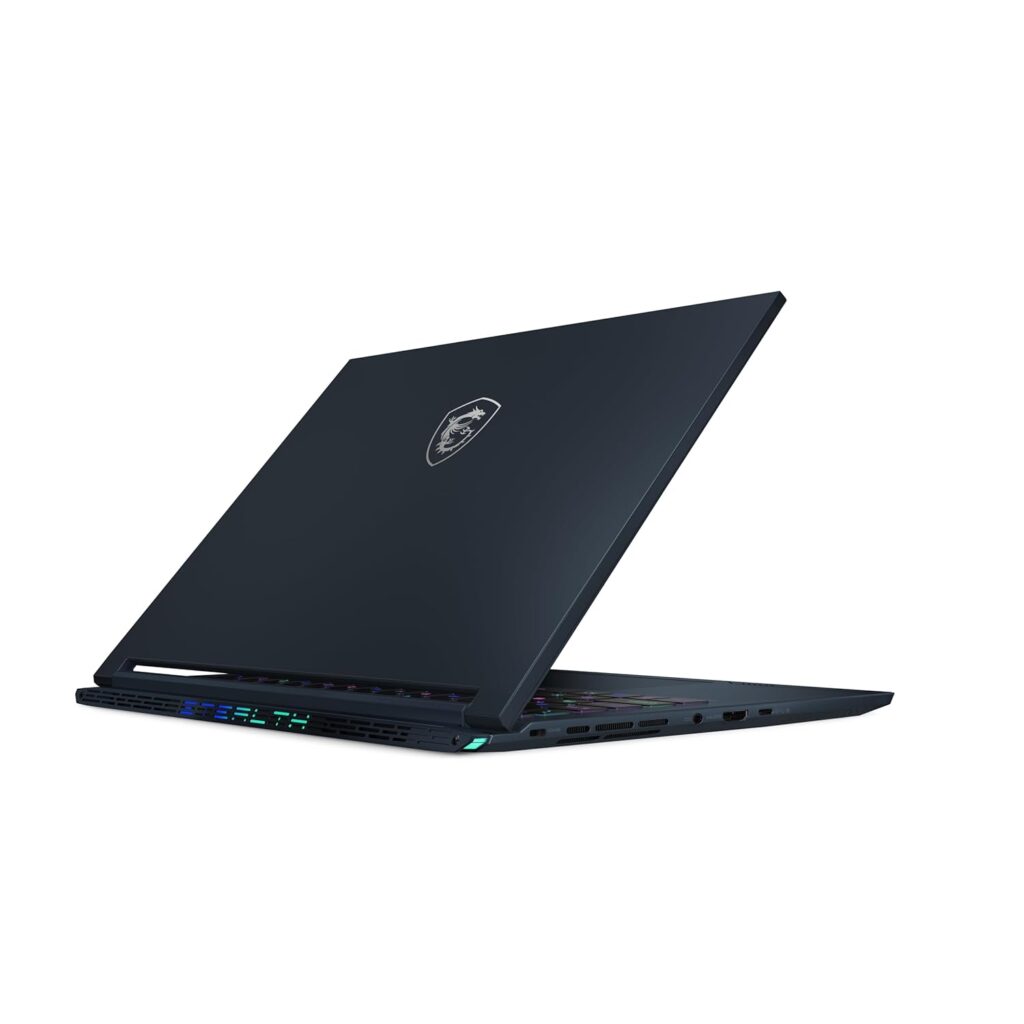
2024 MSI Stealth 14 AI Studio Series Launched in India | Check Price, Specs Comparison

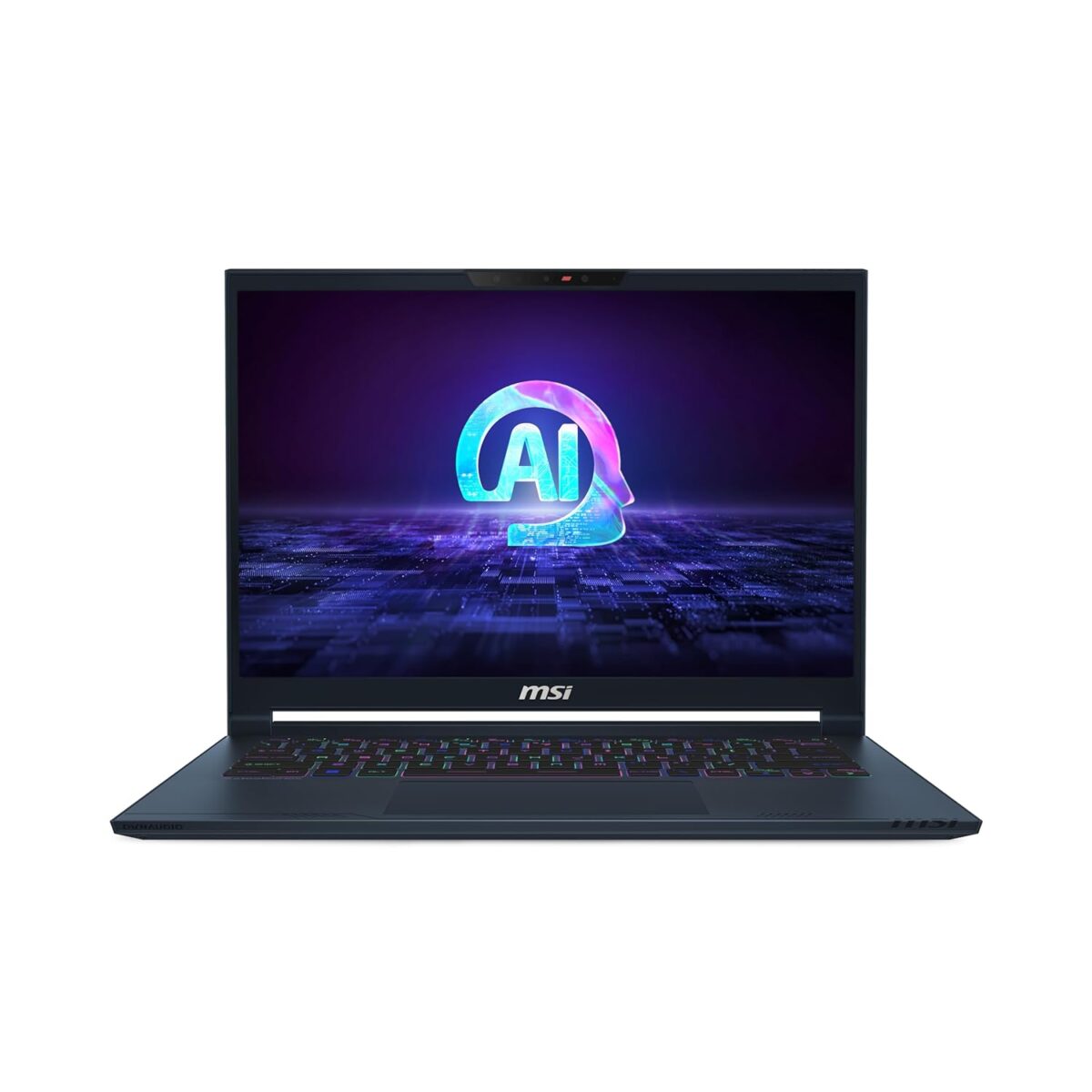
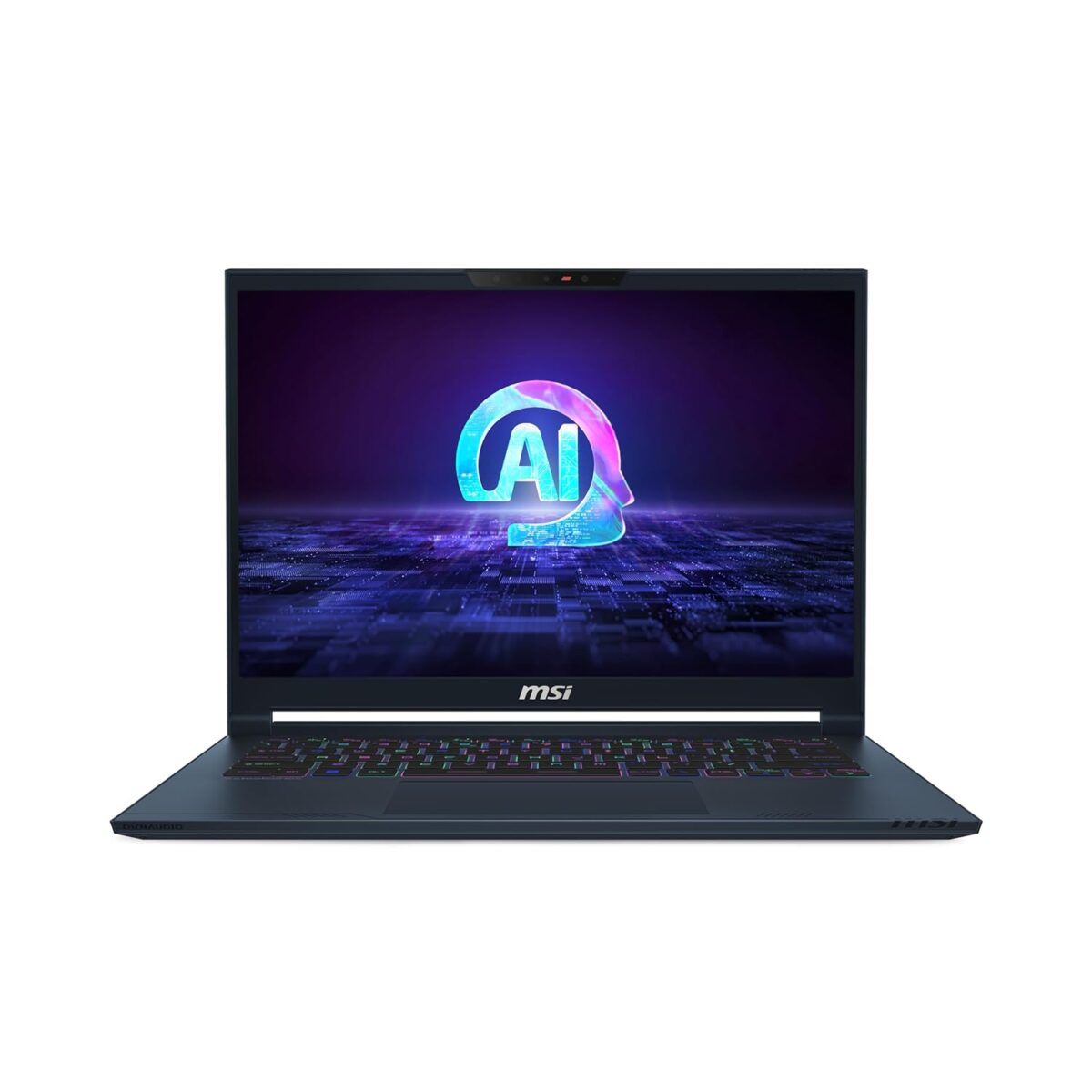
In the ever-evolving landscape of high-performance laptops, MSI has consistently pushed the boundaries with its innovative offerings. The 2024 Stealth 14 AI Studio series, comprising the A1VGG, A1VFG, and A1VEG models, showcases MSI’s commitment to providing cutting-edge technology tailored to different user needs. This blog post delves into the nuances of these three models, highlighting their differences, similarities, and unique features that cater to a diverse range of users, from professional creators to avid gamers.

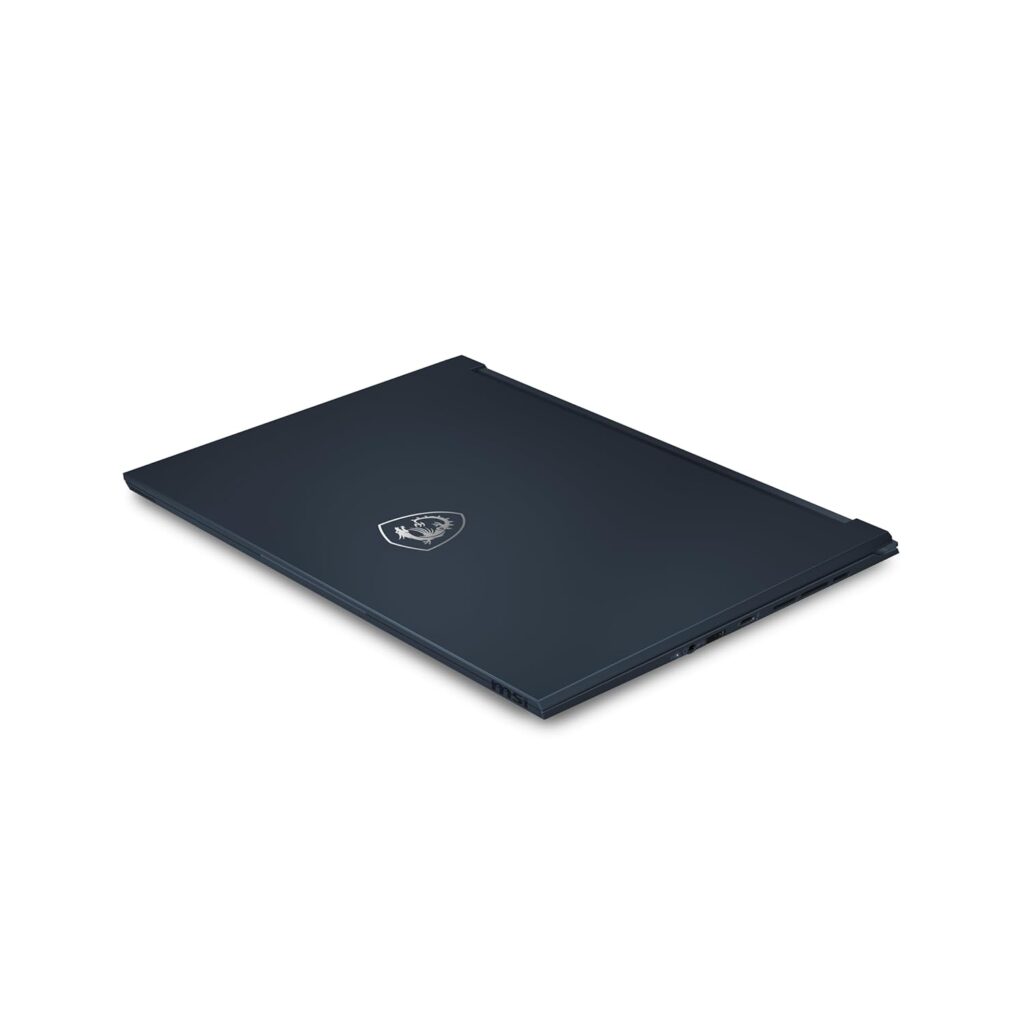
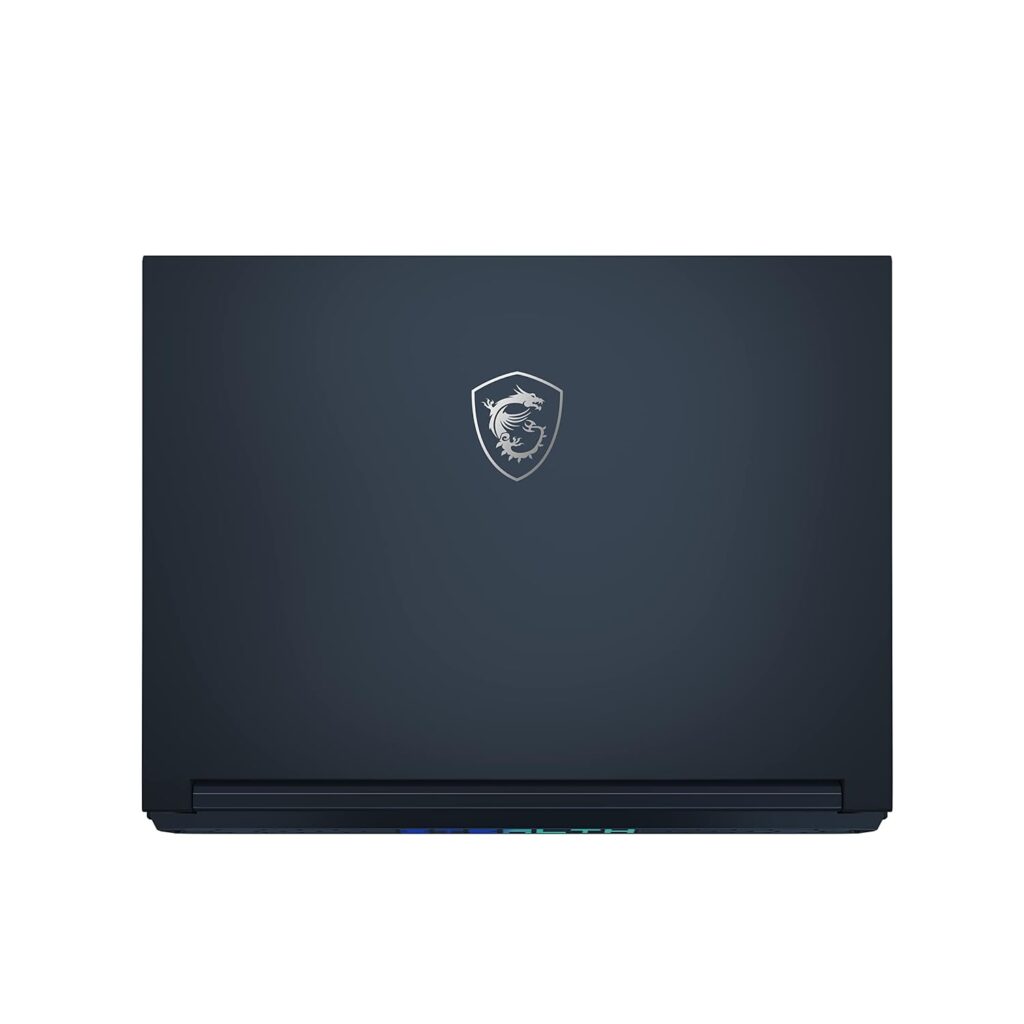
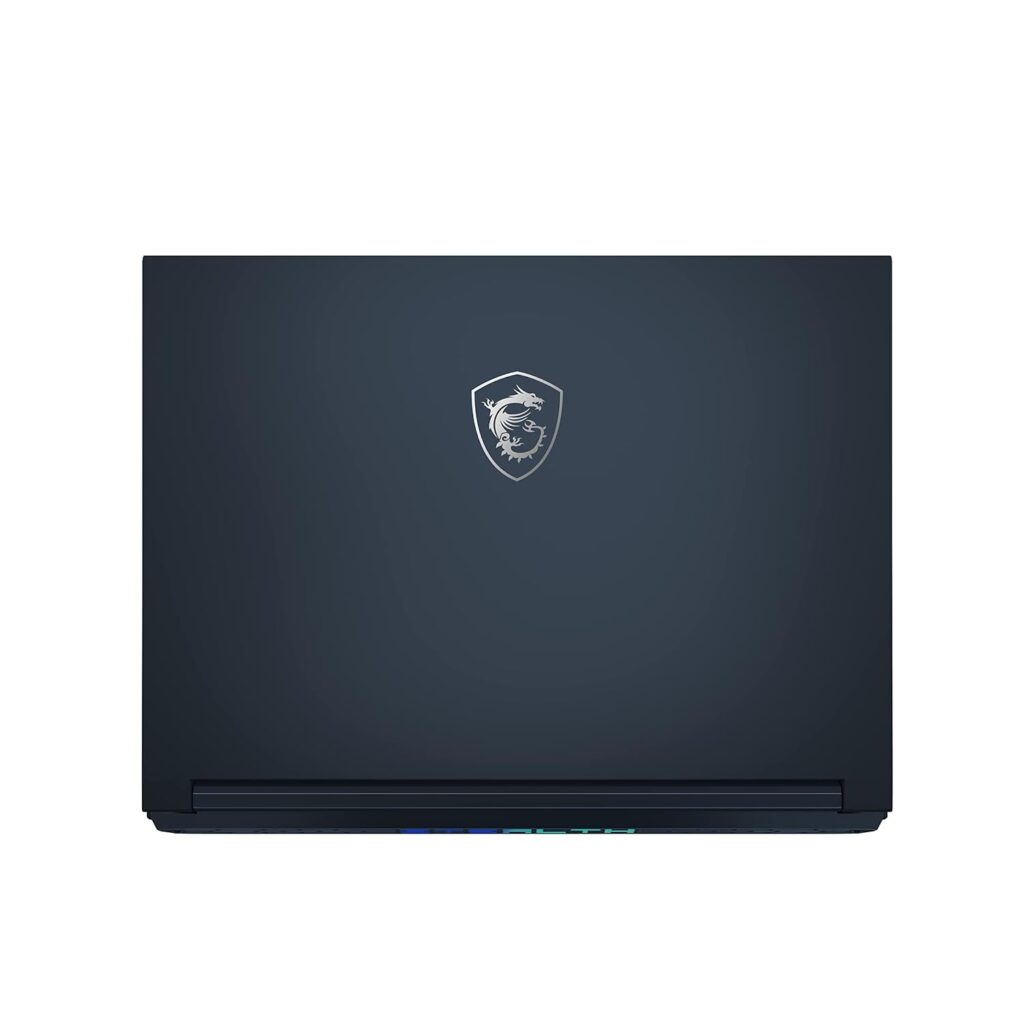
2024 MSI Stealth 14 AI Studio back

Common Ground

At the core, all three models can be bought with up to an Intel® Core™ Ultra 9 processor, which is equipped with Intel® AI Boost (NPU), ensuring unparalleled processing power across the board. This makes them equally capable of handling demanding tasks, be it complex computational operations or high-resolution video editing.

Each model comes with the same high-capacity memory options, maxing out at 96GB DDR5-5600 RAM, and features a single M.2 SSD slot with NVMe PCIe Gen4 support for fast and efficient storage solutions. Moreover, security is paramount across the series, with features like firmware TPM 2.0, webcam shutter, and Kensington Lock ensuring data safety and privacy.

Connectivity is consistent as well, with all models supporting the latest 802.11 be Wi-Fi 7 and Bluetooth v5.4, promising high-speed internet and device connection capabilities. The sustainability factor is also uniform, with each model achieving an EPEAT Silver rating, reflecting MSI’s dedication to environmental responsibility.

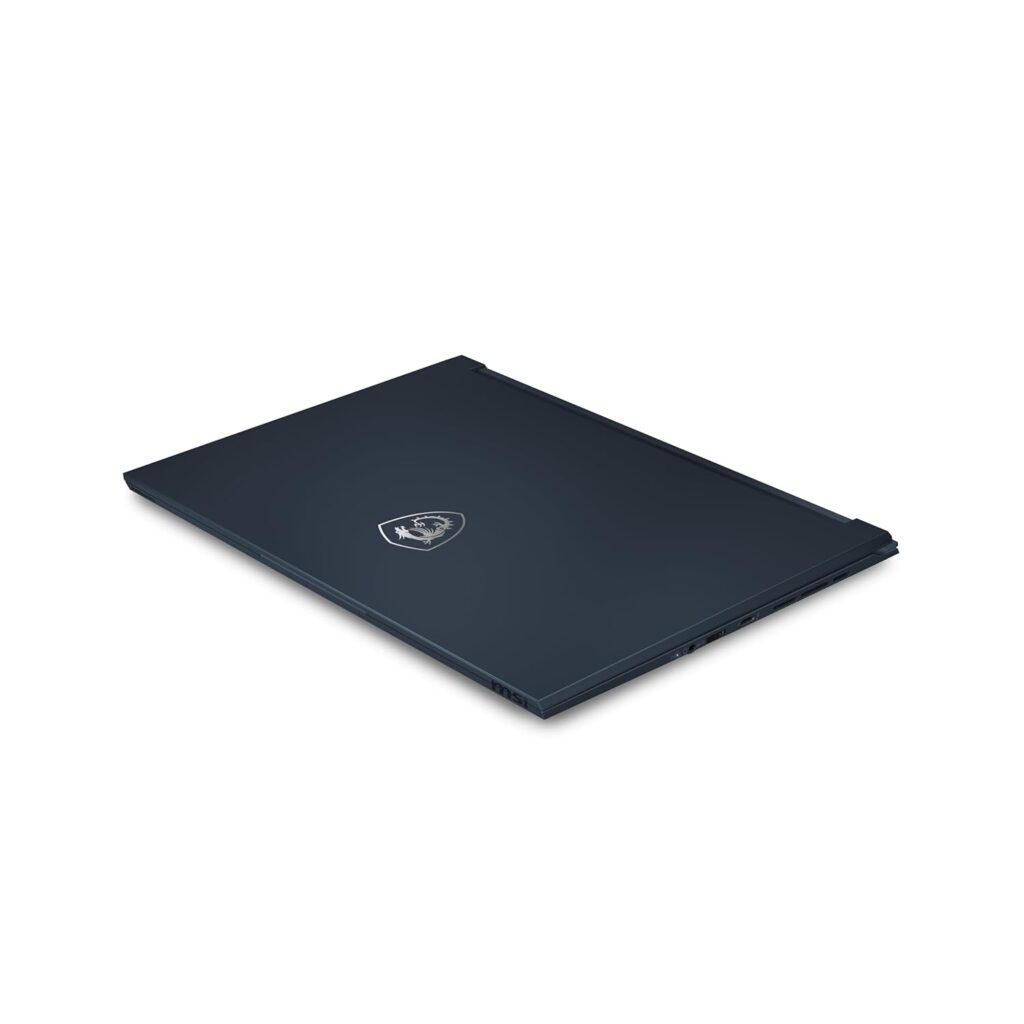
2024 MSI Stealth 14 AI Studio closed

Distinctive Features

Despite the shared foundation, each model distinguishes itself through specific features designed to cater to different user preferences and requirements:

  • Display: The A1VGG and A1VEG models boast a 14” QHD+ (2560×1600) display with a high refresh rate of 240Hz, perfect for gamers seeking fluid visuals and minimal latency. In contrast, the A1VFG model steps up with a 14” 2.8K (2880×1800) OLED display, offering superior color accuracy and contrast ratios, ideal for content creators and professionals who prioritize display quality over refresh rate.
  • Graphics: The differentiation in graphics capabilities is clear, with the A1VGG model featuring an NVIDIA® GeForce RTX™ 4070 Laptop GPU, the A1VFG stepping down slightly to an RTX™ 4060, and the A1VEG model equipped with an RTX™ 4050. This gradation caters to a range of performance needs and budgets, from high-end gaming and creative work to more casual use and content consumption.
  • Keyboard and Audio: While all models include a per-key RGB keyboard, the A1VFG and A1VEG models are specifically branded with SteelSeries, indicating a slight edge in gaming-oriented design and functionality. The audio system in all models comprises 2x 2W speakers, but the A1VGG and A1VEG add a 2x 2W woofer for enhanced audio depth, appealing to both gamers and media enthusiasts.
  • Ports: Connectivity options are similar across the series, yet the A1VFG and A1VEG models edge out with Thunderbolt™ 4 support in one of their Type-C ports, offering faster data transfer and more versatile peripheral connectivity, a boon for professionals using high-speed external storage devices or multiple displays.

At the time of the writing, Amazon India ( Amazon.in ) has listed a few models for purchase. Check them out below.

  • MSI Stealth 14 AI Studio, Intel Core Ultra 7 155H, 36CM 2.8K OLED 120Hz Gaming Laptop(16GBx2/1TB NVMe SSD/Windows 11 Home/NVIDIA GeForce RTX 4060, Star Blue/1.7Kg), A1VGG-054IN – Launch Price: ₹2,49,417 ( check Amazon.in )

The problem with the MSI Stealth 14 AI Studio A1VGG-054IN model listing on Amazon.in is that it says it comes with an Nvidia RTX 4060 graphics while according to the official specs, MSI Stealth 14 AI Studio A1VGG models should come with Nvidia RTX 4070 graphics. Maybe it’s a typo mistake from Amazon and will be fixed in the future. Check out the product page here to know more about the current lowest price, offers and buyer reviews.

As an Amazon associate, i earn from qualifying purchases.

Related Posts

Final Thoughts

The MSI Stealth 14 AI Studio series stands as a testament to MSI’s prowess in creating laptops that do not just keep up with the technological curve but often stay ahead of it. Whether it’s the higher-end A1VGG tailored for gamers seeking the pinnacle of performance, the A1VFG with its focus on creative professionals needing top-tier display and connectivity, or the A1VEG balancing between performance and budget, MSI ensures that there’s a Stealth 14 model for every type of user. By carefully selecting the model that aligns with your specific needs and preferences, you’re not just investing in a laptop; you’re embracing an experience tailored to excel in your personal or professional digital endeavors.

2024 MSI Stealth 14 AI Studio side
2024 MSI Stealth 14 AI Studio other side

Instagram’s Reach Issue: A Photographer’s Dilemma

In recent times, a growing concern amongst the photography community on Instagram has been the noticeable decline in reach and engagement, irrespective of the follower count. A diverse group of photographers, from those with a few thousand followers to those in the hundreds of thousands, have voiced their frustrations, echoing a shared sentiment of diminishing returns on their efforts to connect and engage with their audience.

The below analysis is based on a Meta Threads app Thread post about photographers complaining about Instagram reach. The usernames mentioned below are users on the Meta Threads platform.

The Core of the Issue

Photographers like drnptz, who boasts a following of 3,500, and jason__buckley, with 2,400 followers, find themselves reaching merely 5% of their audience. This trend is not isolated but seems to be a widespread issue affecting users across the board. Whole.cijeli mentions a plummet from a 500k reach to a mere 150 individuals, hitting only 5-10% of their follower base. Such staggering drops are causing concern, leading many to question the platform’s viability for organic growth and engagement.

The Ghost Follower Phenomenon

A part of the problem appears to be “ghost followers,” as mentioned by yedemodo. These are inactive or fake accounts that don’t engage with the content, effectively skewing engagement metrics and perhaps contributing to the reduced reach as Instagram’s algorithms prioritize engagement.

Seeking Solutions and Alternatives

The community has been buzzing with strategies and alternatives. Growwithchihu suggests focusing on creating content that resonates with the audience, believing consistency is key to fixing reach issues. Meanwhile, black_orchid_photo_studio and bishopia suggest focusing on SEO and Pinterest, moving away from Instagram due to its declining organic reach and the necessity of paid promotions to gain visibility.

Diversifying Platforms

Grizzbx and others point towards TikTok as a viable alternative, citing better engagement and reach. This sentiment is echoed by artbysmackjack and bella.vitaminsea, who have found success on platforms like TikTok and Pinterest, which are perceived to be more creator-friendly.

Engagement Over Numbers

Sduncan0822 and others emphasize the importance of engaging content—comments, likes, saves, and shares—over mere follower counts. The underlying message is clear: Social media is about being social, and interaction is key to visibility.

The Pay-to-Play Model

Many users, such as black_orchid_photo_studio and commercible, acknowledge the shift towards a pay-to-play model on Instagram, where visibility is increasingly tied to advertising spend. This reality has prompted users to explore other avenues, such as email marketing, which commercible suggests still outperforms social media for engagement.

The Community’s Sentiment

The overall sentiment among photographers on Instagram is one of frustration and disillusionment. While some, like crowevghost, have found Instagram more favorable than other platforms, the consensus leans towards the need for diversification and adaptation in strategy. Whether through embracing new platforms, investing in ads, or focusing on quality engagement, the photography community is actively seeking ways to overcome the challenges posed by Instagram’s evolving landscape.

Conclusion

Instagram’s reach issue has sparked a significant debate among photographers, driving them to explore alternatives and rethink their engagement strategies. As the platform continues to evolve, so too must the approaches of content creators, who must navigate the delicate balance between maintaining authenticity and adapting to the changing dynamics of social media engagement. The situation serves as a reminder of the ever-changing nature of digital platforms and the need for adaptability in the digital age.

Source Thread link can be found here.